scale(1.3637)'%3E%3Cg clip-path='url(%23cb)'%3E%3Crect x='0' y='0' width='1024' height='1024' fill='url(%23pg)'%3E%3C/rect%3E%3Cg clip-path='url(%23cf)'%3E%3Crect x='0' y='0' width='1024' height='1024' fill='url(%23fg)'%3E%3C/rect%3E%3C/g%3E%3C/g%3E%3C/g%3E%3C/svg%3E)
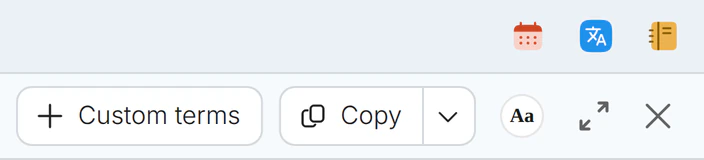
Three quick tools in the top barThree top-bar tools
Quick translation, notes and the calendar sit at the top right of the window and open from any workspace.Quick translation, notes and calendar, from any workspace.
While reading, translating and writing, small things come up, such as a sentence to look up, an idea to note or a deadline to check. These three tools do not belong to any one workspace and stay at the top right of the window.
When it helps
Halfway through a paper, one sentence is unclear, and a Friday deadline comes to mind. A trip to a translation site and then to a calendar later, the paragraph you were reading is nowhere to be found.
- A sentence to look up while reading or writing
- An idea to jot down before it goes
- A glance at the next deadline
In this guide
The three icons
Three icons at the top right open To-do & schedule, Quick translate and Notes. They work from every workspace.
Quick translation and languages
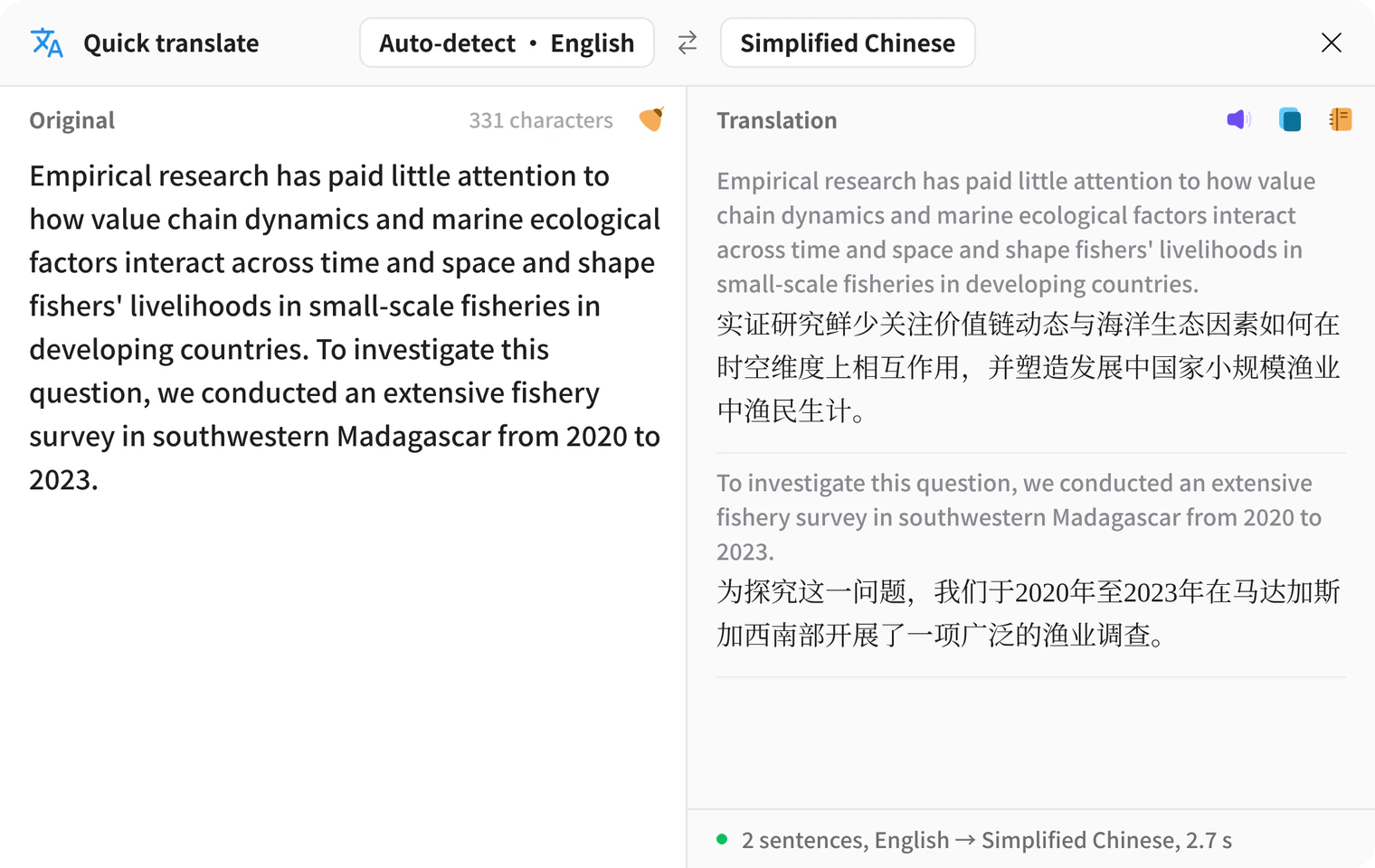
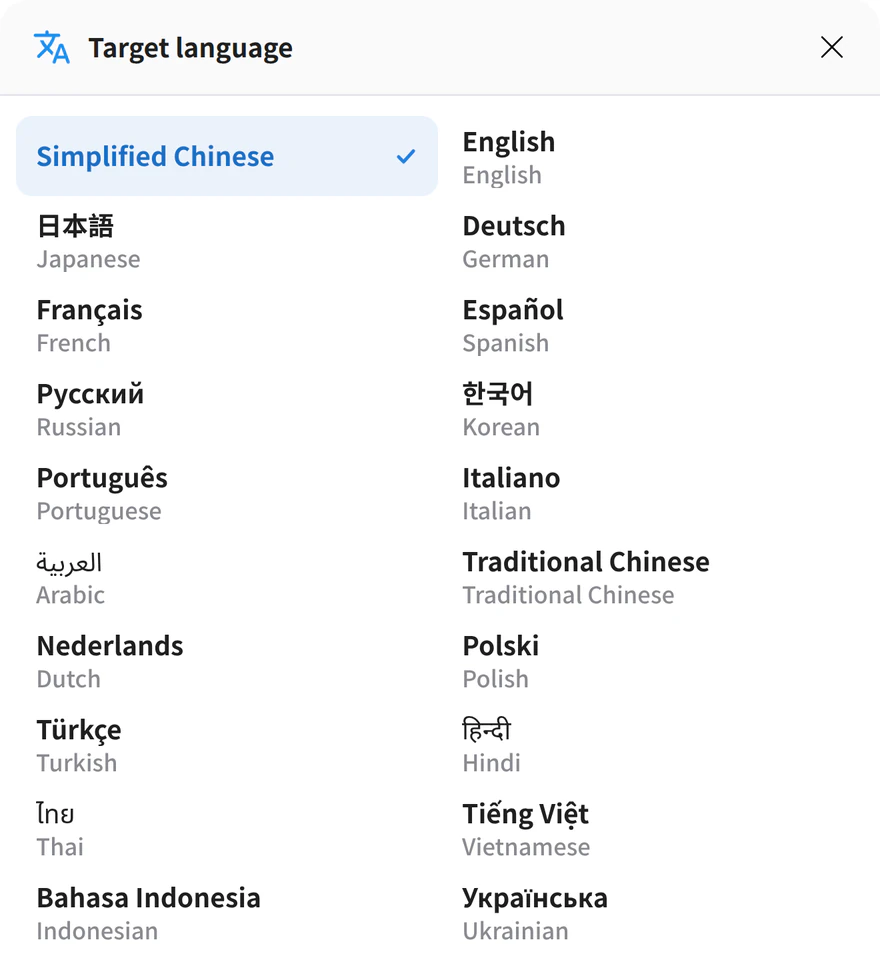
Type or paste text on the left and it translates when you pause. The right side pairs each sentence with its translation. Click a language name to open a searchable list. The source can be detected from the text. Save to notes keeps the pair.
Note organization
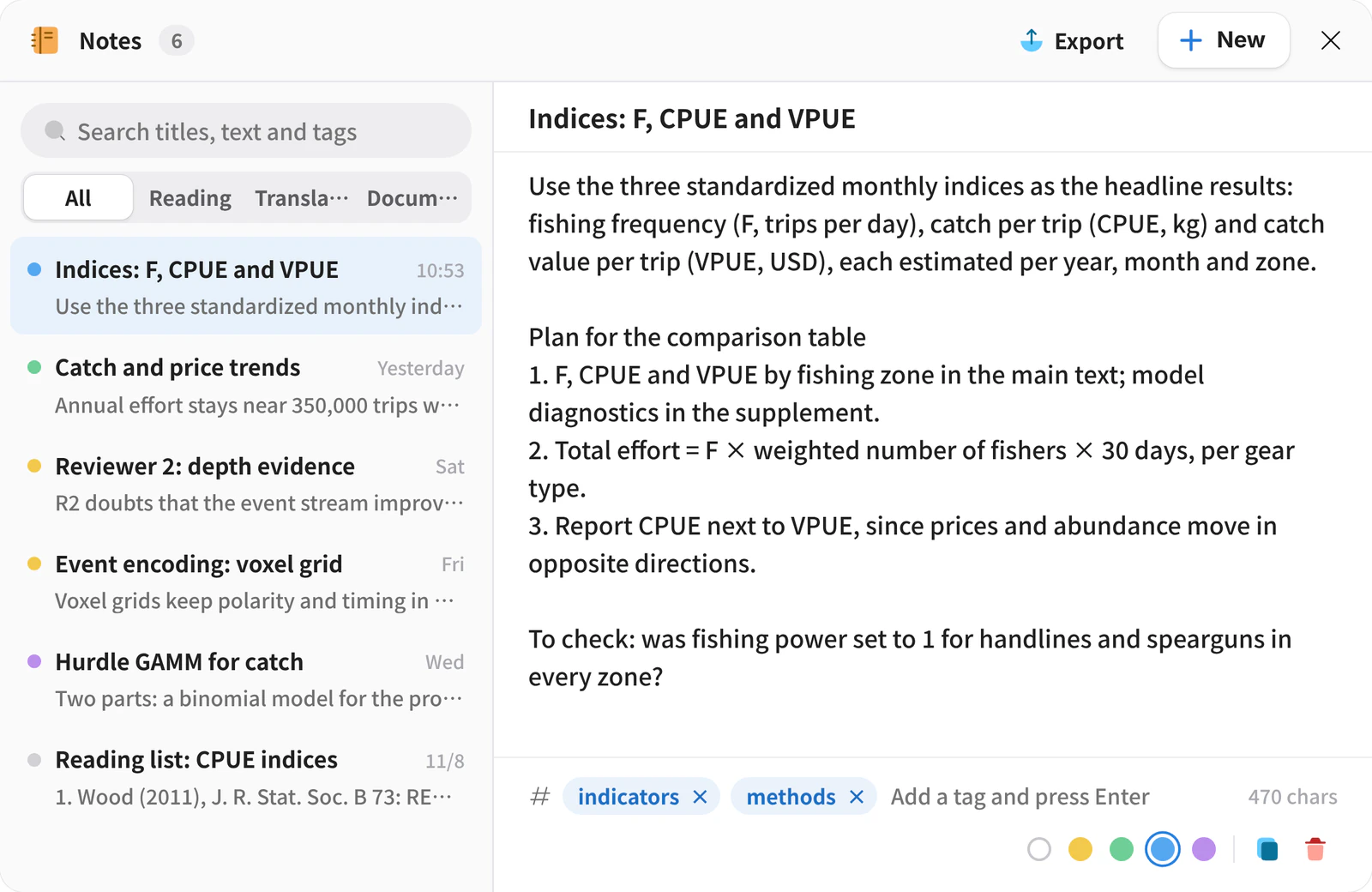
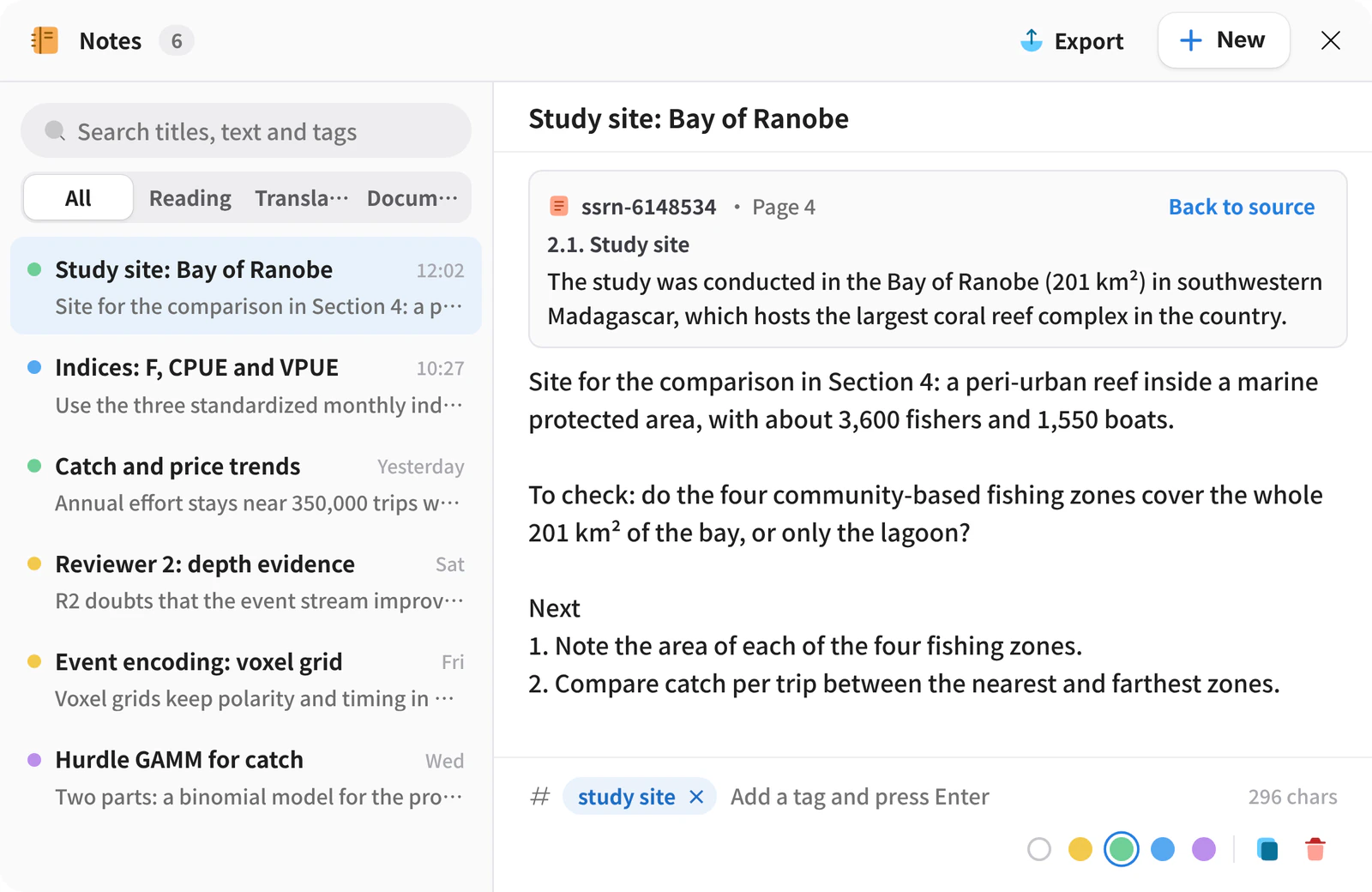
Search titles, text and tags, and filter by Reading notes, Translation notes and Document notes. Add tags at the bottom and a color at the top.
From a note to its source
A note added while reading keeps its source. Back to source opens the file, goes to the page and highlights the passage.
To-do & schedule
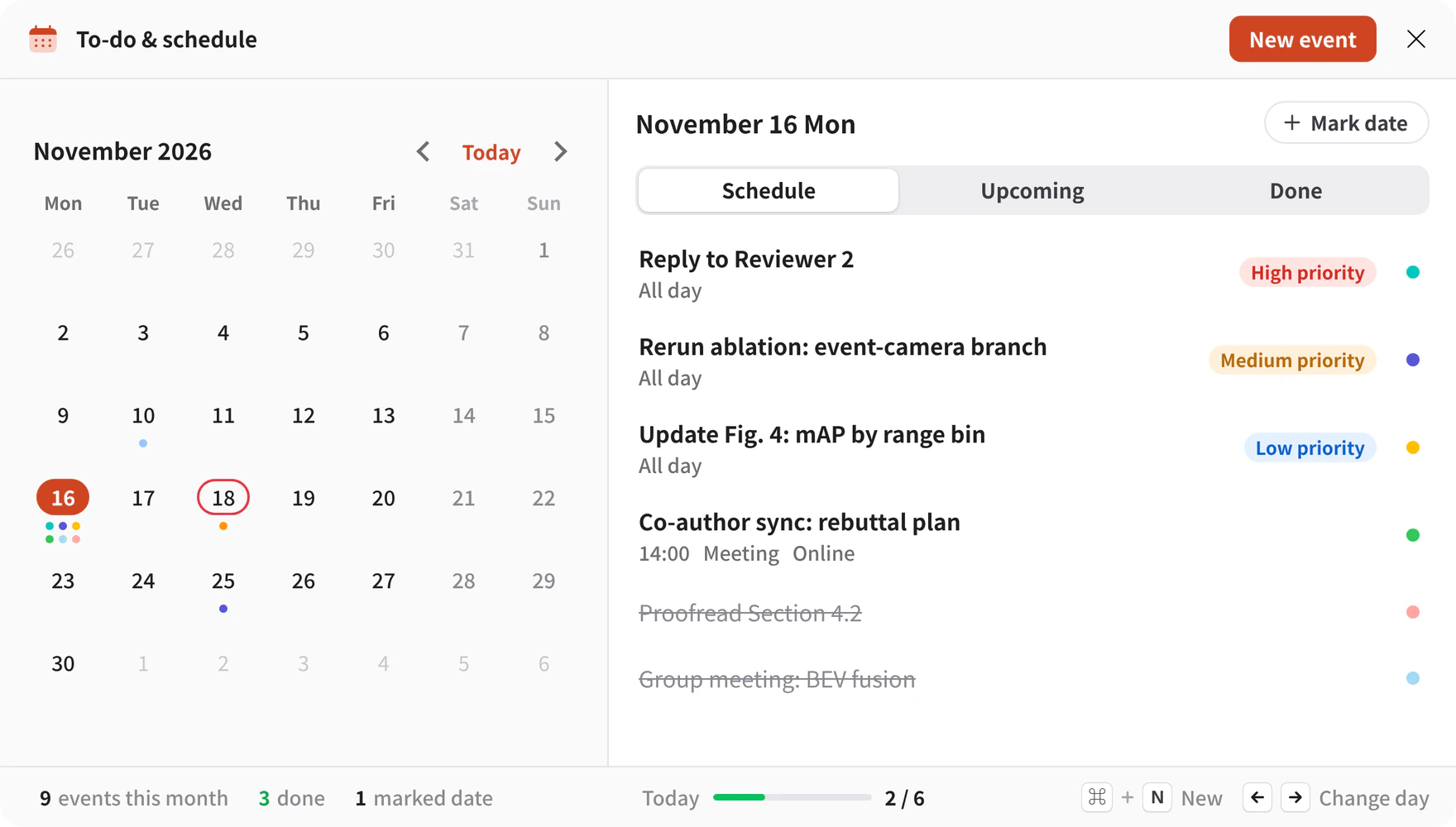
A month on the left and the selected day’s items on the right, in three tabs. Items can carry a priority, and finished ones are struck through.
New events and marked dates
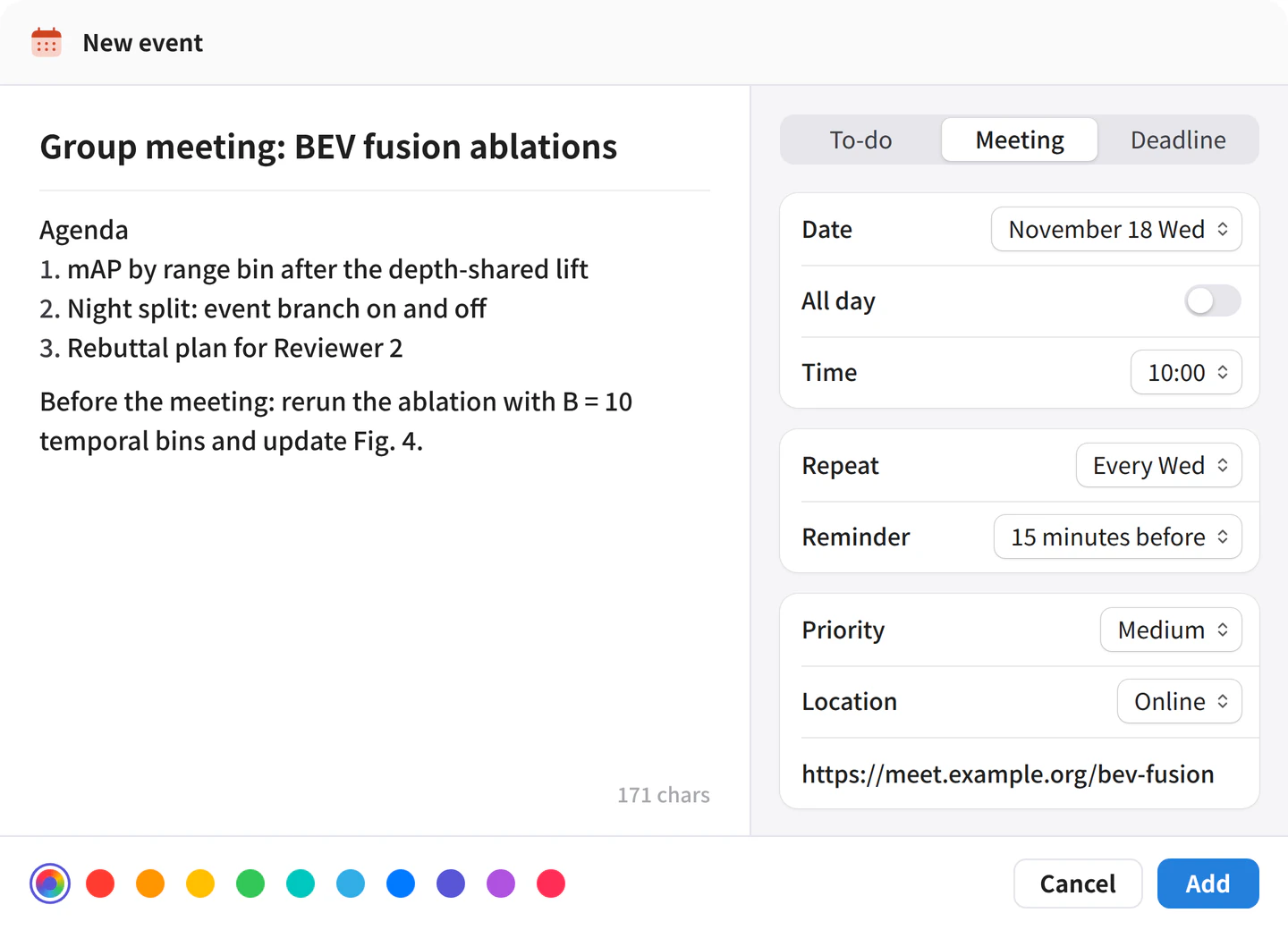
New event takes a title, date, reminder and priority, with optional repeat and location. Mark date circles a deadline, holiday or anniversary.
What you get
Translation, notes and the calendar stay in the top right corner of the window, and you return to where you were.