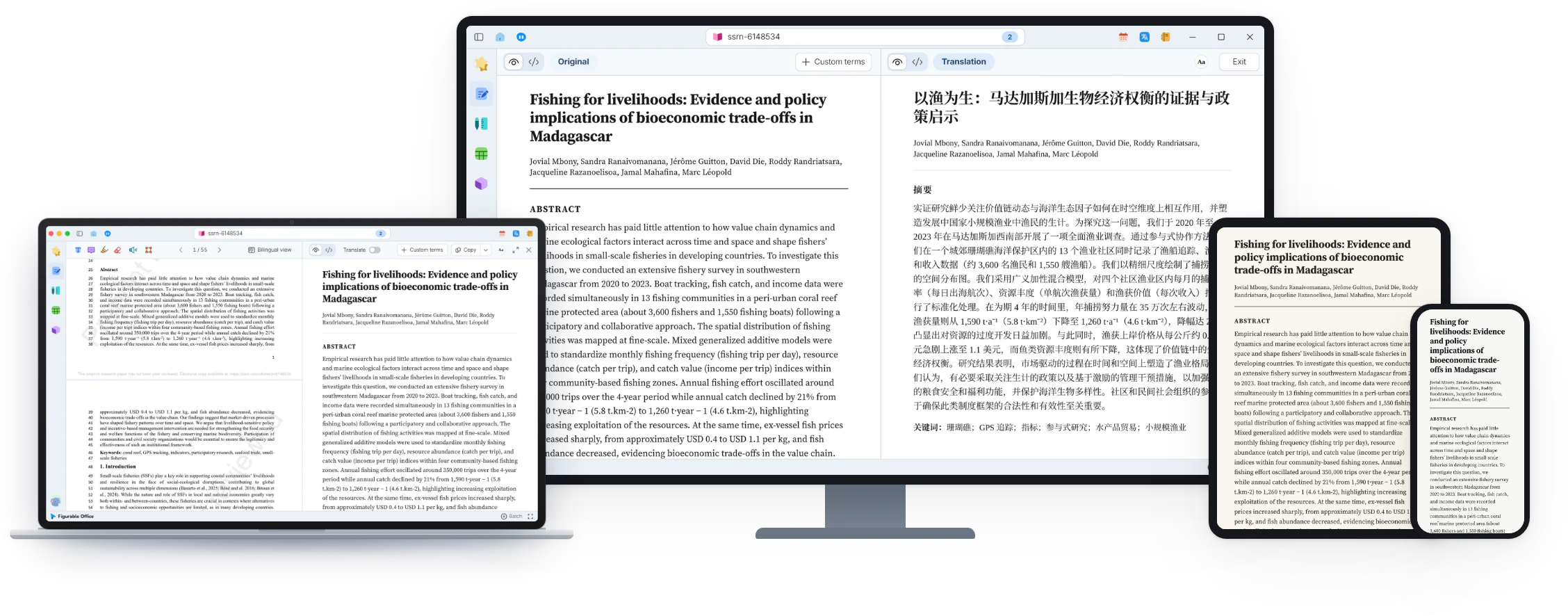
scale(1.3637)'%3E%3Cg clip-path='url(%23cb)'%3E%3Crect x='0' y='0' width='1024' height='1024' fill='url(%23pg)'%3E%3C/rect%3E%3Cg clip-path='url(%23cf)'%3E%3Crect x='0' y='0' width='1024' height='1024' fill='url(%23fg)'%3E%3C/rect%3E%3C/g%3E%3C/g%3E%3C/g%3E%3C/svg%3E)
Features in Figurable Office
Reading, translation and writing, with workspaces for figures, tables and 3D, plus notes and planning.Reading, translation, writing, figures, tables, 3D and notes.
Comfortable reading, an interactive view
Two-column PDFs reflow into a single column, with citations, figures and equations previewed on hover.Single-column reflow, with previews on hover.
- Interactive readingHover a theorem, equation or figure to preview it
- Restored in secondsTwo-column papers become one clean column
- Equations copied in one clickLaTeX and other forms, ready to paste

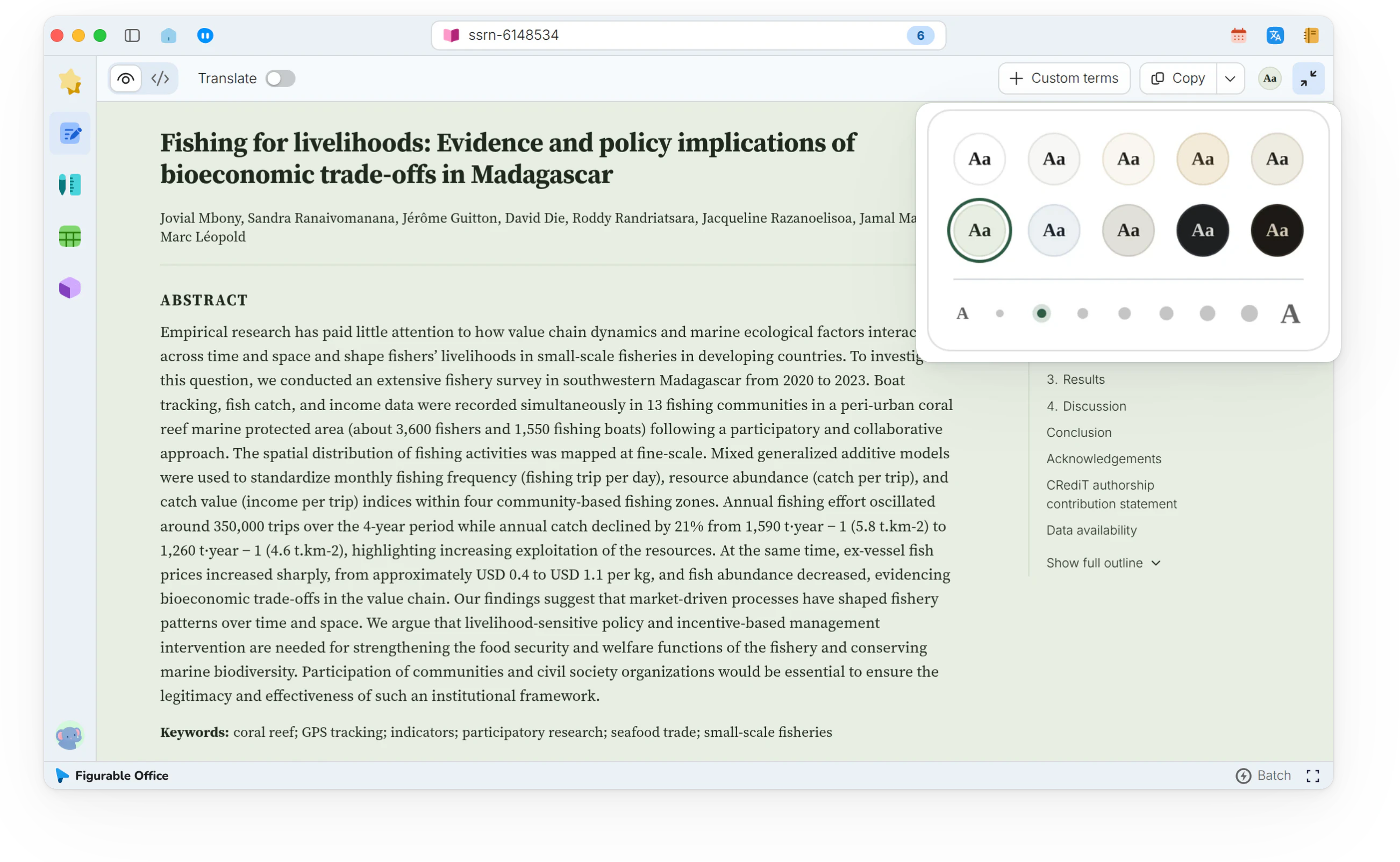
Ten paper colors for comfortable readingTen paper colors
The reading view fills the window, with the outline on the right. Paper color and text size change from the reading bar.The reading view fills the window, with the outline.
- Single-pane readingShow this pane only, for a wider column
- Ten paper colorsSoft white, Sage, Ivory and more
- Seven text sizesSet beside the paper color
Source view, Markdown beside the PDFSource view, beside the PDF
The Markdown source of a reflowed paper, editable and highlighted. A Plus feature.Editable Markdown source. A Plus feature.
- Side by sideThe PDF on the left, the source on the right
- Syntax highlightingHeadings, equations and citations in color
- Annotations includedHighlights on the PDF appear in the source

Full translation, structure intact
Titles, abstracts and headings are translated with the text, while equations and figures stay as they are.Headings translated with the text, equations and figures untouched.
- Structured translationBy section and paragraph, symbols left in place
- Reading that never breaksFigures and equations stay where they were
- Long papers, translated fastThe whole paper in one pass, no waiting per paragraph

Bilingual view, checked paragraph by paragraphBilingual view, by paragraph
Side by side, linked by a single click.
- Side by sideOriginal and translation in two columns
- Linked columnsClick a paragraph to find it in the other column
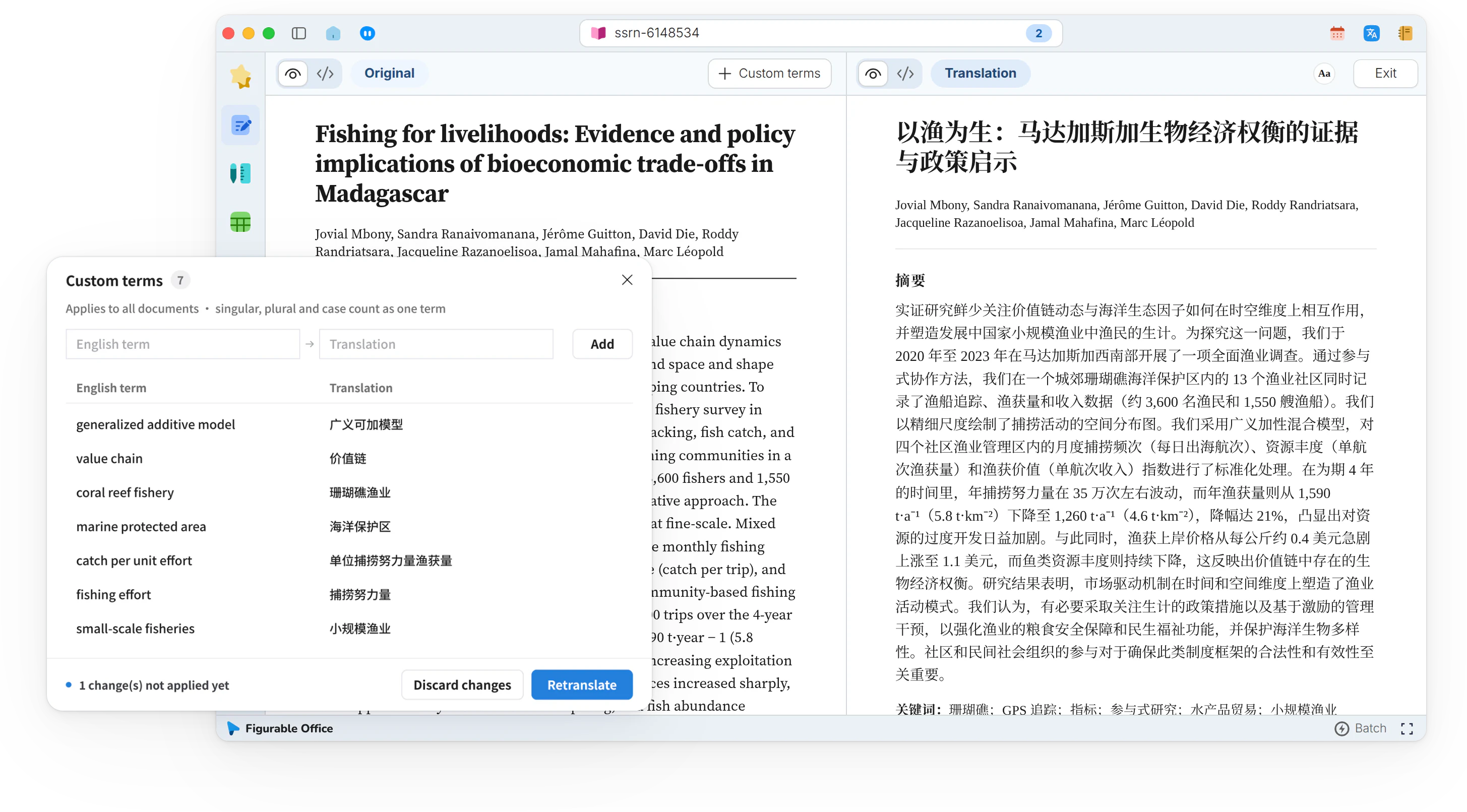
- Custom termsRetranslate once, consistent everywhere
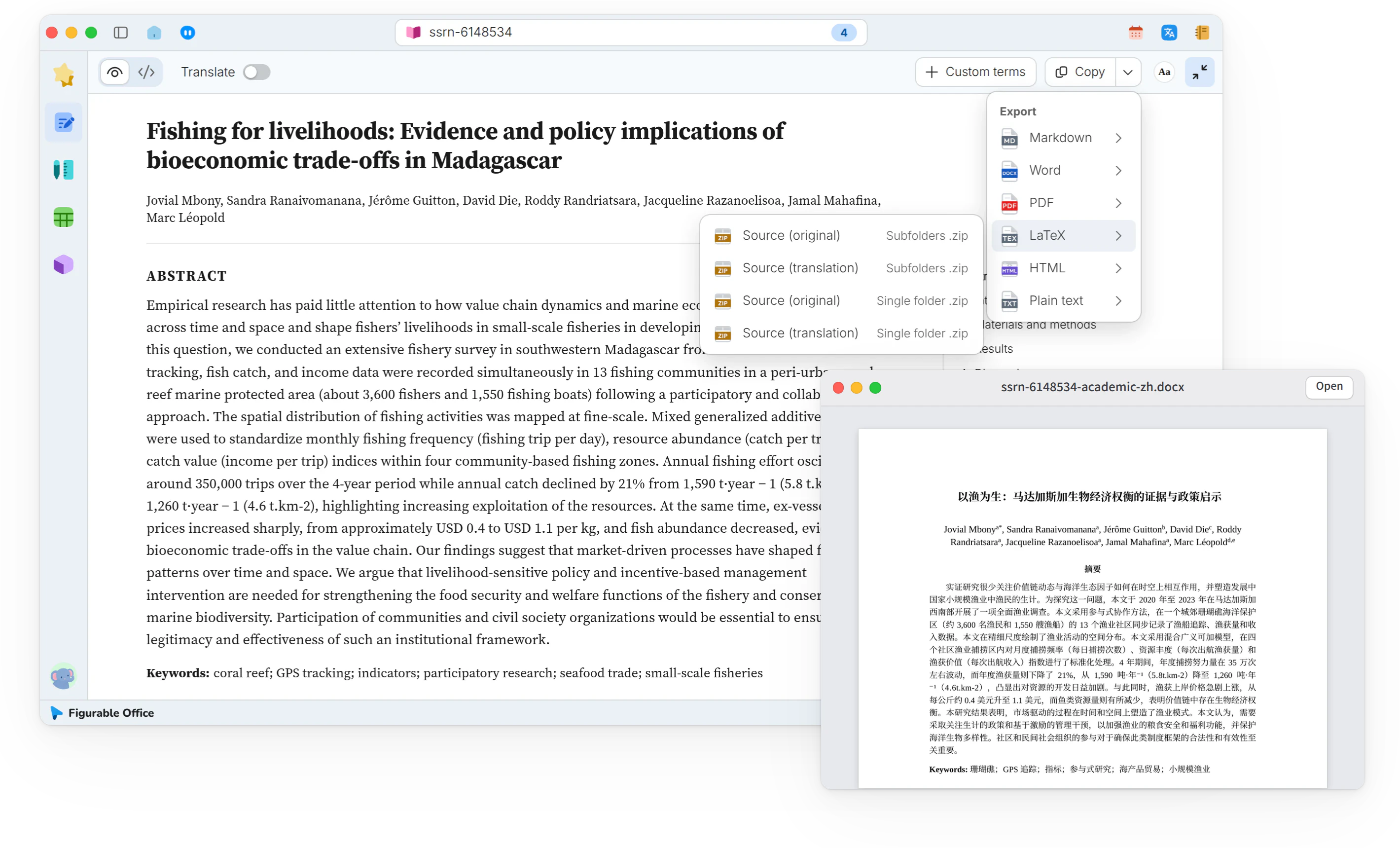
PDF export to editable files
The original or the translation exports to Word, LaTeX, Markdown and more.Original or translation, in many formats.
- Word and PDFBasic formats, free to export
- LaTeX and MarkdownAdvanced formats, from Plus
- Original and translationPick either one to export
Writing and typesetting, live layout
Writing in Docs updates the typeset page live, with revisions, embeds and references in one manuscript.Live typesetting, with revisions and references in one manuscript.
- Live typesettingWrite on the left, the typeset page on the right
- Ten built-in layoutsOne or two columns, thesis or poster
- Equations and figuresEquations, booktabs tables and 3D in the text

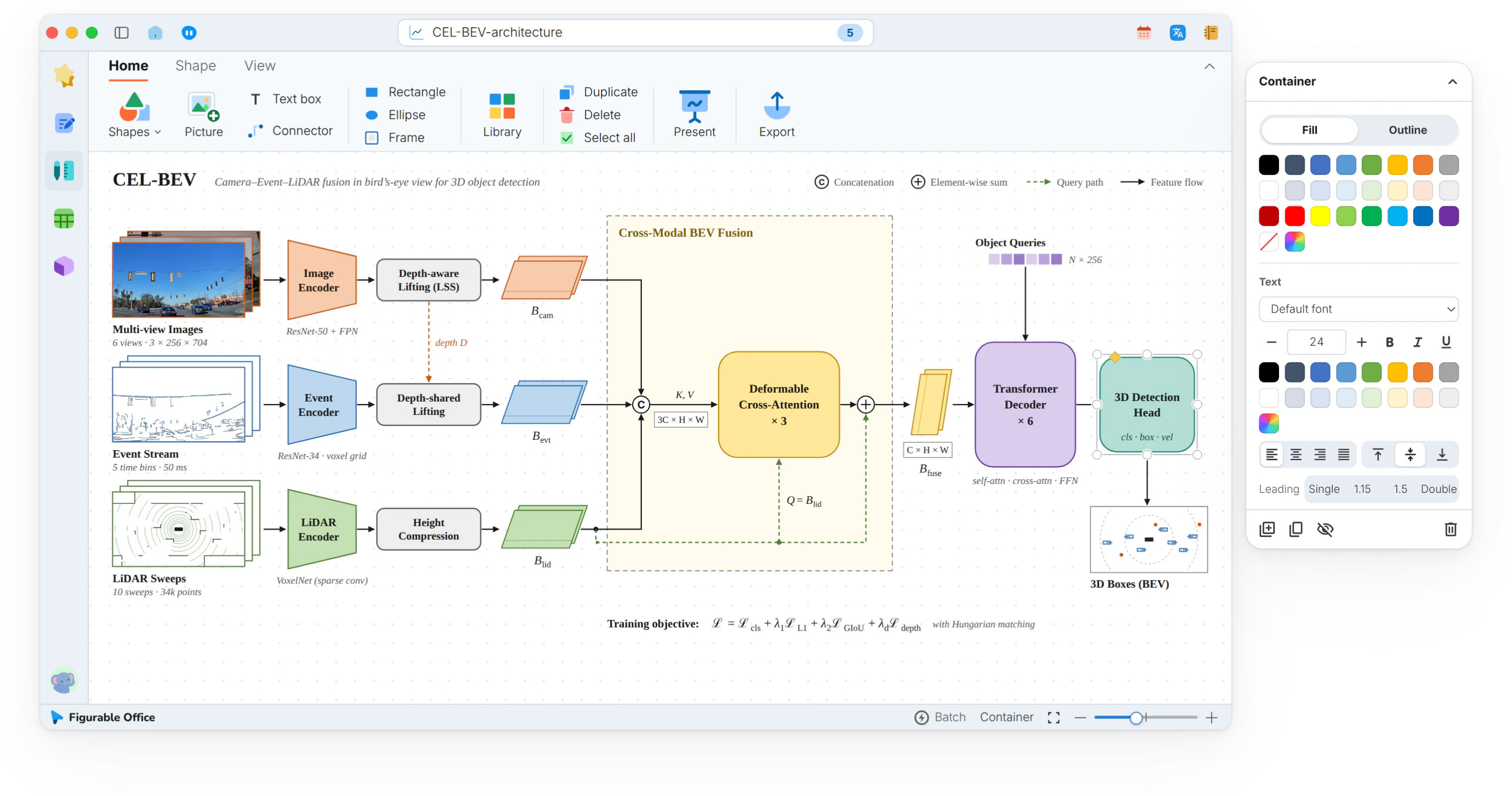
Design workspace
Shapes, connectors and 451 research palettes, exported as PNG, SVG or PPTX.Shapes, connectors and 451 palettes, many export formats.
- Pen toolEvery shape a diagram needs
- Closed pathsFillable regions
- Fill and strokeParts of a diagram told apart
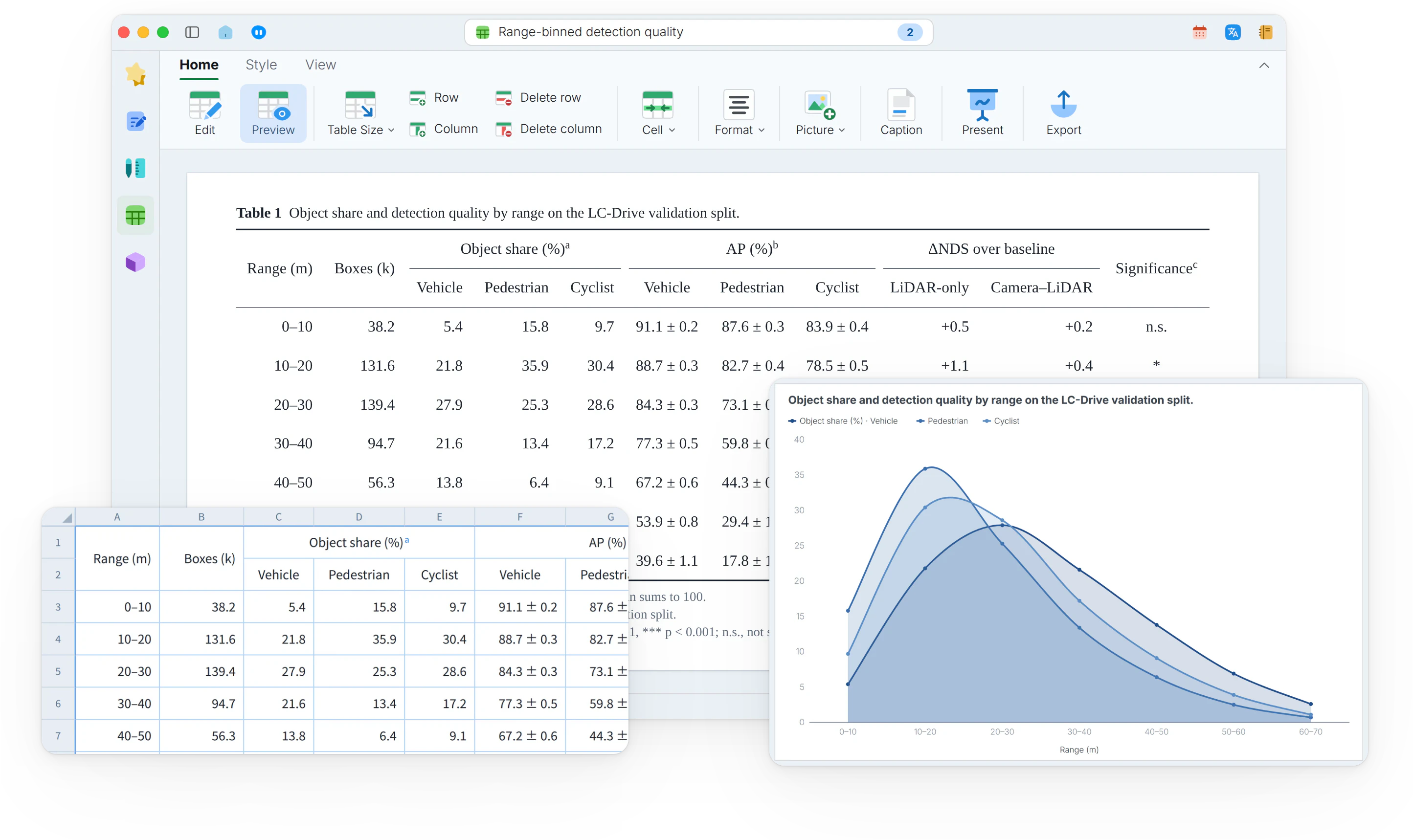
Tables workspace
20 built-in styles, charts from tables, and export to Excel, LaTeX or Typst.20 styles, charts from tables, many export formats.
- Booktabs tablesRules and alignment handled automatically
- Data apart from layoutEditing one leaves the other intact
- Multi-format exportLaTeX, Word, Excel, SVG, PNG and more
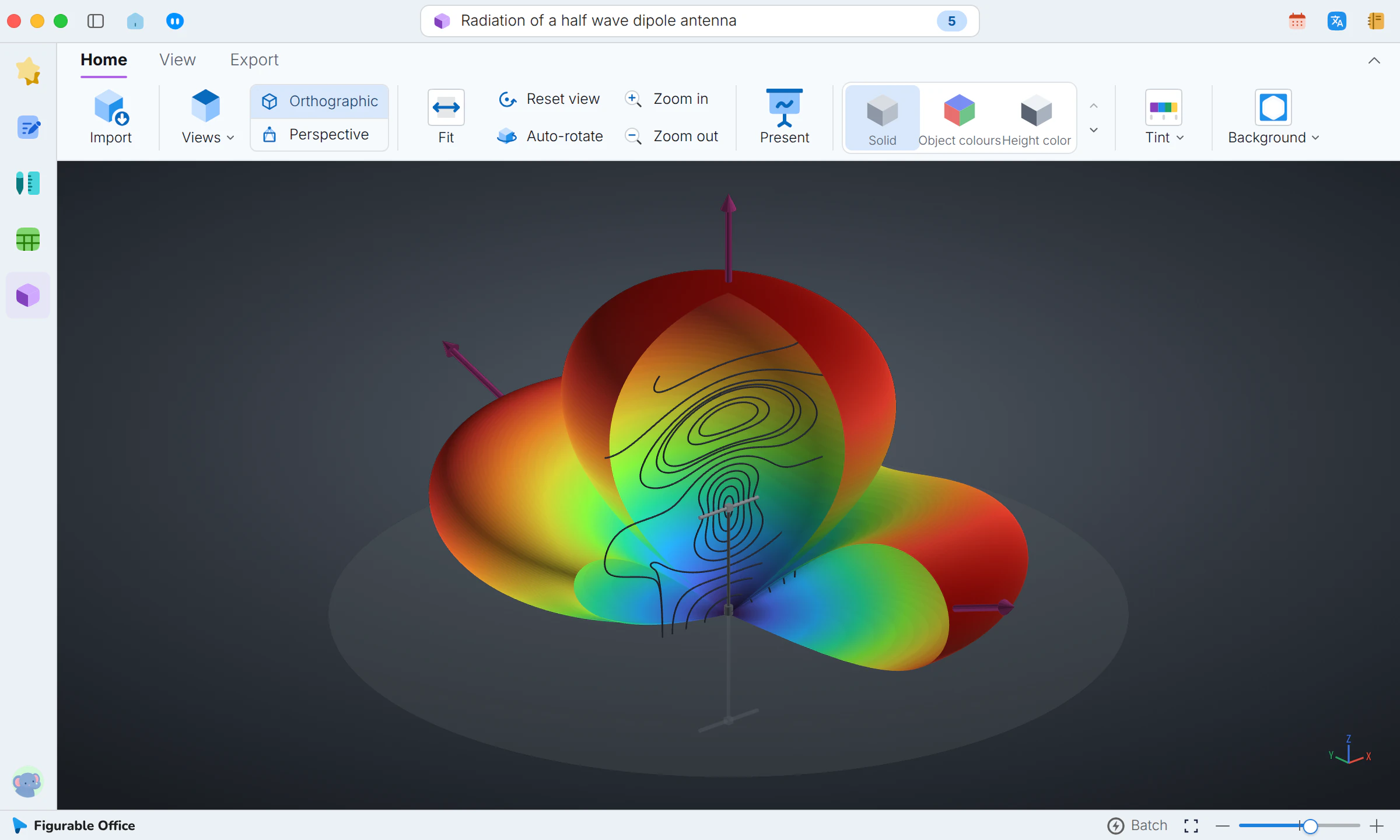
3D workspace
Models and point clouds, compared in a grid, colored and clipped.Models and point clouds, compared, colored and clipped.
- Direct openingNo format conversion
- Common formatsLab equipment files work as they are
- Multi-pane viewSeveral angles compared at once
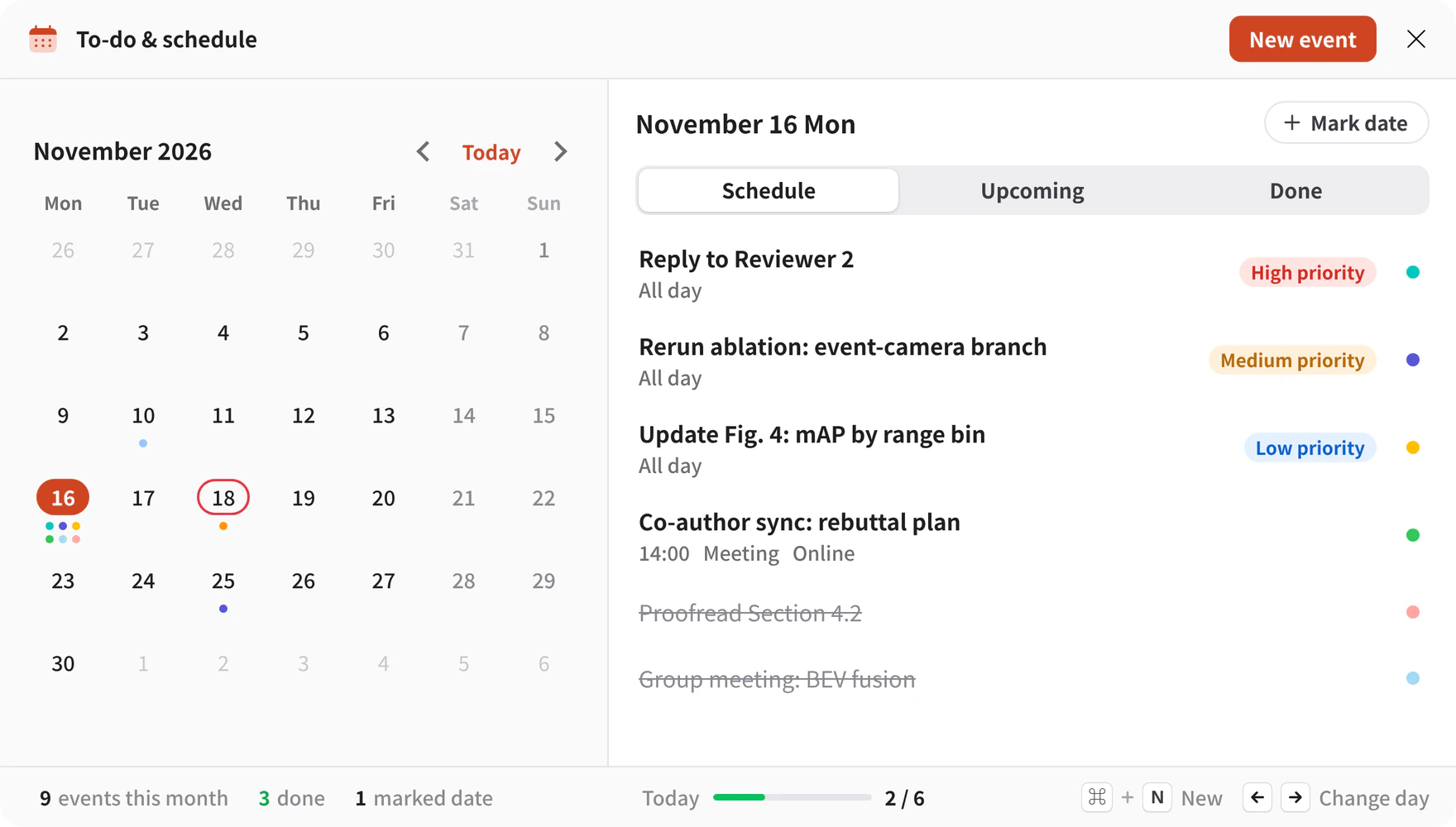
Calendar and tasks, kept in syncCalendar and tasks
Deadlines, meetings and tasks sit on one calendar, and the calendar and the task list share the same data.Deadlines, meetings and tasks on one calendar.
- Deadline countdownsDays left to a submission or grant
- Meeting scheduleSeminars and defenses on the calendar
- Task listsWork broken into steps
Quick translation, sentence by sentenceQuick translation
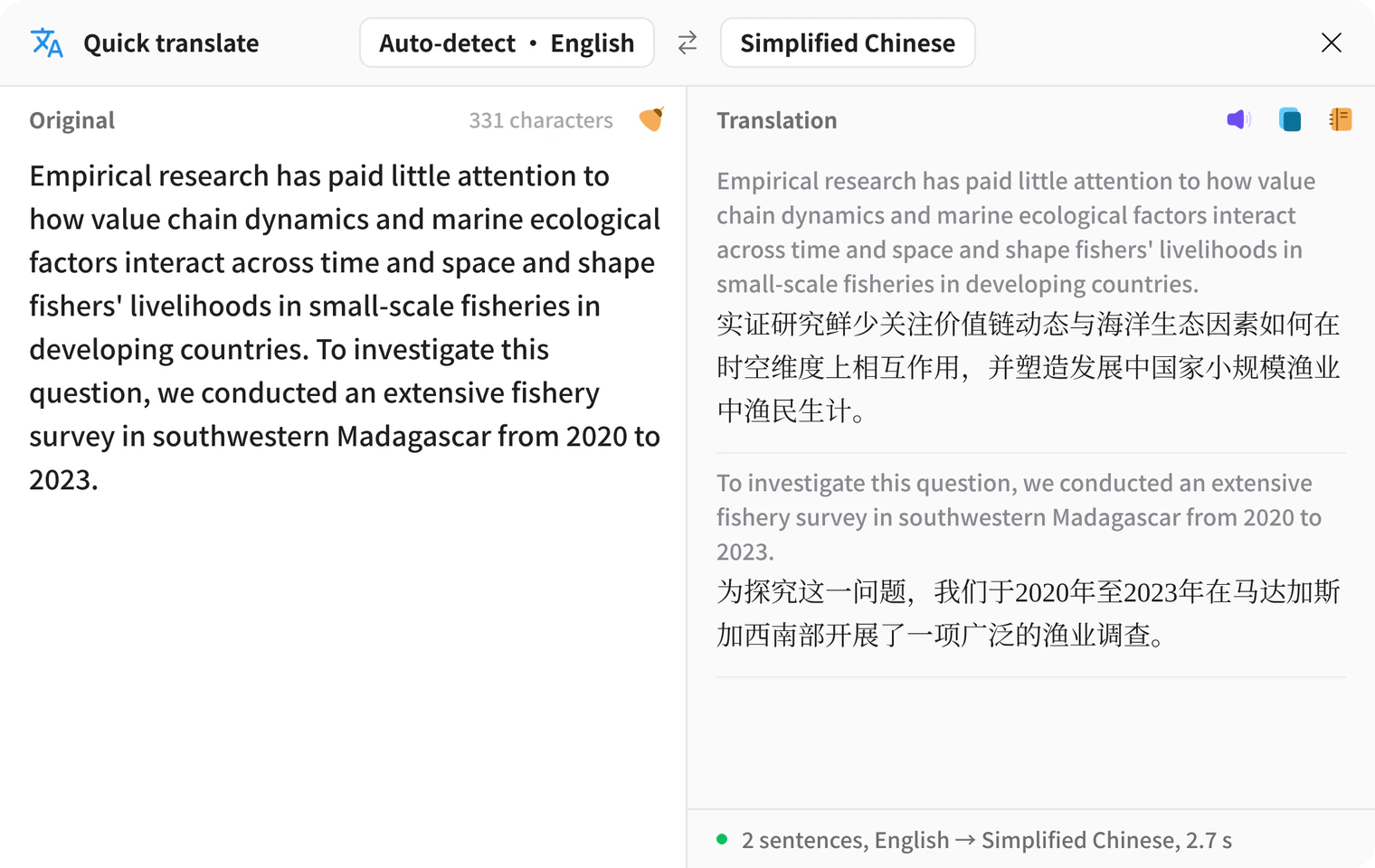
Selected or pasted text is translated in a pop-up, sentence by sentence, without leaving the page.Selected or pasted text, translated in a pop-up.
- Translation on selectionReading continues without interruption
- Language directionEnglish to Chinese or the reverse
- Top bar accessAvailable in every workspace
Notes, found by tag
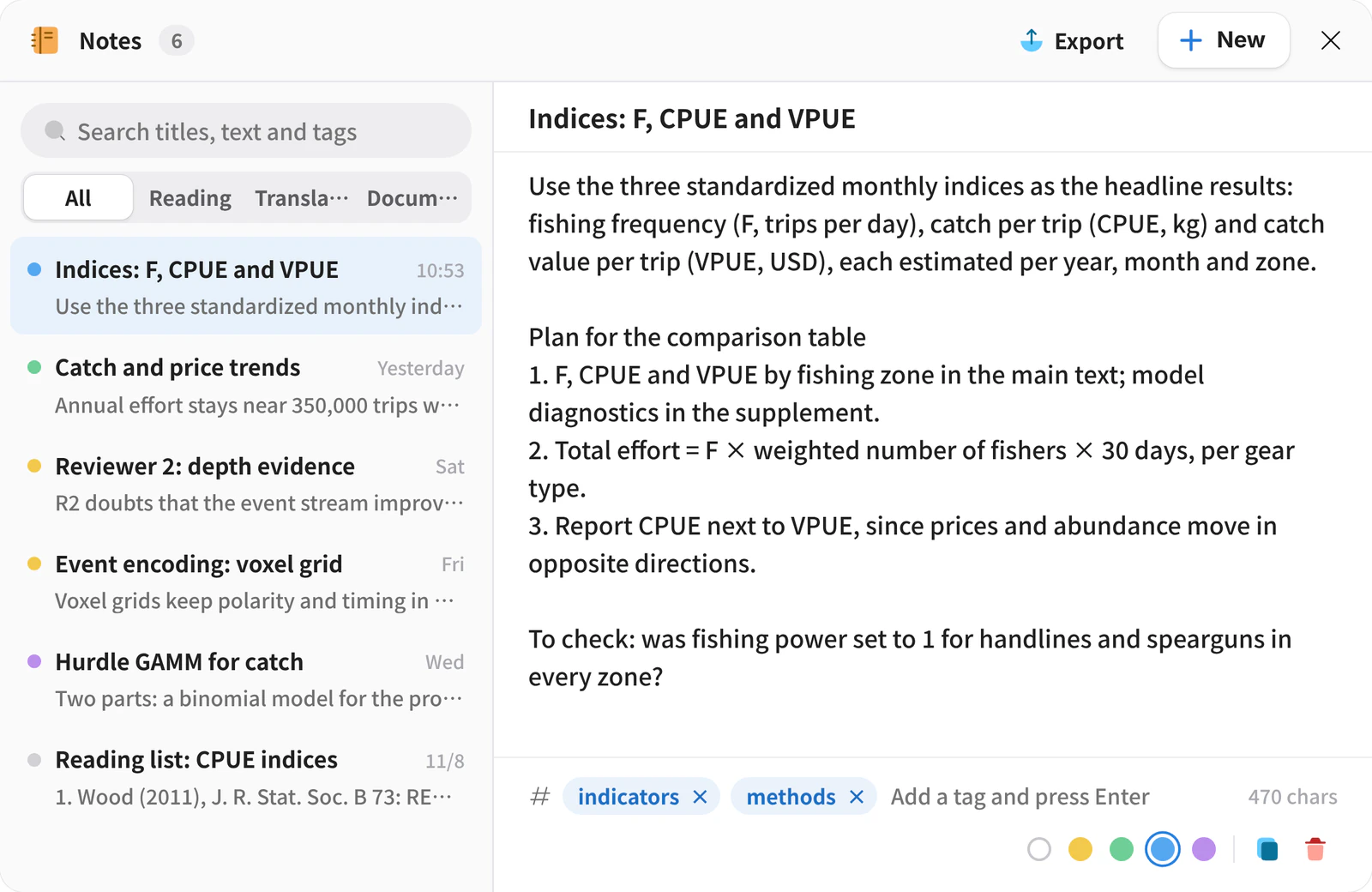
Notes from reading, translating and writing are kept in one place, organized by tag and searchable.Notes kept in one place, found by tag.
- One placeNo searching across files
- TagsOrganized by project or chapter
- Note searchOne entry among hundreds
My Space, local papers as thumbnailsMy Space, local papers
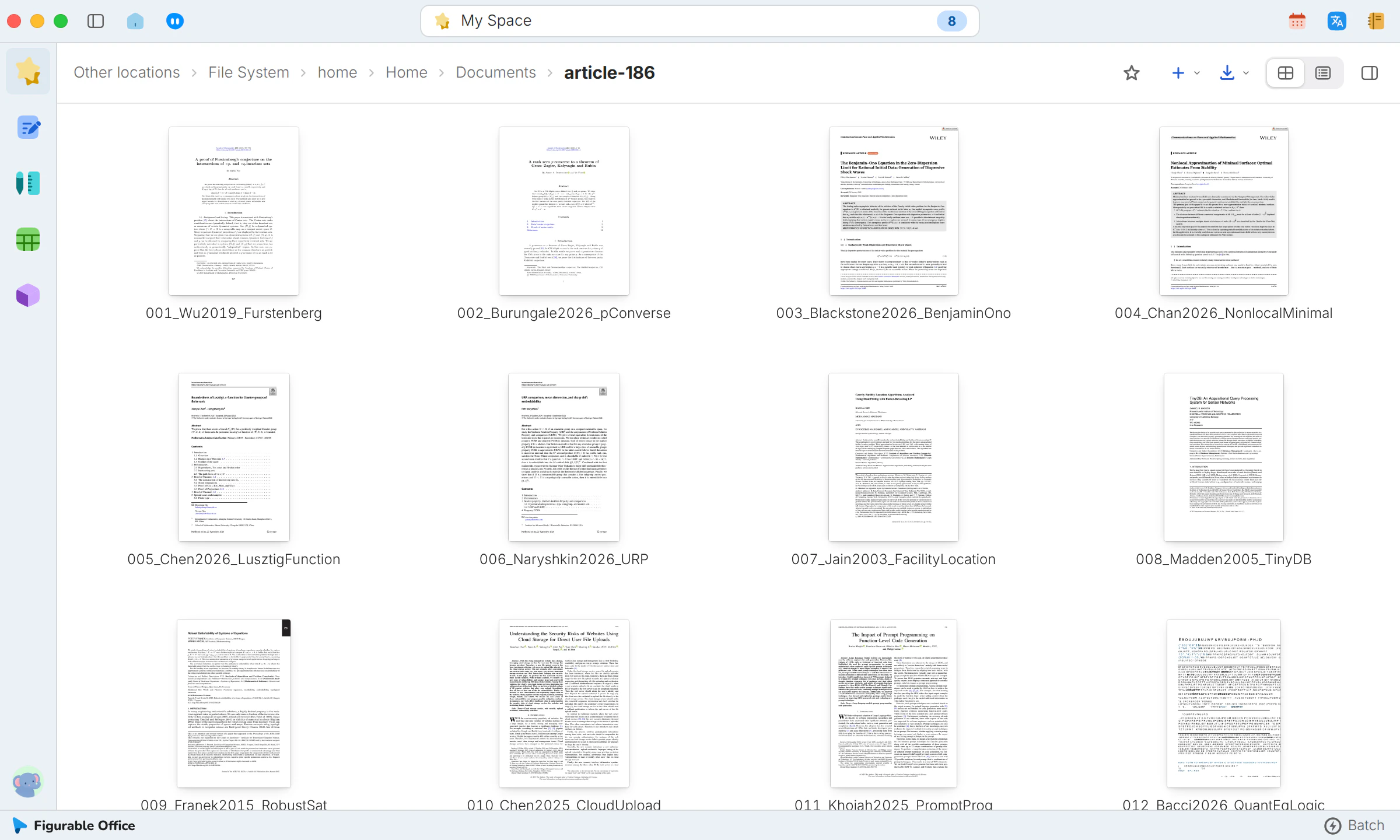
Papers and figures in local folders are previewed by their first page and open in the matching workspace.Local papers and figures, previewed by first page.
- Local foldersDesktop, Documents and Downloads in one place
- Three viewsList, grid and album
- SortingBy name, last opened or last modified
Every feature
In development
Items marked Pro are planned for the Pro plan.
Journal templatesPro
Typesetting in the template of a target journal or school, exported as a complete LaTeX project that compiles as is.Template typesetting, exported as compilable LaTeX.
Paper slidesPro
Slides generated from a PDF, for reading papers and presenting at group meetings.Slides generated from a PDF.
Citation graphPro
A map of how references cite each other, with automatic checks of the reference list.A citation map with reference checks.
AI assistantPro
Questions and answers about figures, documents and PDFs, with figures, tables and vector graphics created in conversation.Answers and figures created in conversation.
Command-line toolPro
Figurable Office processing from the terminal, sharing the page allowance with the app.Terminal processing on the same page allowance.
Team collaborationPro
Collaboration features for research groups and teams.
More platforms
Figurable Office runs on macOS and Windows today, with more platforms in development.More platforms in development.
Launch dates will be announced on this site. A plan you buy today includes only features that are already available.Launch dates will be announced here. Plans include only available features.
For macOS and Windows
Figurable Office makes document processing, typesetting and translation easy for researchers.Easy document processing, typesetting and translation for researchers.