scale(1.3637)'%3E%3Cg clip-path='url(%23cb)'%3E%3Crect x='0' y='0' width='1024' height='1024' fill='url(%23pg)'%3E%3C/rect%3E%3Cg clip-path='url(%23cf)'%3E%3Crect x='0' y='0' width='1024' height='1024' fill='url(%23fg)'%3E%3C/rect%3E%3C/g%3E%3C/g%3E%3C/g%3E%3C/svg%3E)
Showcases
One real task per post, shown step by step in the app.
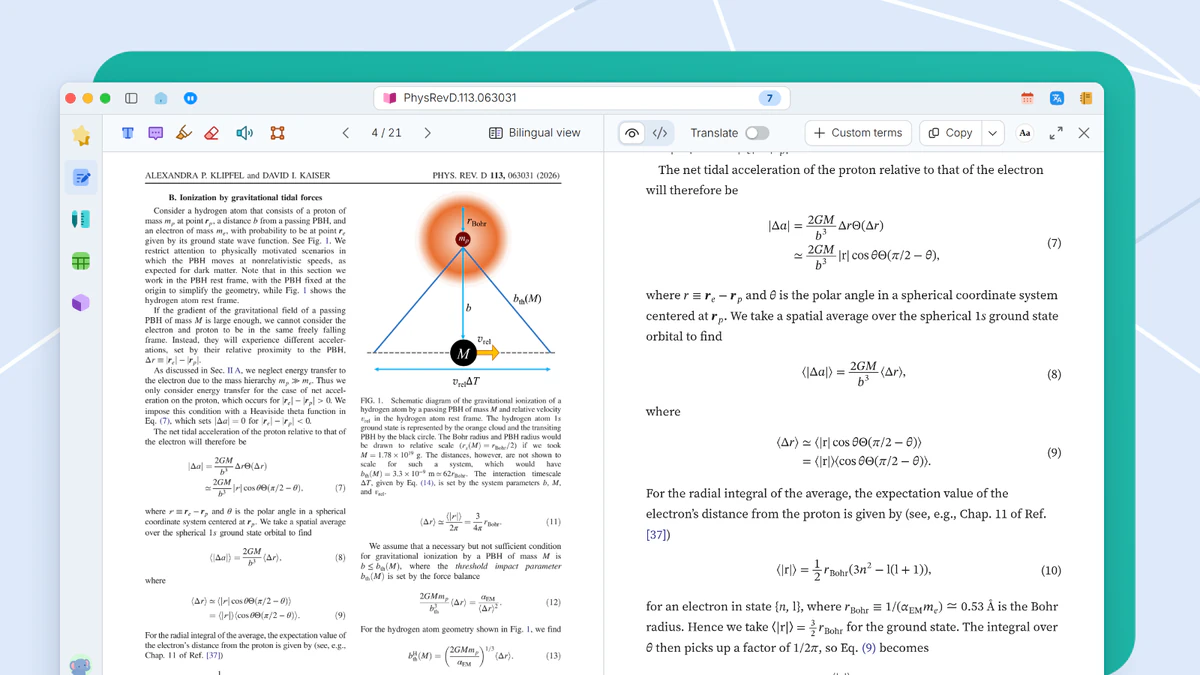
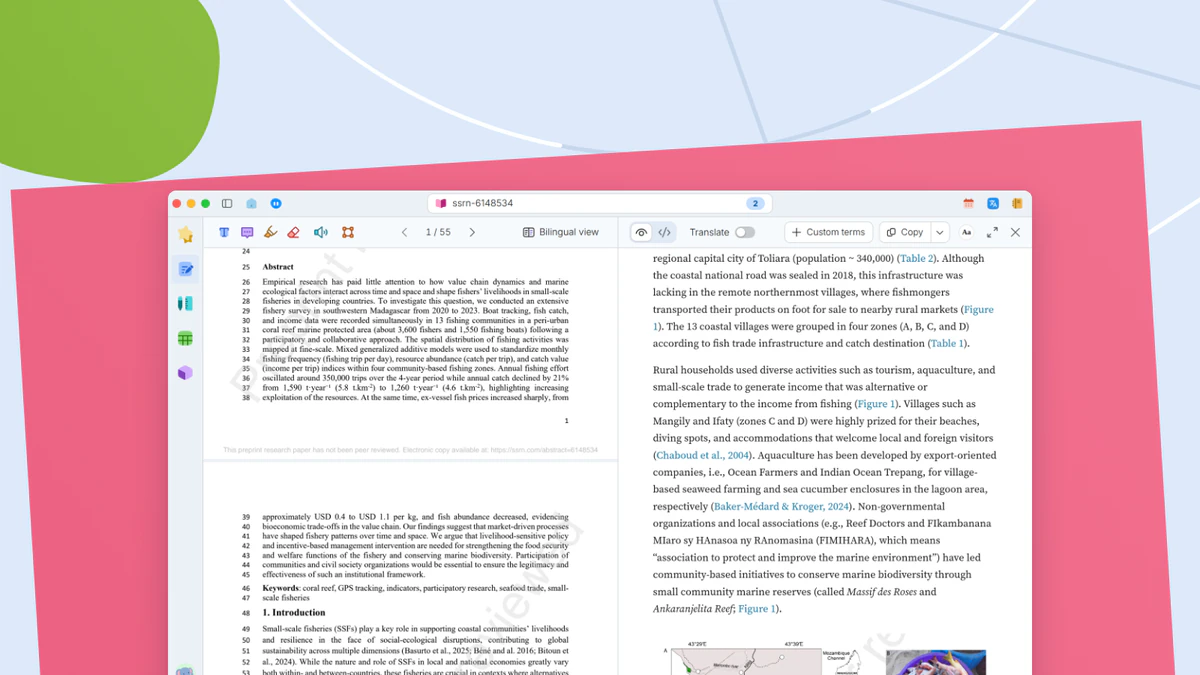
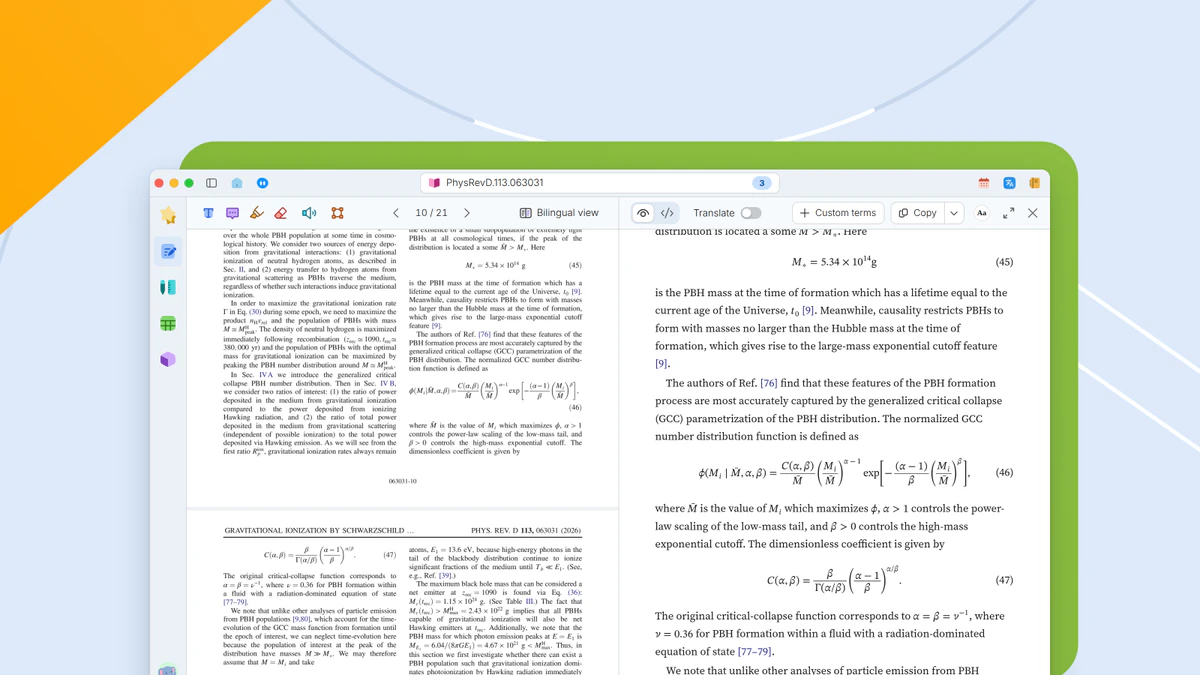
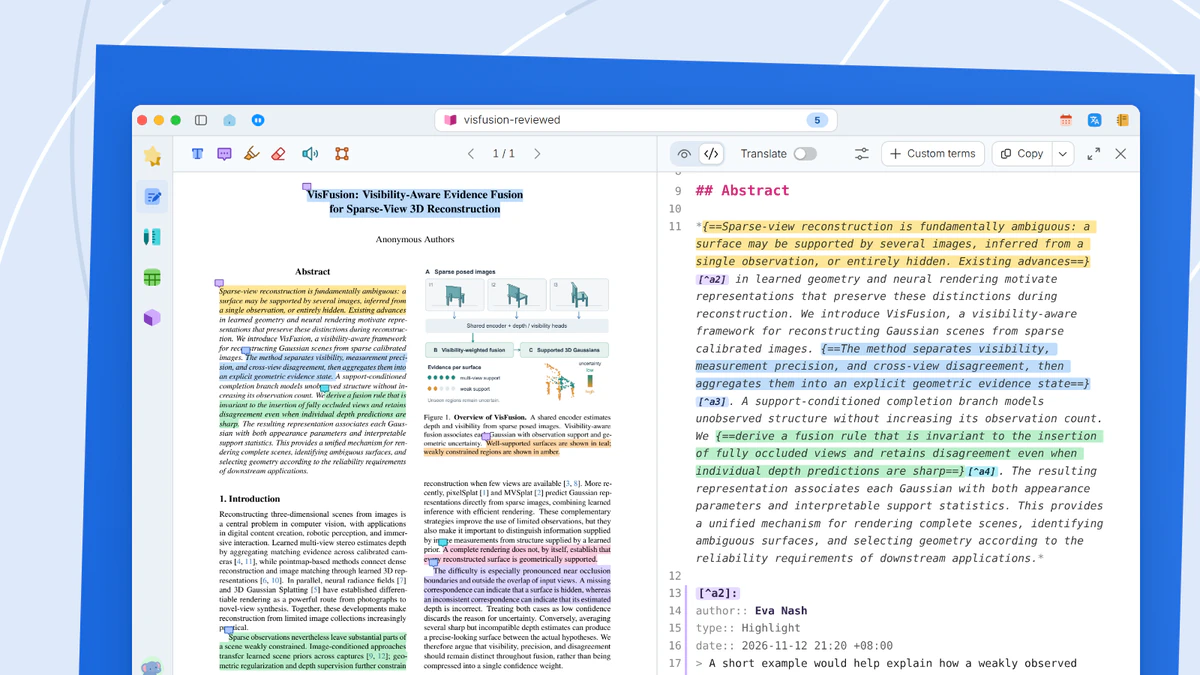
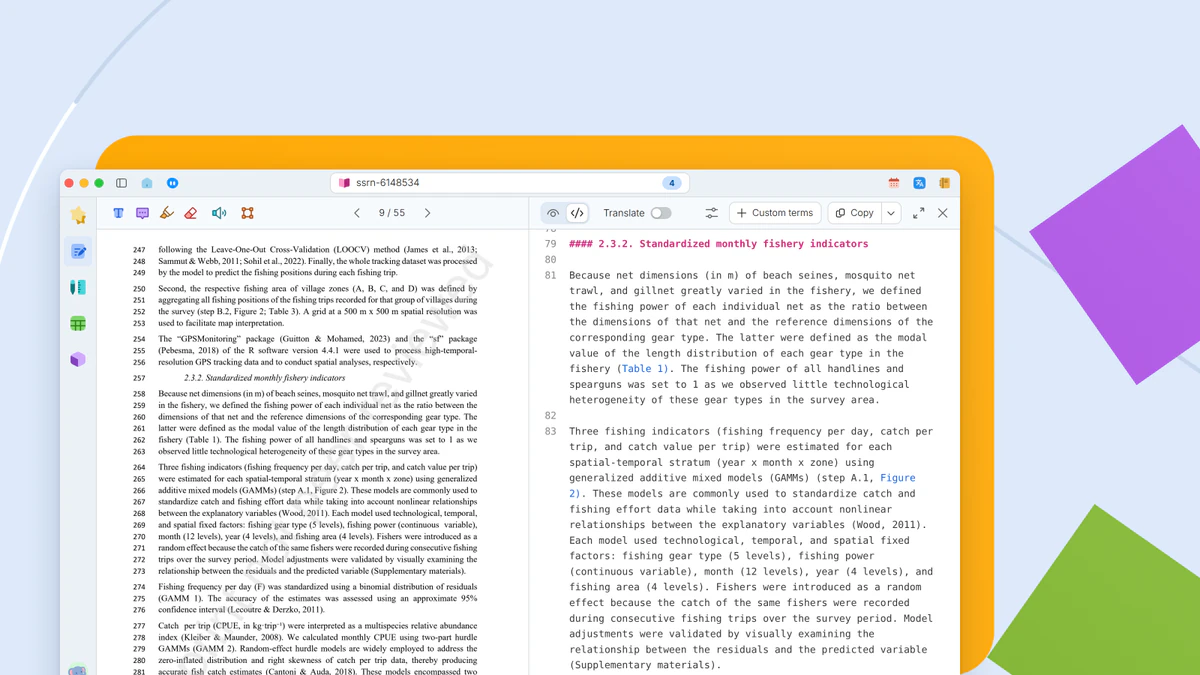
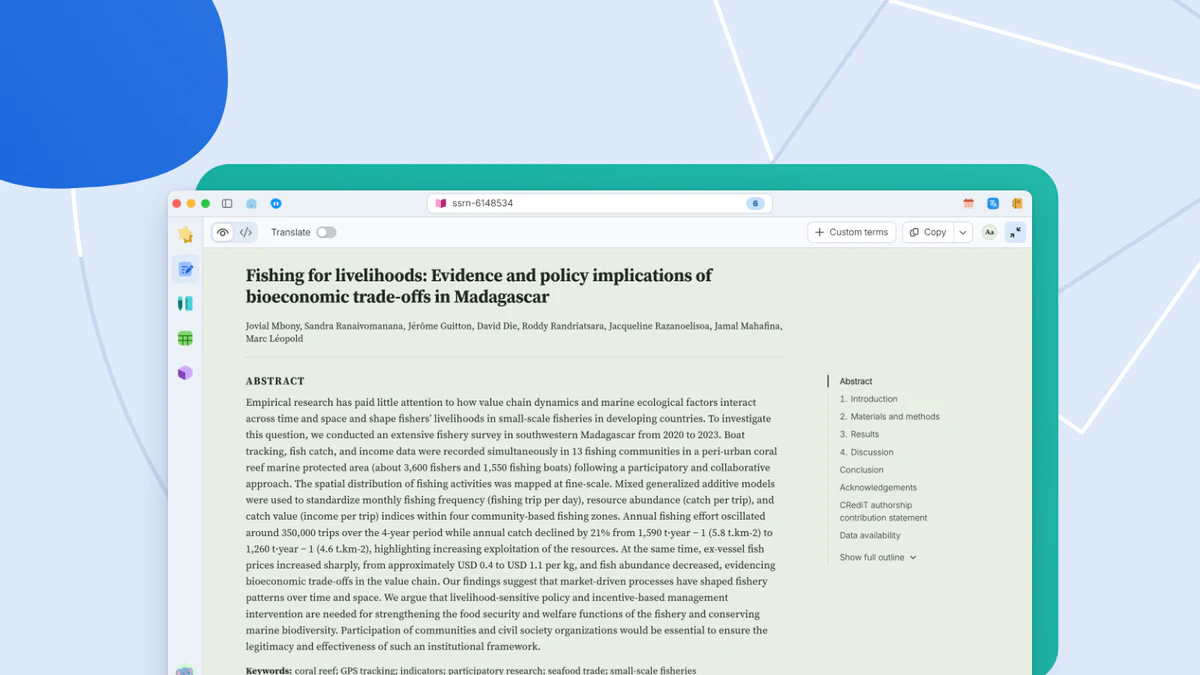
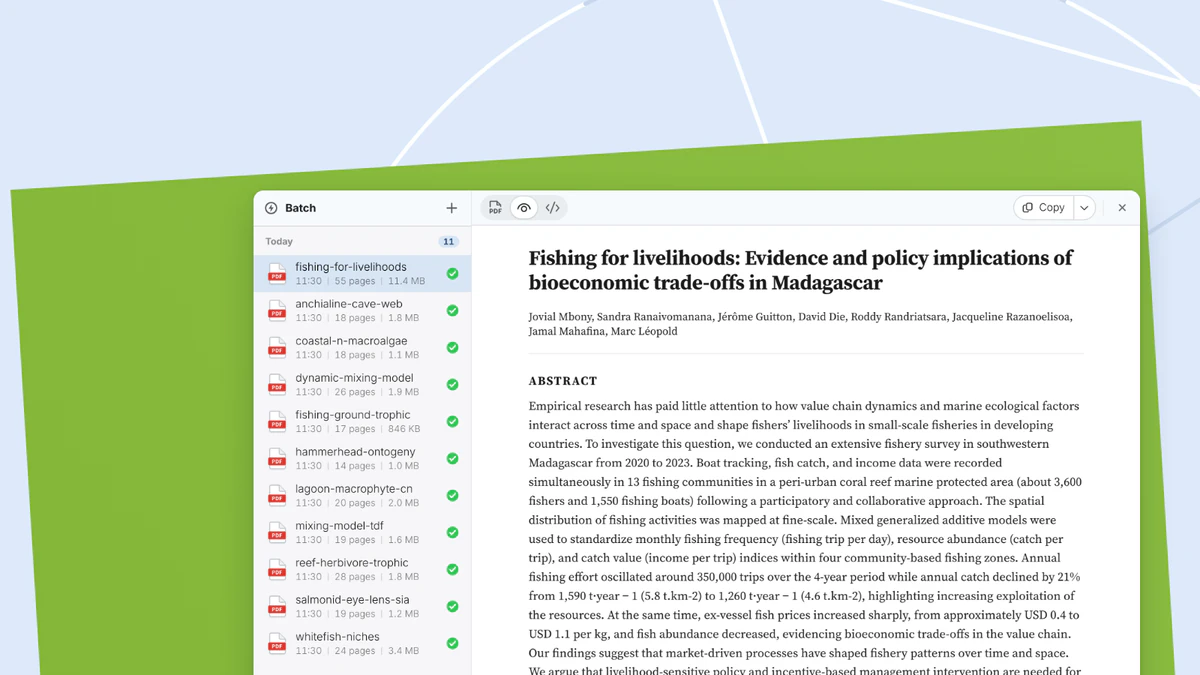
Comfortable reading of research papersComfortable readingA two-column PDF reflowed into a single-column reading view, with citations, figures and equations checked in place.Two-column PDFs in one column, citations checked in place.In-place previews for figures, tables and referencesIn-place previewsHovering a figure, table or citation number shows what it refers to, right beside the text.Hover a number to see what it refers to.Equations, enlarged, copied and exportedEquation copy and exportA click enlarges an equation and copies it as LaTeX, a Word equation or an image.Enlarged equations, copied in several forms.PDF annotations, written into the sourceHighlights and comments from a PDF go into the Markdown source in place, with author and date.PDF highlights and comments in Markdown source.Equation and table source in Source viewEquation and table sourcePDF on the left, Markdown source on the right. Equations as TeX and tables as Markdown tables, ready to copy or export.PDF beside Markdown source, ready to copy or export.Paper colors and single-pane readingTen paper colors and seven text sizes, a reading view that fills the window, and a color kept for each paper.Ten paper colors and single-pane reading.Batch processing for many papersBatch processingSeveral PDFs queued, reflowed and exported one by one, each with its own progress.Queued PDFs, reflowed and exported in turn.
For macOS and Windows
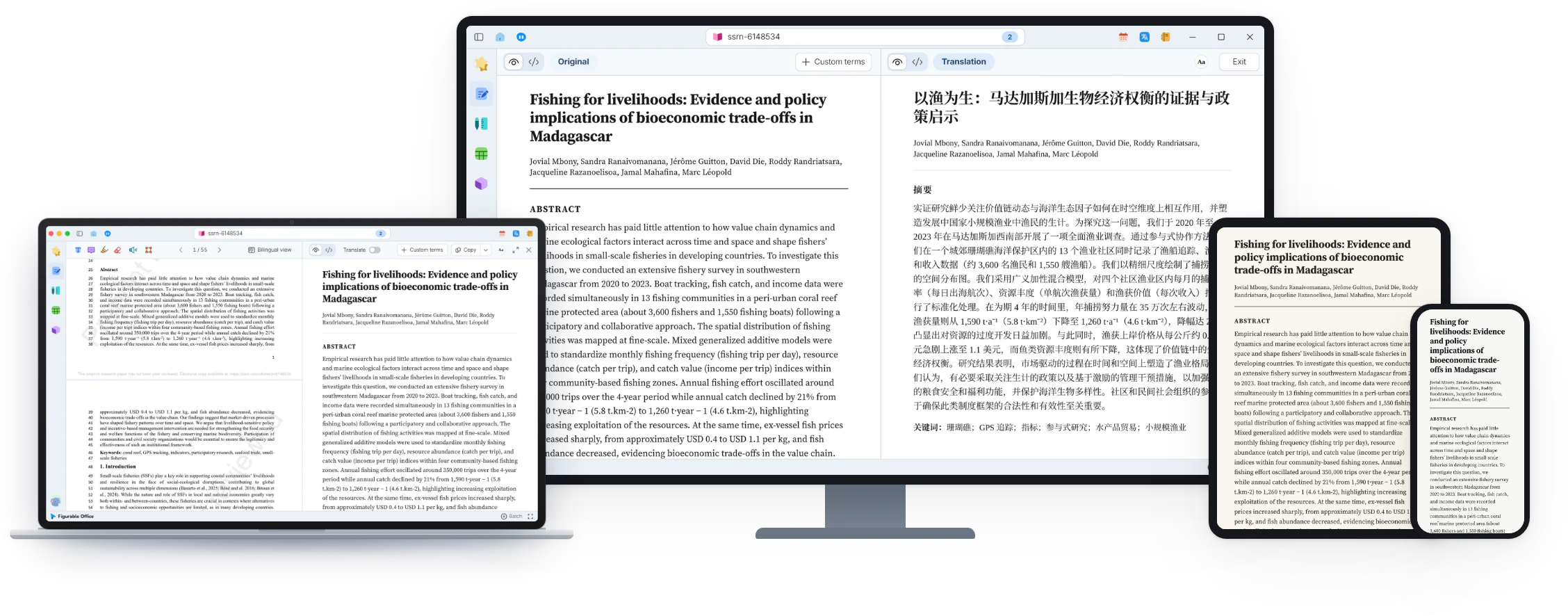
Figurable Office makes document processing, typesetting and translation easy for researchers.Easy document processing, typesetting and translation for researchers.