scale(1.3637)'%3E%3Cg clip-path='url(%23cb)'%3E%3Crect x='0' y='0' width='1024' height='1024' fill='url(%23pg)'%3E%3C/rect%3E%3Cg clip-path='url(%23cf)'%3E%3Crect x='0' y='0' width='1024' height='1024' fill='url(%23fg)'%3E%3C/rect%3E%3C/g%3E%3C/g%3E%3C/g%3E%3C/svg%3E)
3D preview
Open point clouds and meshes, then embed
Drag to rotate and scroll to zoom. Views, styling, colormaps and backgrounds sit on the Home tab.Drag to rotate, scroll to zoom.
Switch the colormap to Viridis. Only the colors change, not the data.Viridis colormap, same data.
Switch the background to paper white for the look of a journal figure. There are six backgrounds to choose from.Paper-white background, like a journal figure.
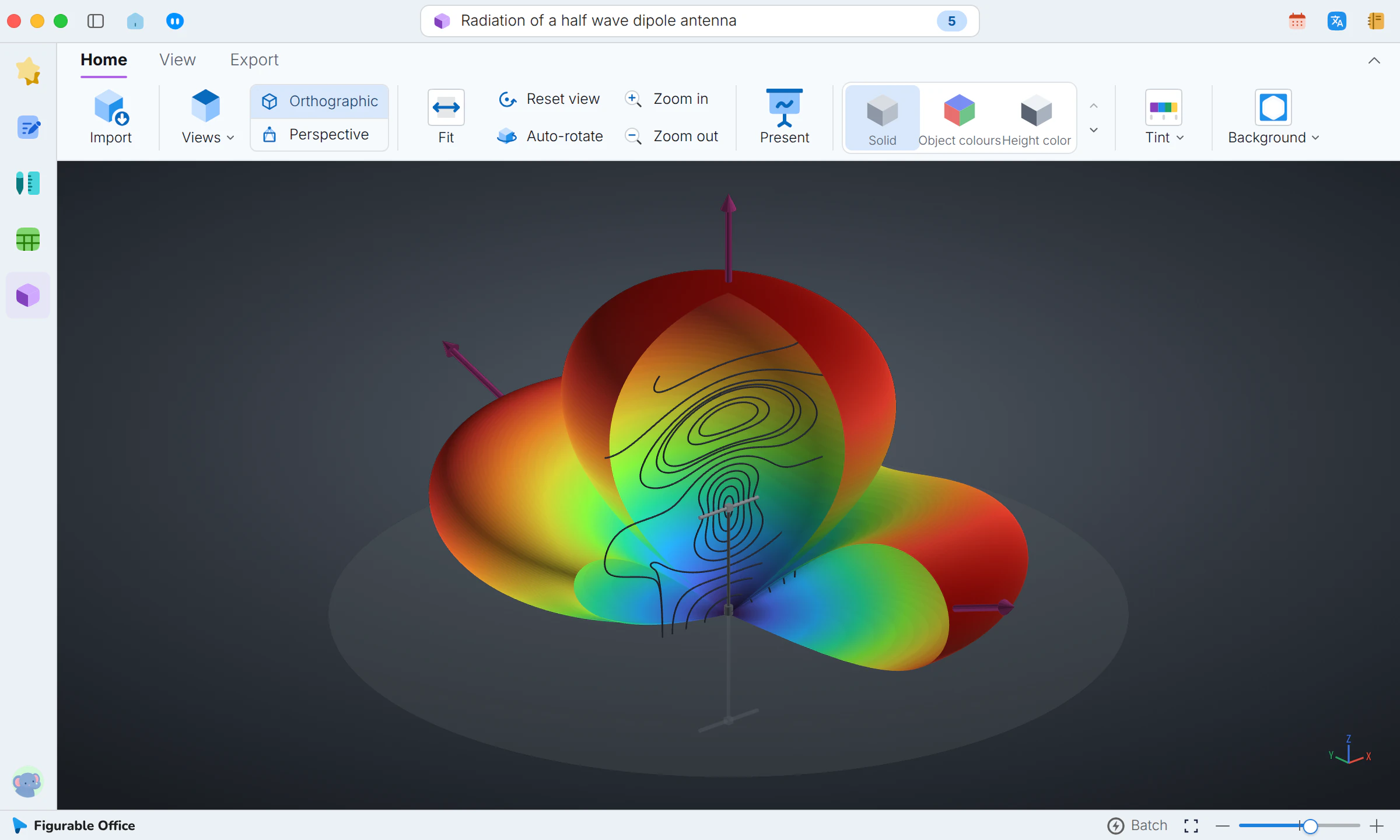
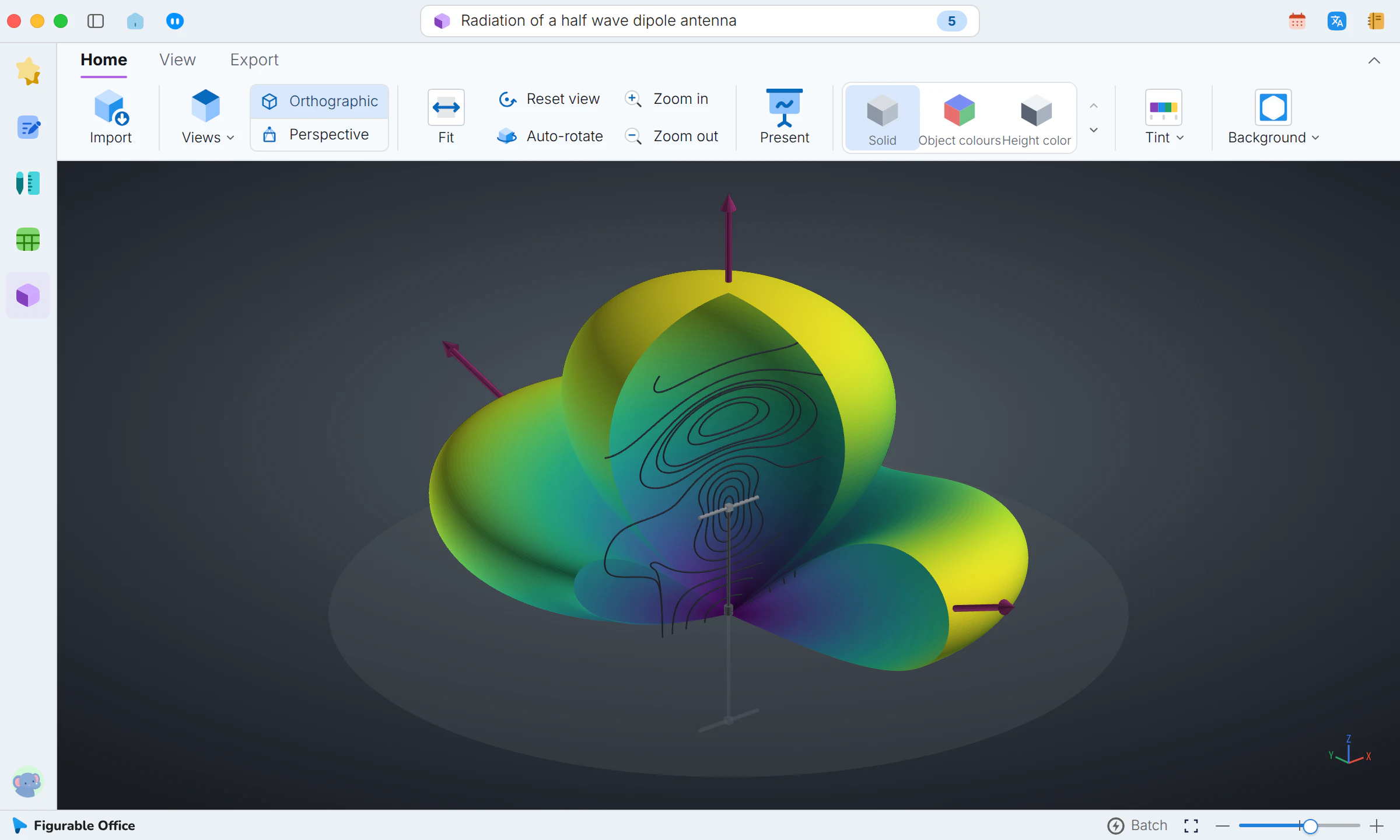
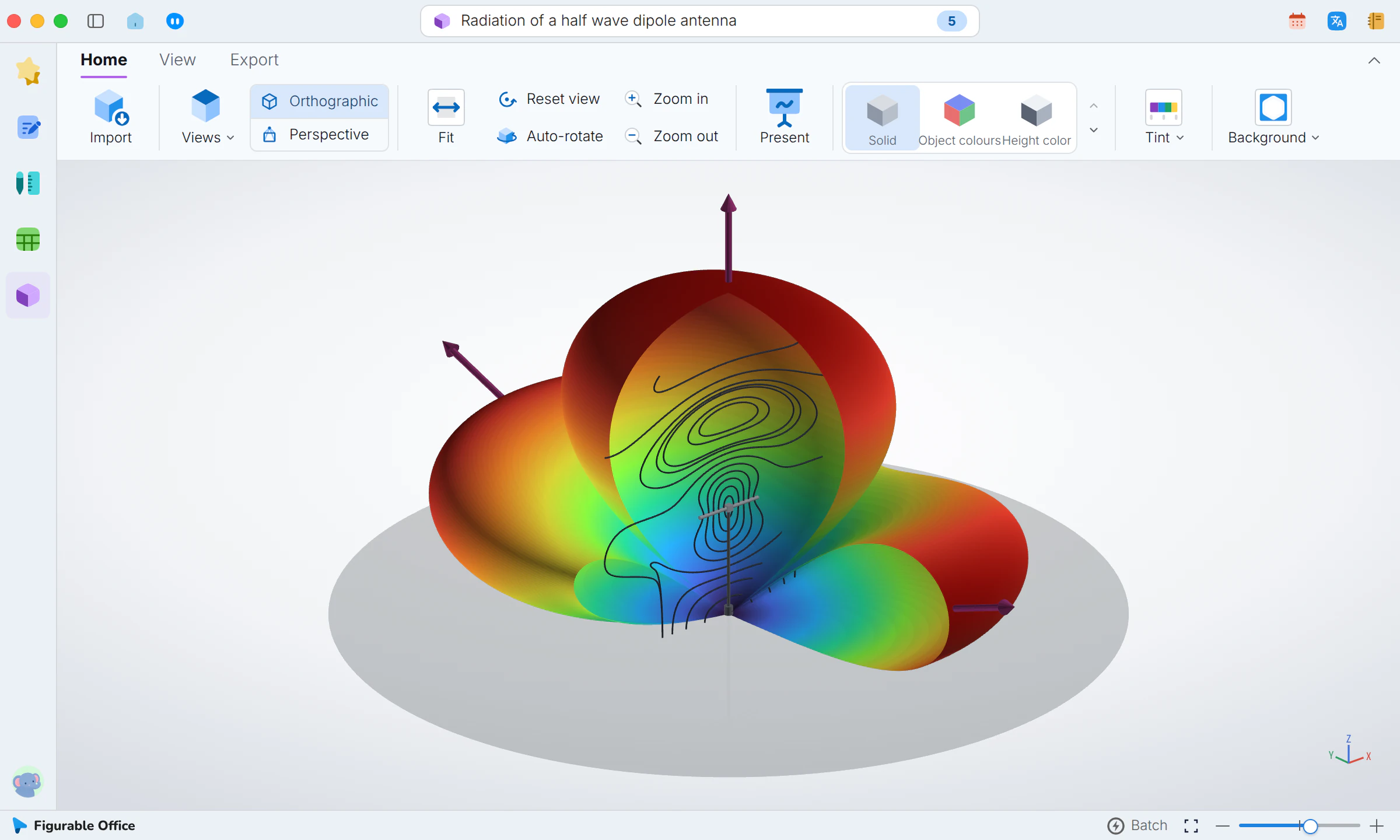
What it does
Common point cloud and mesh files open without conversion, in linked panes, and 3D objects embed in documents so the text references the same object.Point clouds and meshes, opened as they are and embeddable.
- Direct opening
- No format conversion
- Common formats
- Lab equipment files work as they are
- Multi-pane view
- Several angles compared at once
- Linked views
- Panes stay aligned
- Saved views
- The last angle restored
- Document embedding
- Readers explore it in the paper
- Single source
- No mismatched versions
- Automatic updates
- Documents follow model changes
- Model export
- For other tools or supplements
Showcases
Equations, figures and 3D models in a manuscriptEquations, figures and 3D in textNumbered equations, figures from Design and 3D models sit in the text and stay editable in place.Equations, figures and models in the text.Rotation, hiding and clipping in 3D projects3D views and clippingPoint clouds and meshes open as they are, with views, styling, hidden parts and clipping, and the same object goes into your paper.Models opened as they are, clipped and embedded.