scale(1.3637)'%3E%3Cg clip-path='url(%23cb)'%3E%3Crect x='0' y='0' width='1024' height='1024' fill='url(%23pg)'%3E%3C/rect%3E%3Cg clip-path='url(%23cf)'%3E%3Crect x='0' y='0' width='1024' height='1024' fill='url(%23fg)'%3E%3C/rect%3E%3C/g%3E%3C/g%3E%3C/g%3E%3C/svg%3E)
Equations, figures and 3D models in a manuscriptEquations, figures and 3D in text
Numbered equations, figures from Design and 3D models sit in the text and stay editable in place.Equations, figures and models in the text.

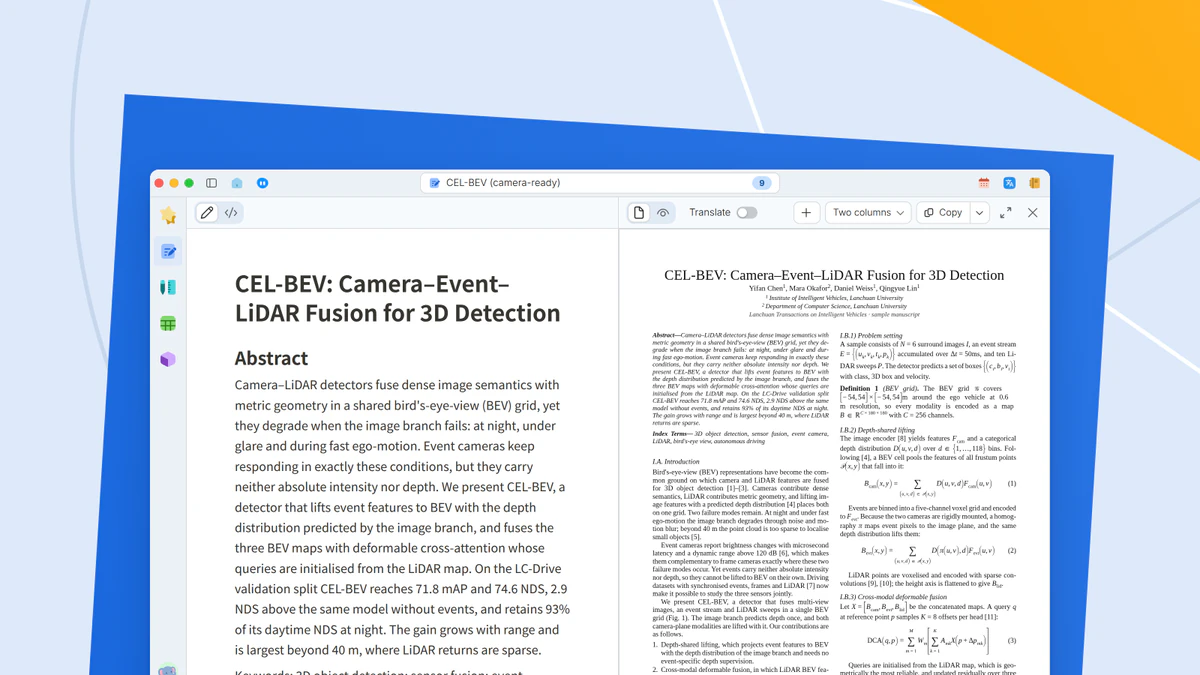
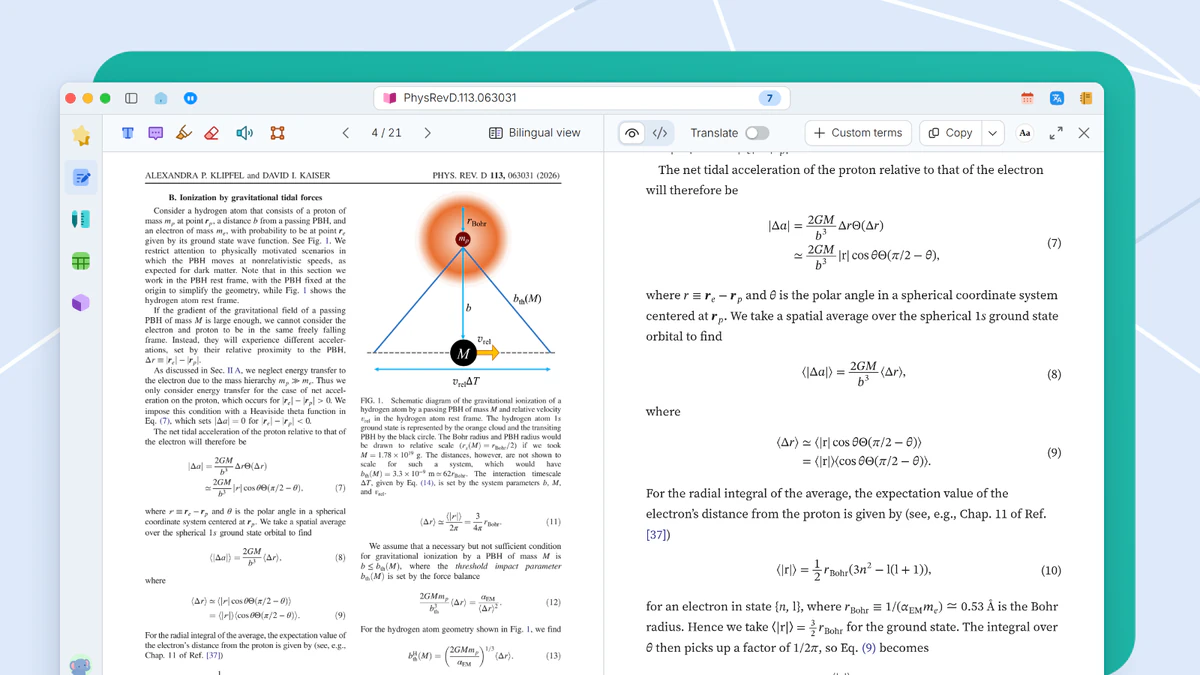
A manuscript is more than text. Equations, figures from Design and models from 3D all sit in the text and stay editable where they are.
When it helps
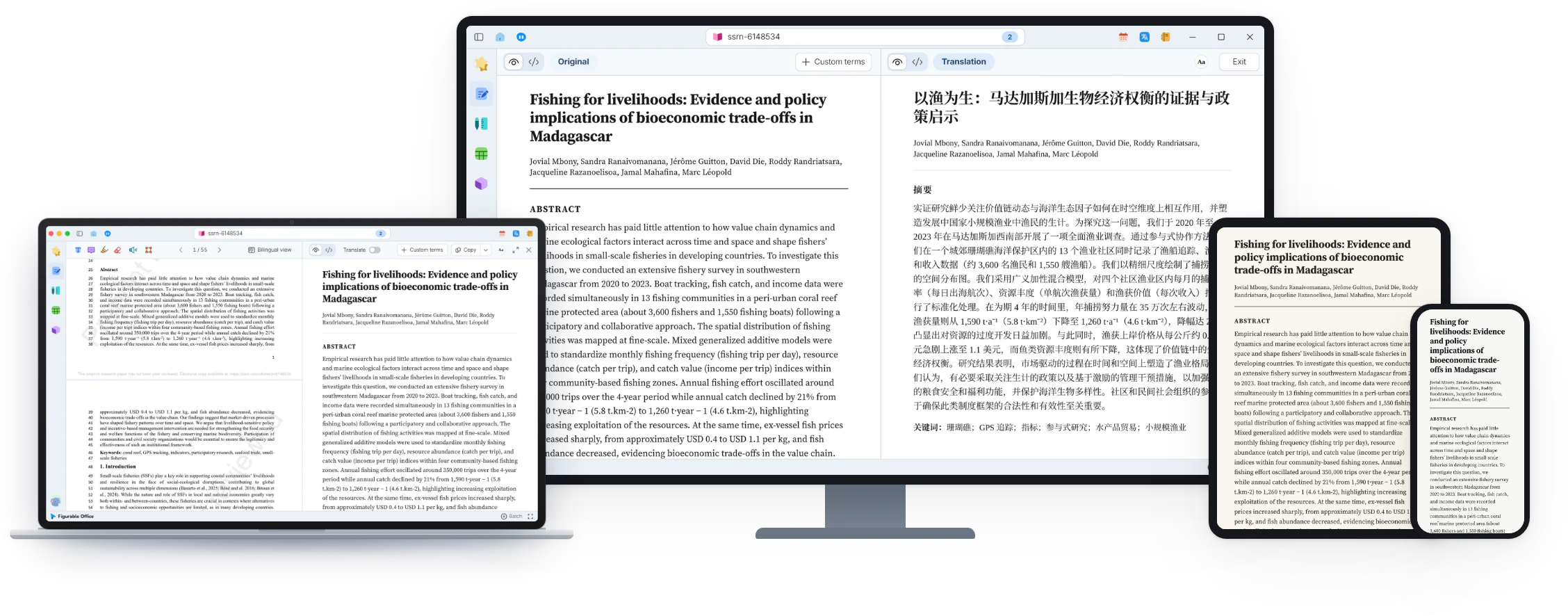
The framework figure lives in a drawing tool, the 3D result in a separate viewer, and the equations in an equation editor. Every revision means exporting a new image from its own program and swapping out the old one in the draft.
- A draft whose figures come from several programs
- Figures that must be exported again after each edit
- A 3D model you want readers to turn in the text
Numbered equations
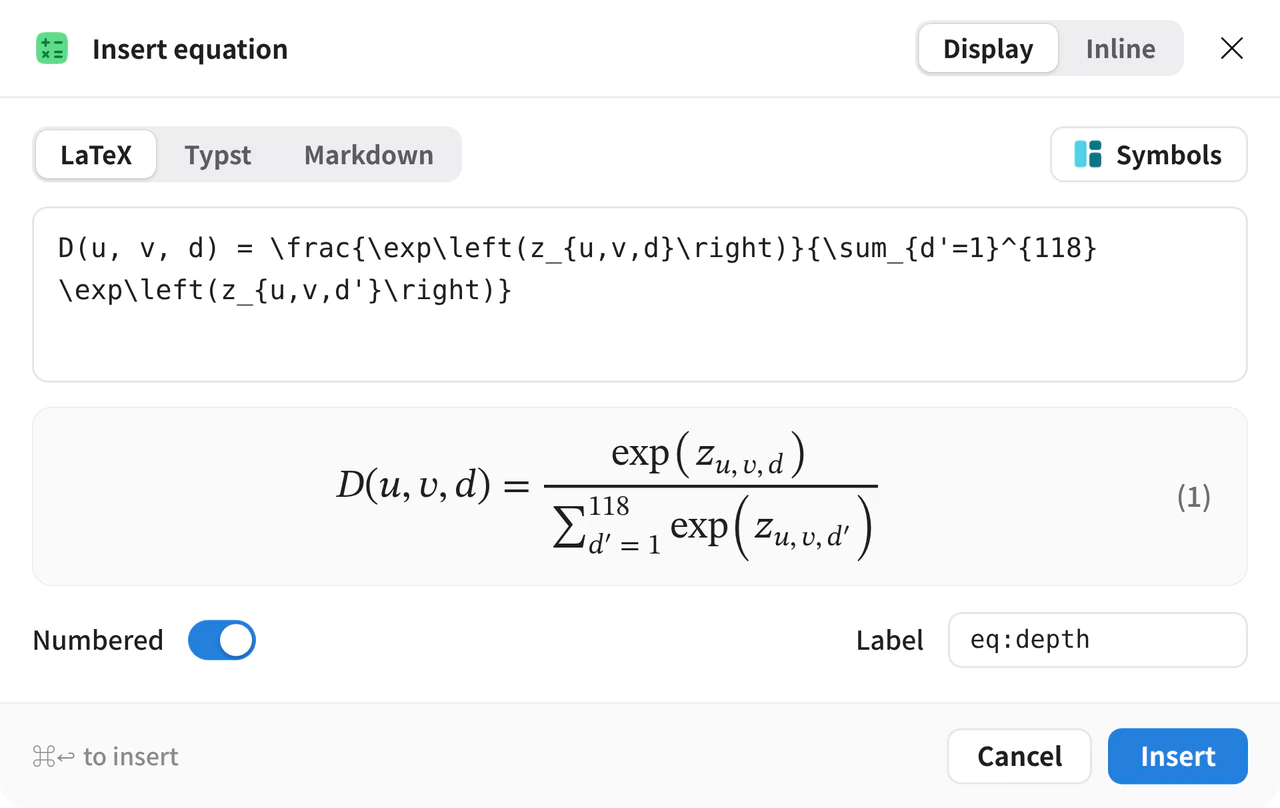
On the Insert tab, click Equation block, type the equation and watch the live preview. With numbering on and a label set, numbers update as the text changes.
Figures from Design
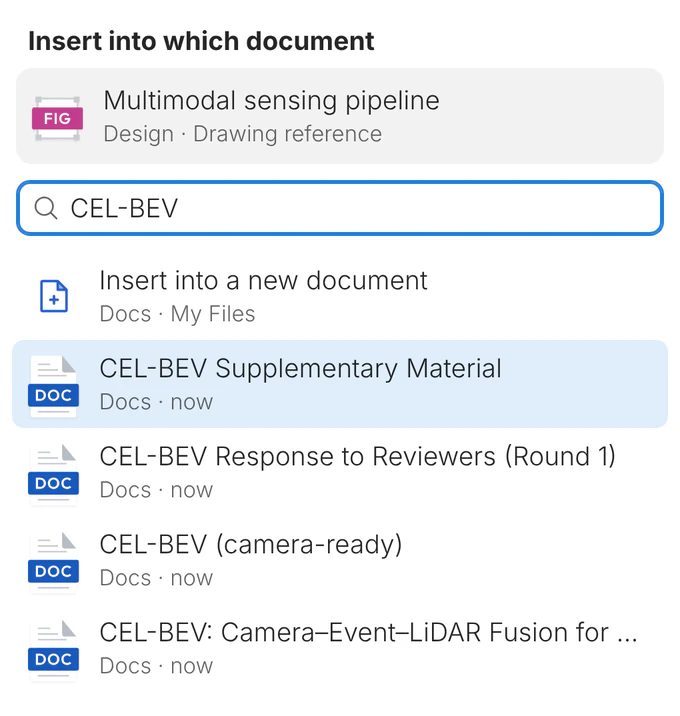
In the Design sidebar, open the figure’s menu and choose Insert into the document. The figure is inserted as a reference, stays sharp at any zoom and in print, and follows later edits.
3D models
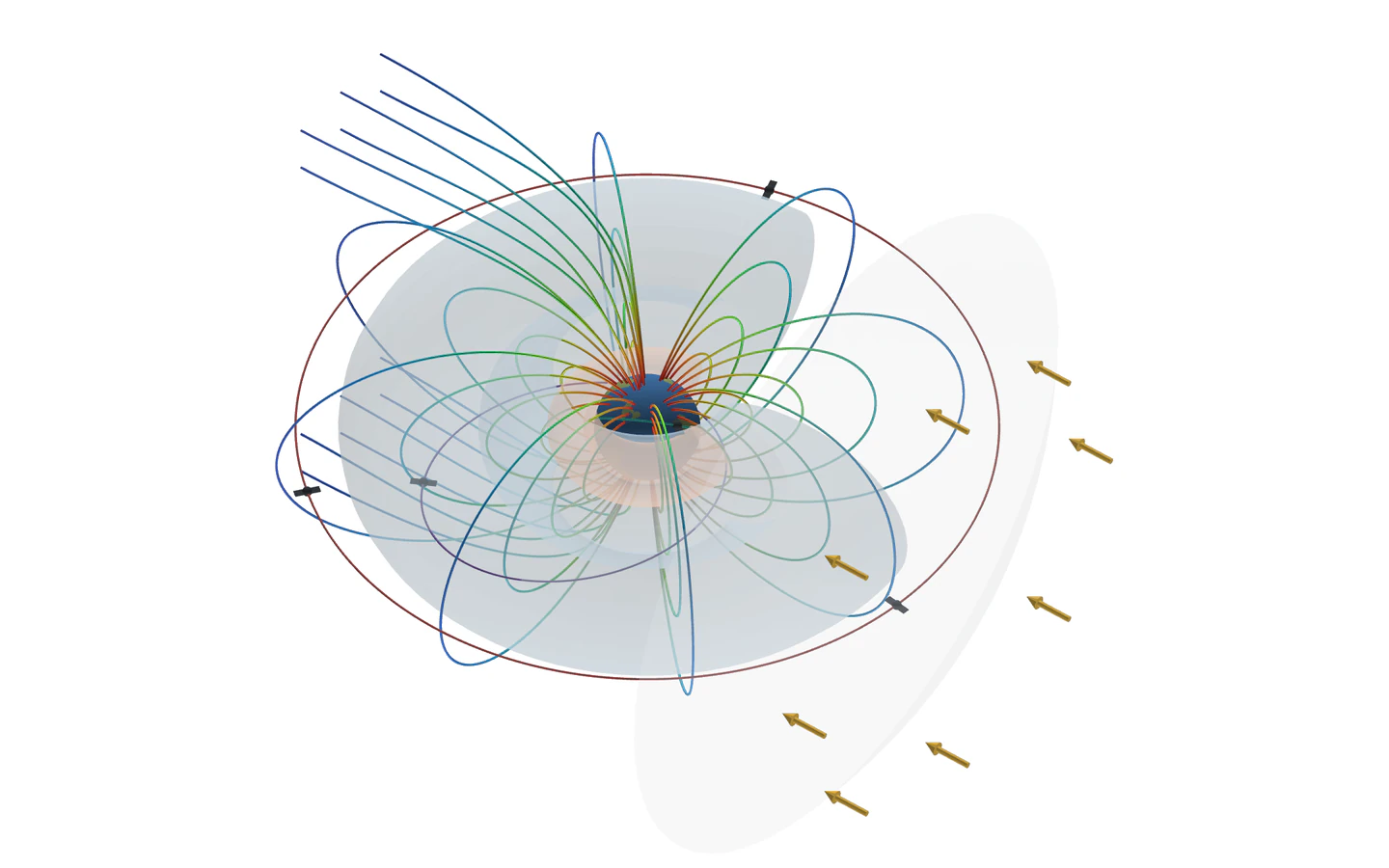
A model from 3D can sit in the manuscript and rotates on drag. On export, the model is saved as a snapshot image.
Export in many formats
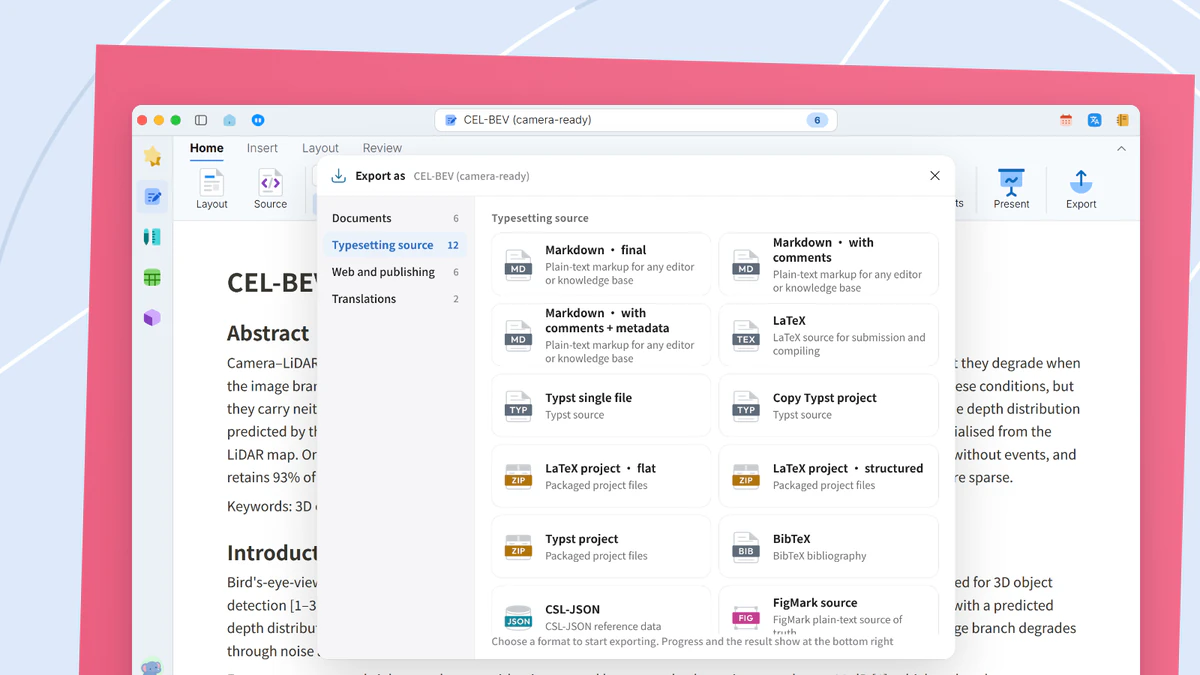
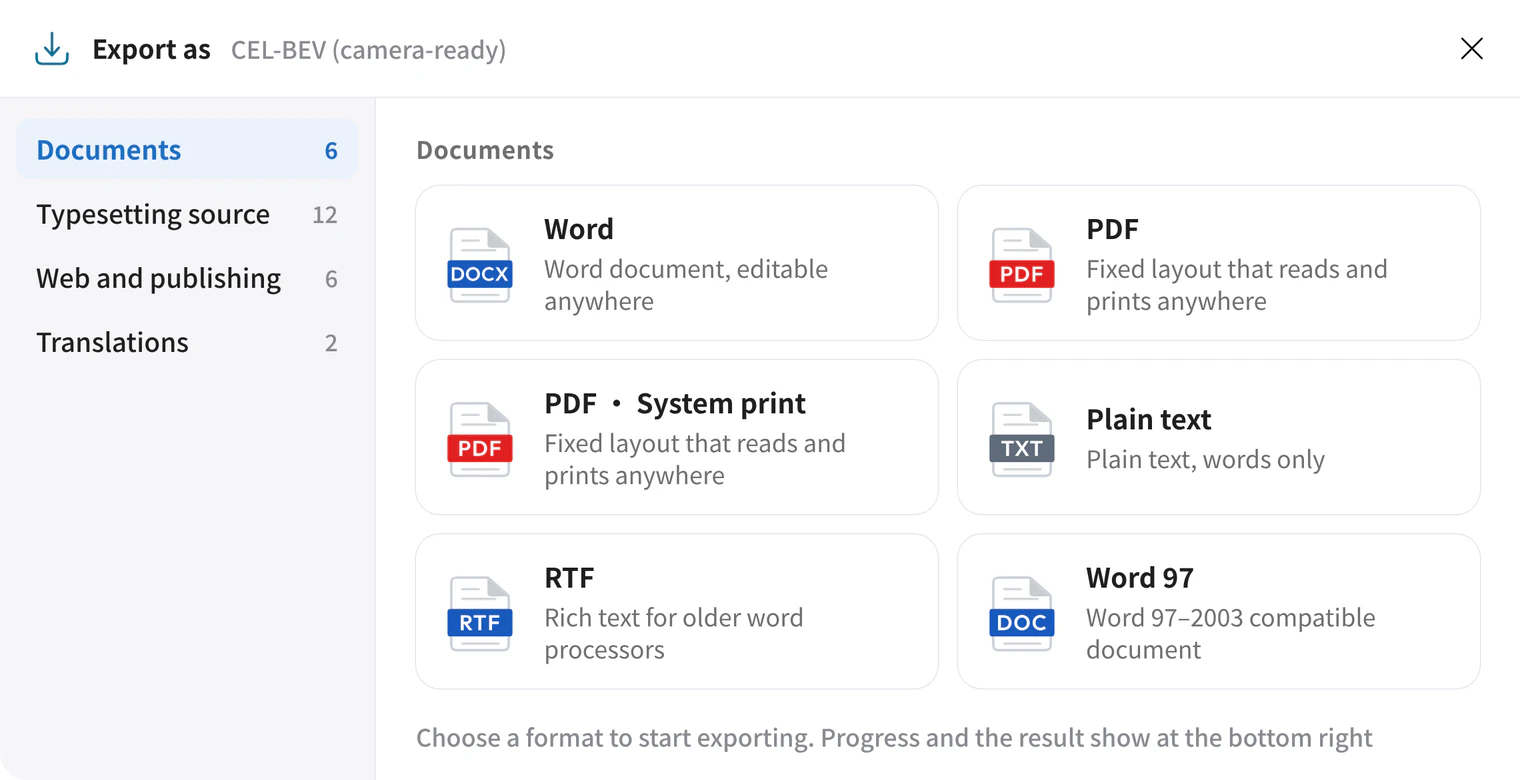
A manuscript with equations, figures and models exports to Word, PDF, HTML and more, each format taking the representation it supports. LaTeX and other advanced formats require Plus.
What you get
Equations, figures and 3D models sit in the body text and open for editing where they are.