scale(1.3637)'%3E%3Cg clip-path='url(%23cb)'%3E%3Crect x='0' y='0' width='1024' height='1024' fill='url(%23pg)'%3E%3C/rect%3E%3Cg clip-path='url(%23cf)'%3E%3Crect x='0' y='0' width='1024' height='1024' fill='url(%23fg)'%3E%3C/rect%3E%3C/g%3E%3C/g%3E%3C/g%3E%3C/svg%3E)
Diagrams in the Design workspaceDiagrams
Diagrams built from shapes, connectors and text boxes export as vector graphics and stay in sync inside your paper.Vector diagrams that stay in sync in your paper.

The Design workspace is a vector canvas for framework diagrams and flow charts, and a finished figure goes straight into the document.
When it helps
The methods section needs a framework diagram. Boxes and arrows assembled in a slide tool turn blurry once exported and enlarged in the paper, and when a reviewer asks for one module to be renamed, the hunt for the source file begins.
- A framework diagram or flowchart to draw
- Figures that must stay sharp when enlarged
- Artwork that will be revised again and again
In this guide
Import, shapes and connectors
Click Picture on the Home tab to insert an image or vector file. An imported vector figure is made of objects you can select and edit. Shapes lists shapes by category with recent ones first. Pick one and drag on the canvas. For a Connector, click the start object, then the end.
Styles on the Shape tab
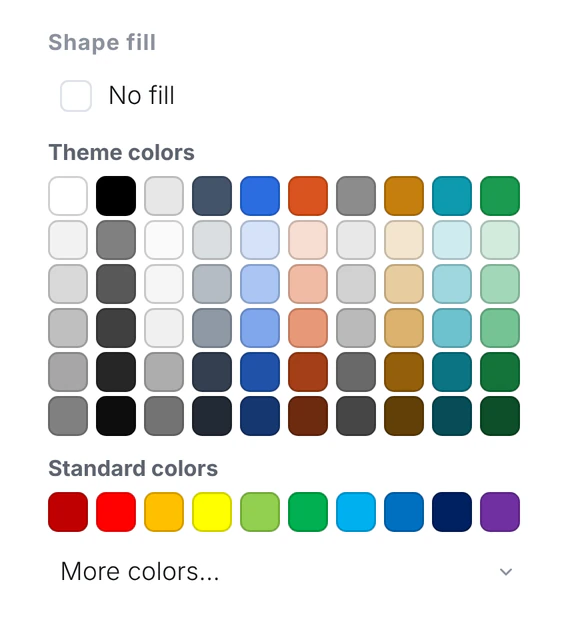
Select a shape and the ribbon switches to the Shape tab, with Fill, Outline and Line width. Fill opens the palette, including no fill.
The Properties panel
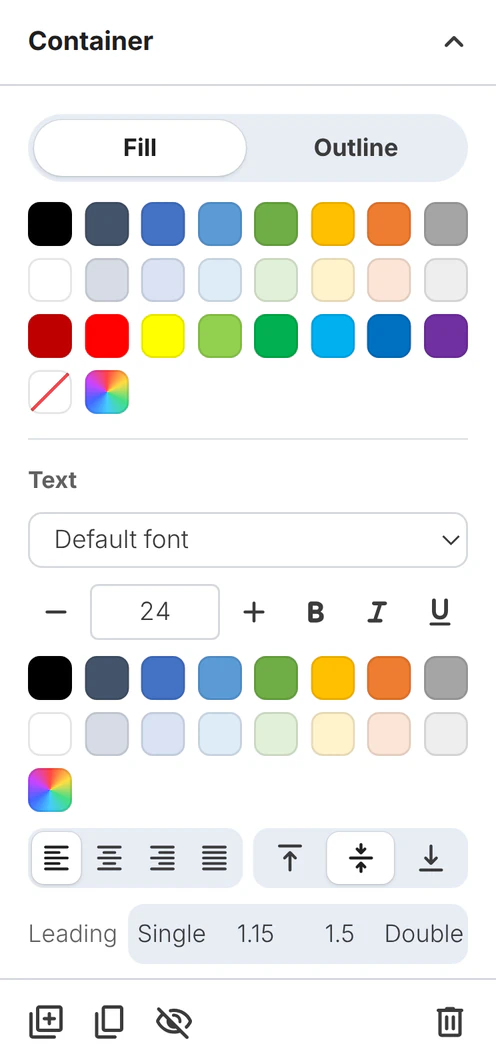
Properties on the View tab opens a panel for fill, outline and text. Font, size, alignment and line spacing are set here.
Layers
Layers on the View tab opens the object structure panel. Alignment, order and grouping are on the Shape tab.
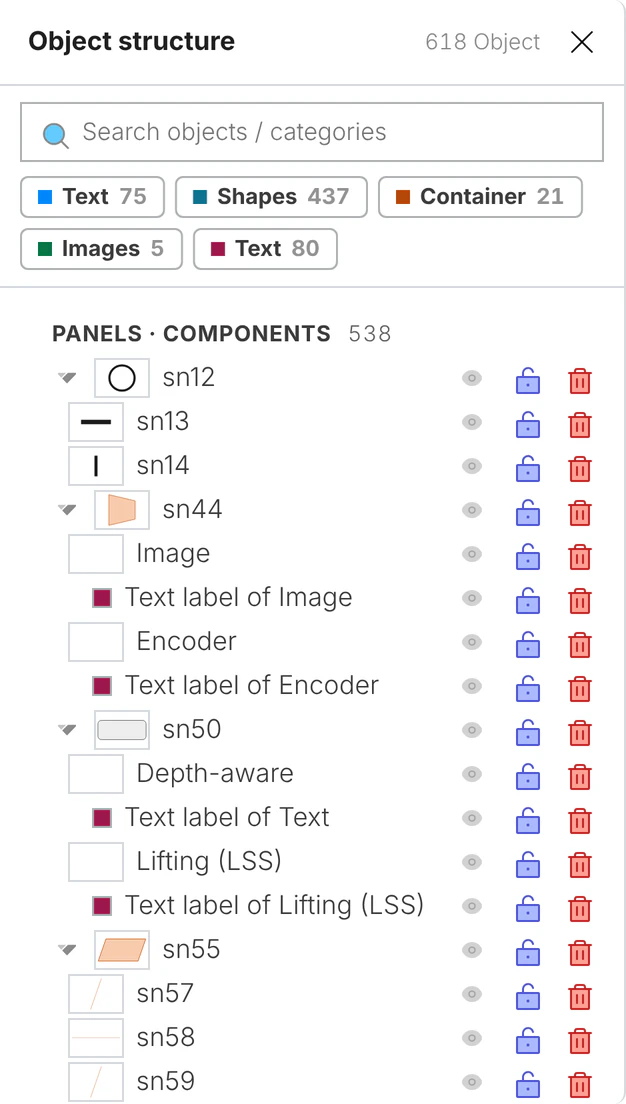
Figure export
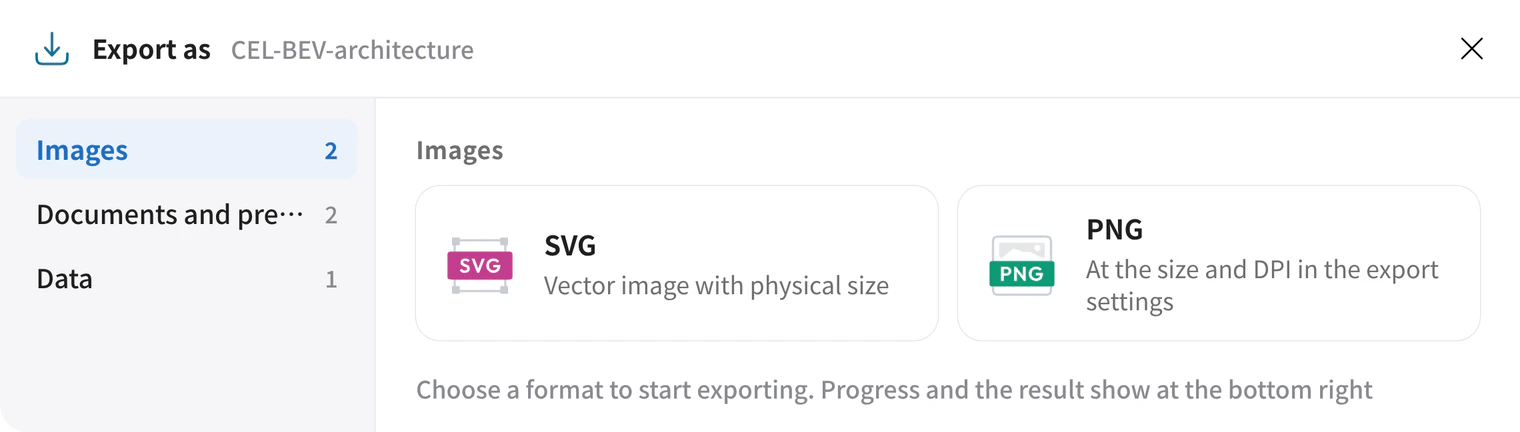
Export offers PNG and SVG as images, and PDF and PowerPoint as documents. The PowerPoint uses native shapes and text boxes.
Nested containers
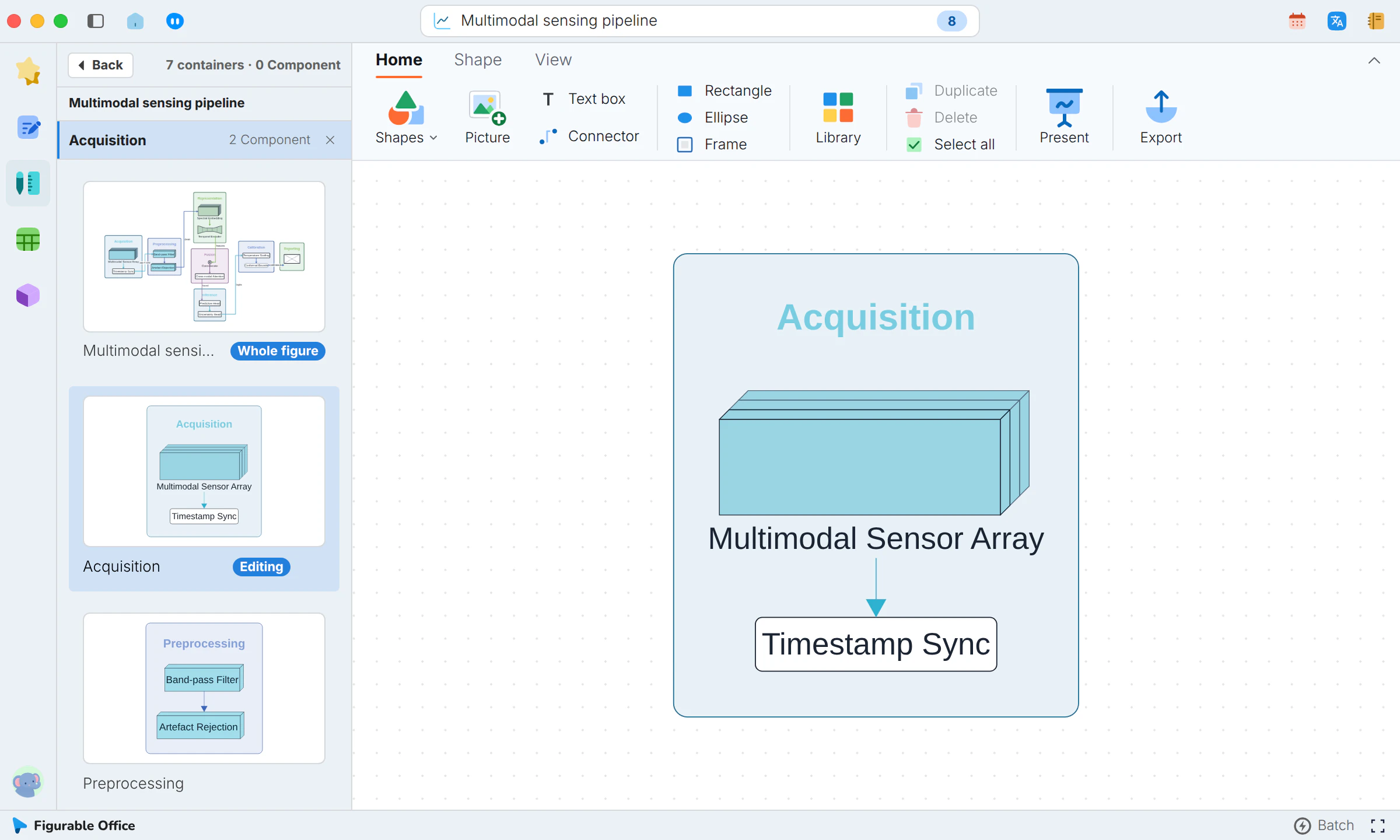
A complex figure can be split into containers. Inside a container only that level is edited. Thumbnails step through the containers, with a way back to the whole figure.
Dimension marks
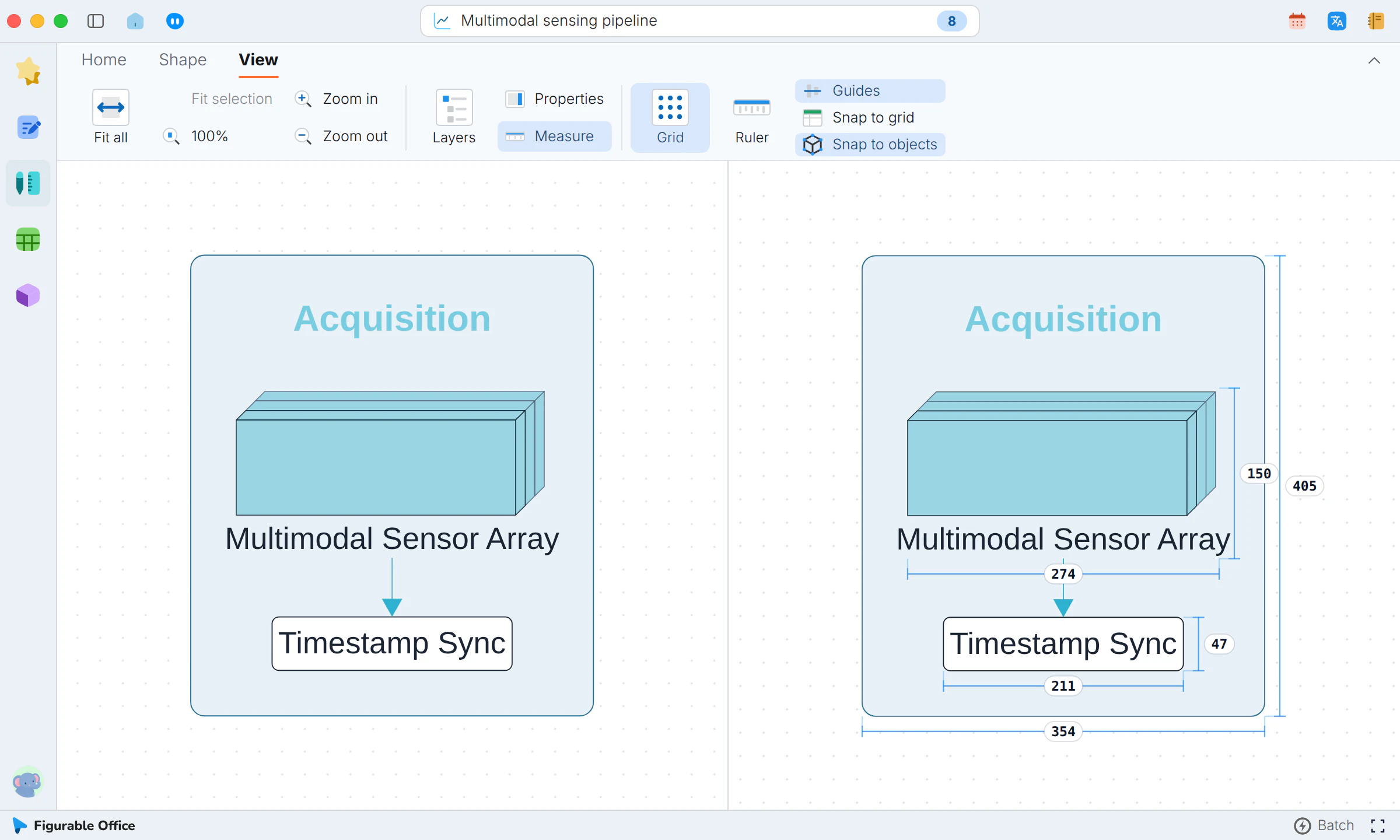
With Measure on, the figure shows the sizes of its objects, so alignment and gaps rest on numbers.
Figures in your paper
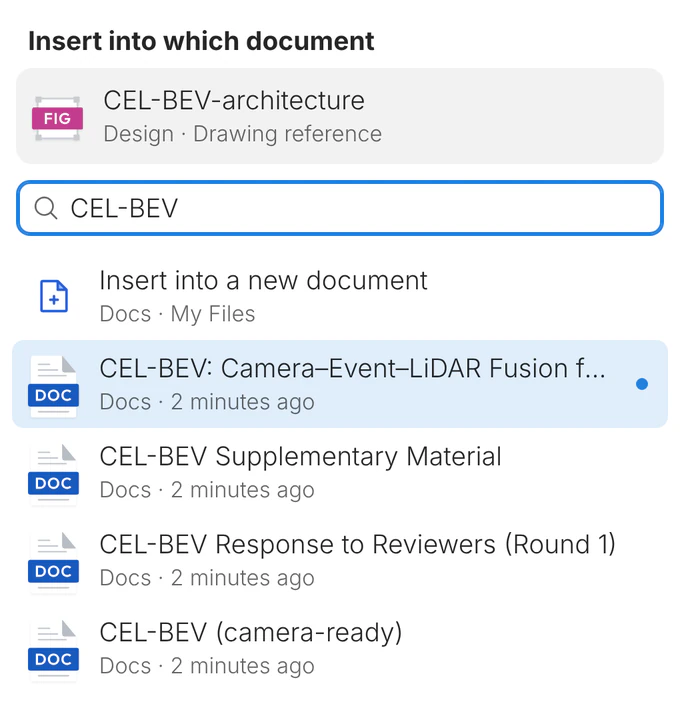
In the Design sidebar, open the figure’s menu and choose Insert into the document. The figure is inserted as a reference and follows later edits.
What you get
Diagrams are drawn on a vector canvas, placed straight into the document, and edited from the original when they change.