scale(1.3637)'%3E%3Cg clip-path='url(%23cb)'%3E%3Crect x='0' y='0' width='1024' height='1024' fill='url(%23pg)'%3E%3C/rect%3E%3Cg clip-path='url(%23cf)'%3E%3Crect x='0' y='0' width='1024' height='1024' fill='url(%23fg)'%3E%3C/rect%3E%3C/g%3E%3C/g%3E%3C/g%3E%3C/svg%3E)
What it does
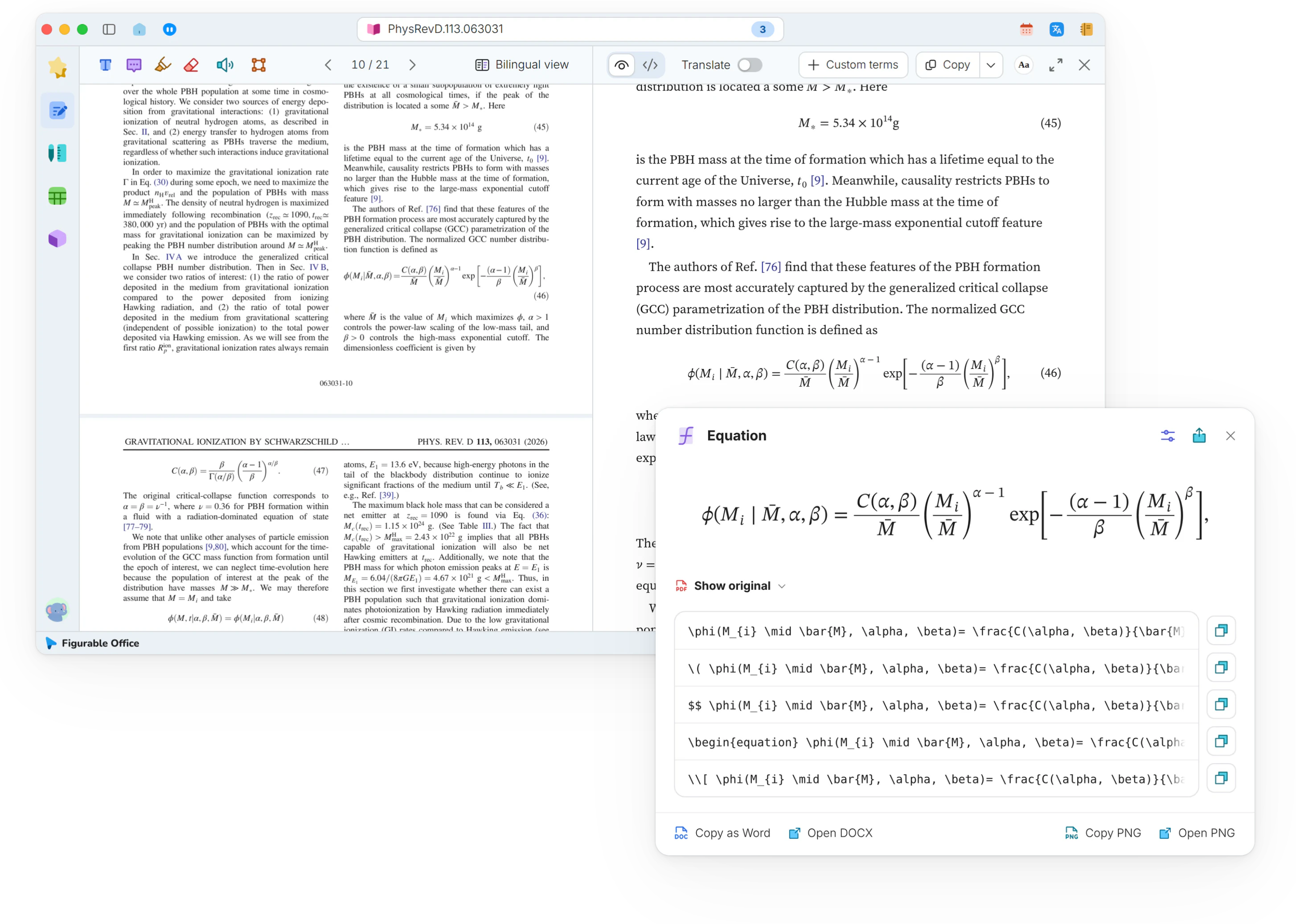
A click shows any equation at full size, ready to copy as TeX, MathML or a Word equation, with symbols re-set in standard glyphs.Equations at full size, copyable in several forms.
- TeX
- Pasted into a paper without retyping
- Word equations
- Editable in Word
- MathML
- For web pages and screen readers
- Zoom view
- Small print becomes readable
- Full view
- Long expressions shown in full
- Standard glyphs
- Look-alike symbols kept distinct
- Source comparison
- Recognition verified term by term
- Image export
- For slides and posters
- Custom delimiters
- Matches your house style
Showcases
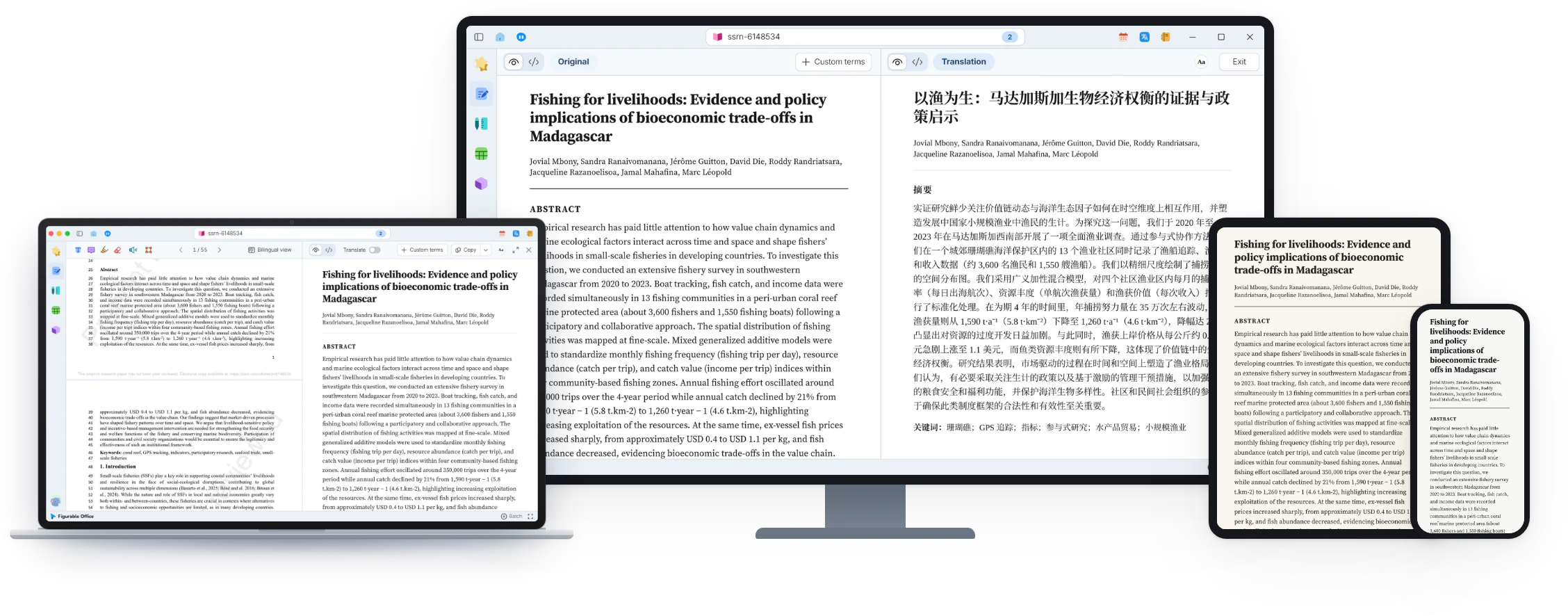
Comfortable reading of research papersComfortable readingA two-column PDF reflowed into a single-column reading view, with citations, figures and equations checked in place.Two-column PDFs in one column, citations checked in place.Equations, enlarged, copied and exportedEquation copy and exportA click enlarges an equation and copies it as LaTeX, a Word equation or an image.Enlarged equations, copied in several forms.Equation and table source in Source viewEquation and table sourcePDF on the left, Markdown source on the right. Equations as TeX and tables as Markdown tables, ready to copy or export.PDF beside Markdown source, ready to copy or export.
In the same group
Reading viewTwo-column papers reflow into one columnCitation previewHover a citation number to see its sourceSource viewMarkdown source beside the reading viewPDF annotationHighlights and notes stay anchored to textRead-aloudListen sentence by sentence, word by wordPDF batch processingQueue many PDFs with progress for each one