scale(1.3637)'%3E%3Cg clip-path='url(%23cb)'%3E%3Crect x='0' y='0' width='1024' height='1024' fill='url(%23pg)'%3E%3C/rect%3E%3Cg clip-path='url(%23cf)'%3E%3Crect x='0' y='0' width='1024' height='1024' fill='url(%23fg)'%3E%3C/rect%3E%3C/g%3E%3C/g%3E%3C/g%3E%3C/svg%3E)
What it does
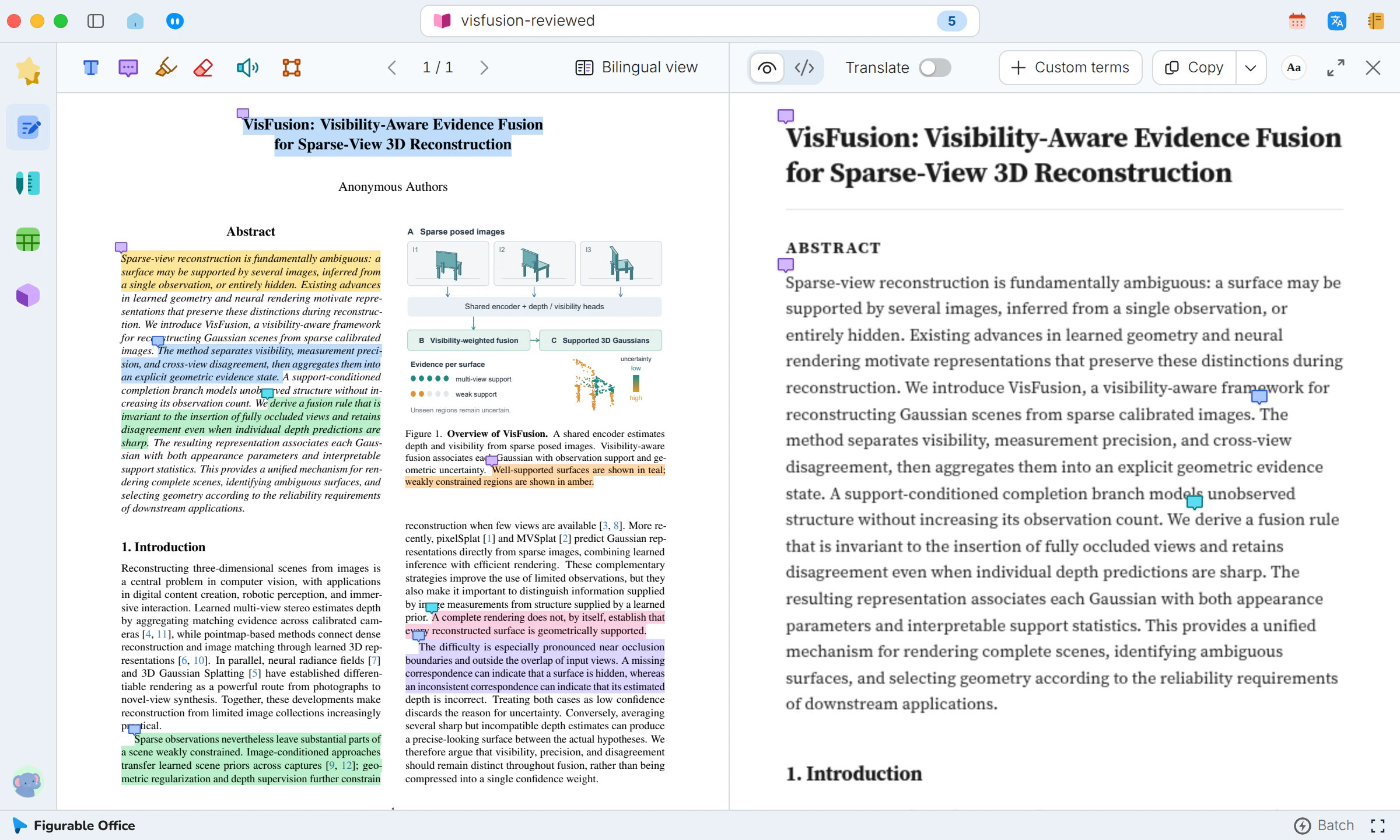
Highlights and comments on PDFs are stored on this computer, and an annotated PDF carries them to another computer or reader.Highlights and comments, stored locally, exportable with the PDF.
- Cross-column highlights
- Long sentences selected in one pass
- Margin comments
- Ideas stay next to their source
- Text anchoring
- Notes hold their place after zoom or reflow
- Moving between computers
- No cloud sync. An annotated PDF carries the notes to another computerNo cloud sync, notes travel in the PDF
- Re-imports and new versions
- The same file keeps its notes. A new version does not carry them overNotes stay with the same file
- Color coding
- One color per purpose
- Source location
- The exact sentence, found when citing
- Comment overview
- Every comment in one list
- Standard PDF annotations
- Visible in other readers
Showcases
In the same group
Reading viewTwo-column papers reflow into one columnCitation previewHover a citation number to see its sourceEquations and symbolsZoom into equations, copy as LaTeX or WordSource viewMarkdown source beside the reading viewRead-aloudListen sentence by sentence, word by wordPDF batch processingQueue many PDFs with progress for each one