scale(1.3637)'%3E%3Cg clip-path='url(%23cb)'%3E%3Crect x='0' y='0' width='1024' height='1024' fill='url(%23pg)'%3E%3C/rect%3E%3Cg clip-path='url(%23cf)'%3E%3Crect x='0' y='0' width='1024' height='1024' fill='url(%23fg)'%3E%3C/rect%3E%3C/g%3E%3C/g%3E%3C/g%3E%3C/svg%3E)
What it does
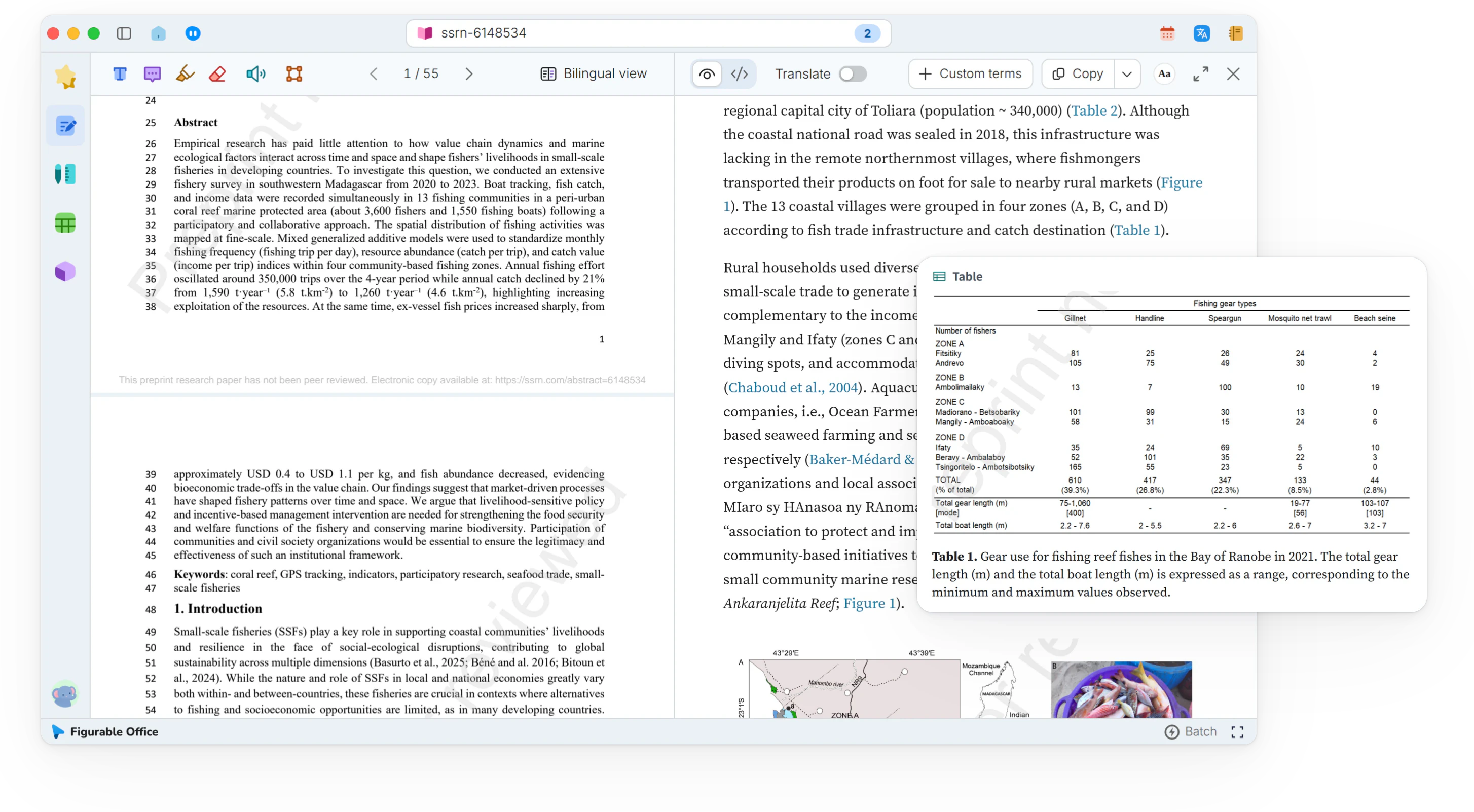
Hovering over a citation, figure, table or equation number shows what it refers to, and the reading position stays put.Cited content on hover, position unchanged.
- Reference preview
- Sources checked without losing the place
- Figure preview
- The chart alongside the text
- Equation preview
- Earlier steps of a derivation at hand
- Reading position kept
- Pointer away, reading continues
- Click-through
- One click to the target for a closer look
- Reference copying
- Entries ready for a manuscript
- Word lookup
- No separate dictionary needed
Showcases
Comfortable reading of research papersComfortable readingA two-column PDF reflowed into a single-column reading view, with citations, figures and equations checked in place.Two-column PDFs in one column, citations checked in place.In-place previews for figures, tables and referencesIn-place previewsHovering a figure, table or citation number shows what it refers to, right beside the text.Hover a number to see what it refers to.
In the same group
Reading viewTwo-column papers reflow into one columnEquations and symbolsZoom into equations, copy as LaTeX or WordSource viewMarkdown source beside the reading viewPDF annotationHighlights and notes stay anchored to textRead-aloudListen sentence by sentence, word by wordPDF batch processingQueue many PDFs with progress for each one