scale(1.3637)'%3E%3Cg clip-path='url(%23cb)'%3E%3Crect x='0' y='0' width='1024' height='1024' fill='url(%23pg)'%3E%3C/rect%3E%3Cg clip-path='url(%23cf)'%3E%3Crect x='0' y='0' width='1024' height='1024' fill='url(%23fg)'%3E%3C/rect%3E%3C/g%3E%3C/g%3E%3C/g%3E%3C/svg%3E)
In-place previews for figures, tables and referencesIn-place previews
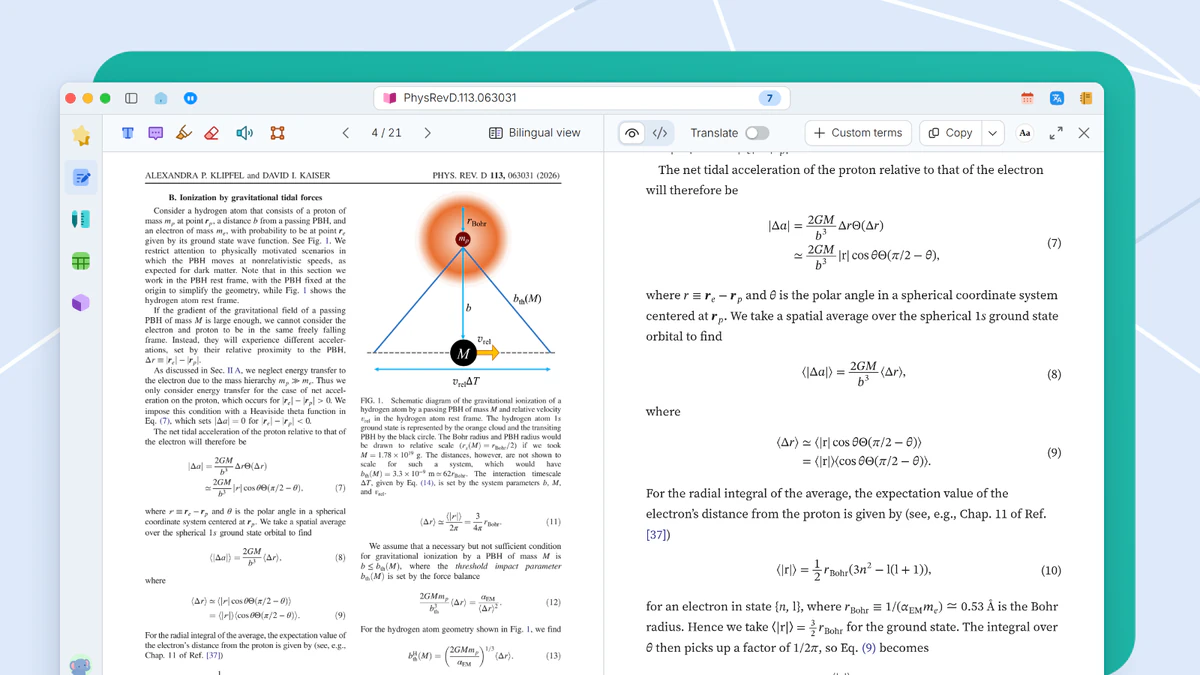
Hovering a figure, table or citation number shows what it refers to, right beside the text.Hover a number to see what it refers to.

What breaks the flow of reading a paper is paging ahead for a figure, a table or a reference and then finding your place again. In the reading view, each of these previews in place.
When it helps
The methods section says as shown in Figure 4, and Figure 4 is three pages on. By the time you have looked and come back, the sentence you were reading is gone. A single paper means dozens of these round trips.
- Text and the figure it cites on different pages
- A reference number you want to resolve
- A reading position you do not want to lose
In this guide
Figure previews
Rest the pointer on a figure number. The figure appears beside it with its caption, and your place does not move. Move the pointer away and the card closes.
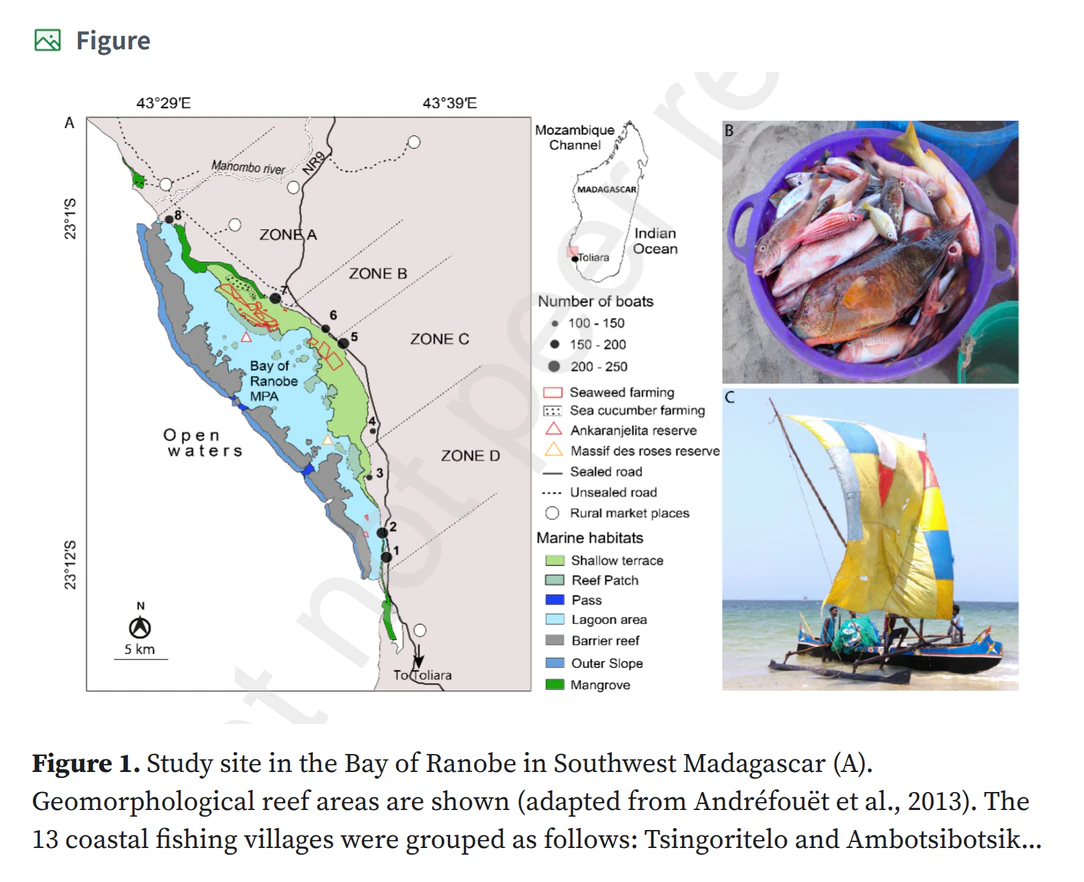
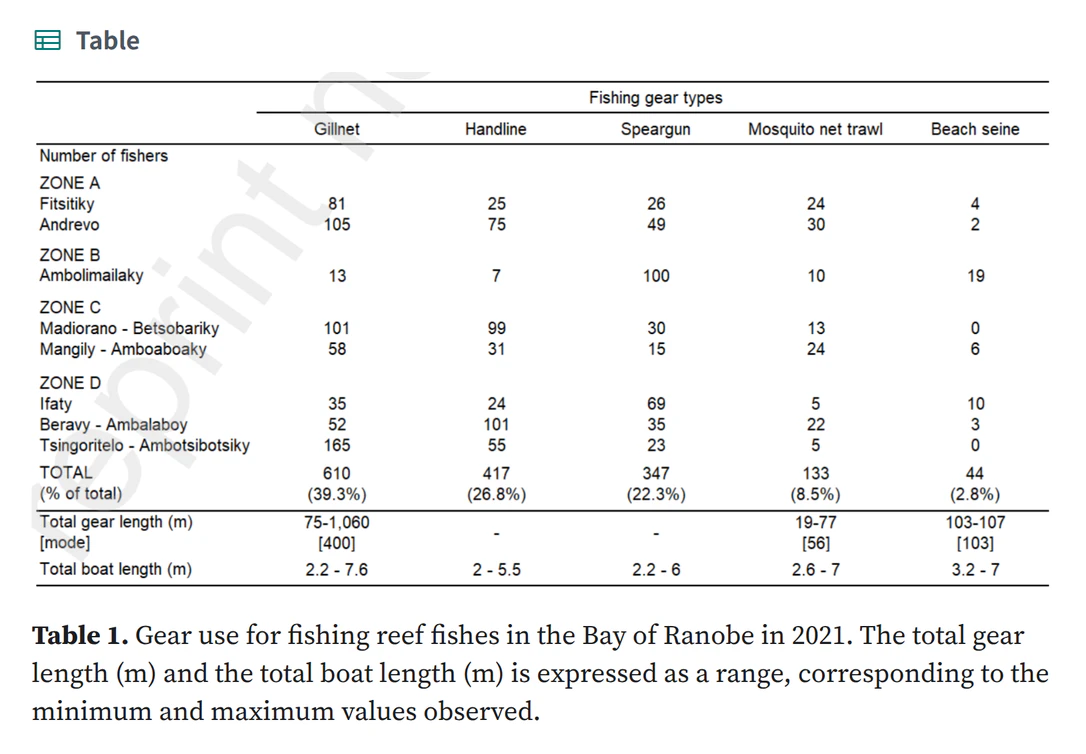
Table previews
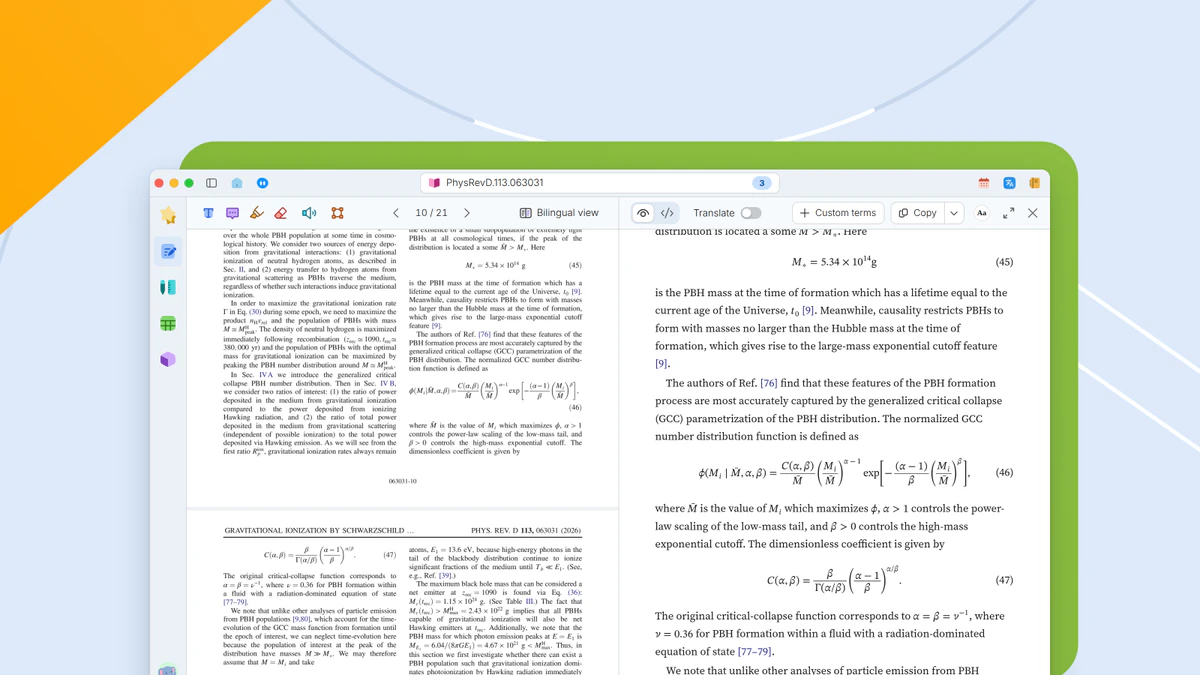
Rest the pointer on a table number. The card shows the table with its title, ready to check against the values quoted in the text.
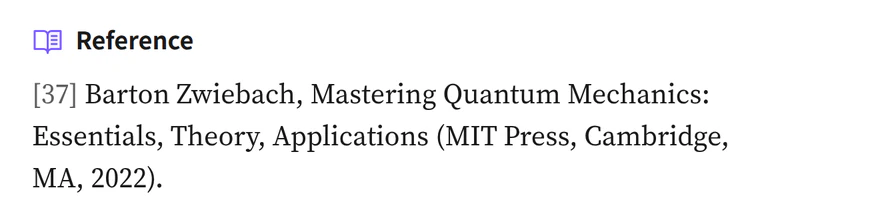
Reference previews
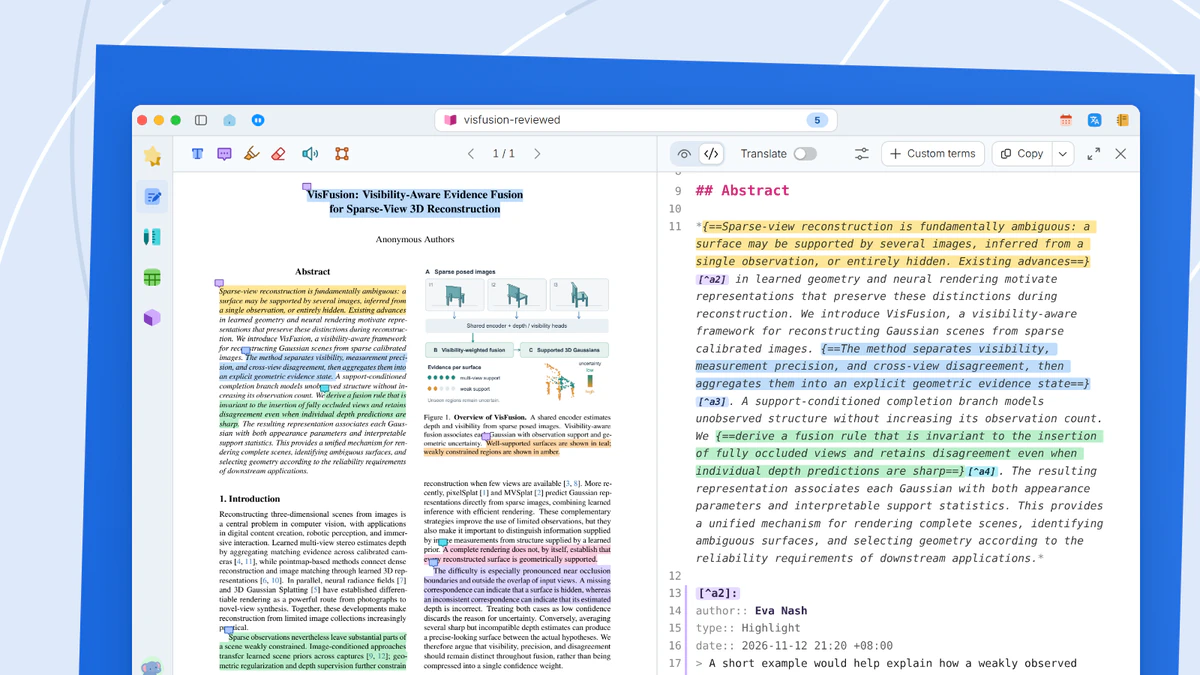
Rest the pointer on a citation number to see the full entry with authors, year, journal and DOI. The entry can be copied into your own manuscript. For a closer look, click the reference. The reading view jumps to the figure, table or entry, and you can return to where you were.
What you get
Figures, tables and reference entries appear beside the citation, and your place in the text stays put.