scale(1.3637)'%3E%3Cg clip-path='url(%23cb)'%3E%3Crect x='0' y='0' width='1024' height='1024' fill='url(%23pg)'%3E%3C/rect%3E%3Cg clip-path='url(%23cf)'%3E%3Crect x='0' y='0' width='1024' height='1024' fill='url(%23fg)'%3E%3C/rect%3E%3C/g%3E%3C/g%3E%3C/g%3E%3C/svg%3E)
Equations, enlarged, copied and exportedEquation copy and export
A click enlarges an equation and copies it as LaTeX, a Word equation or an image.Enlarged equations, copied in several forms.

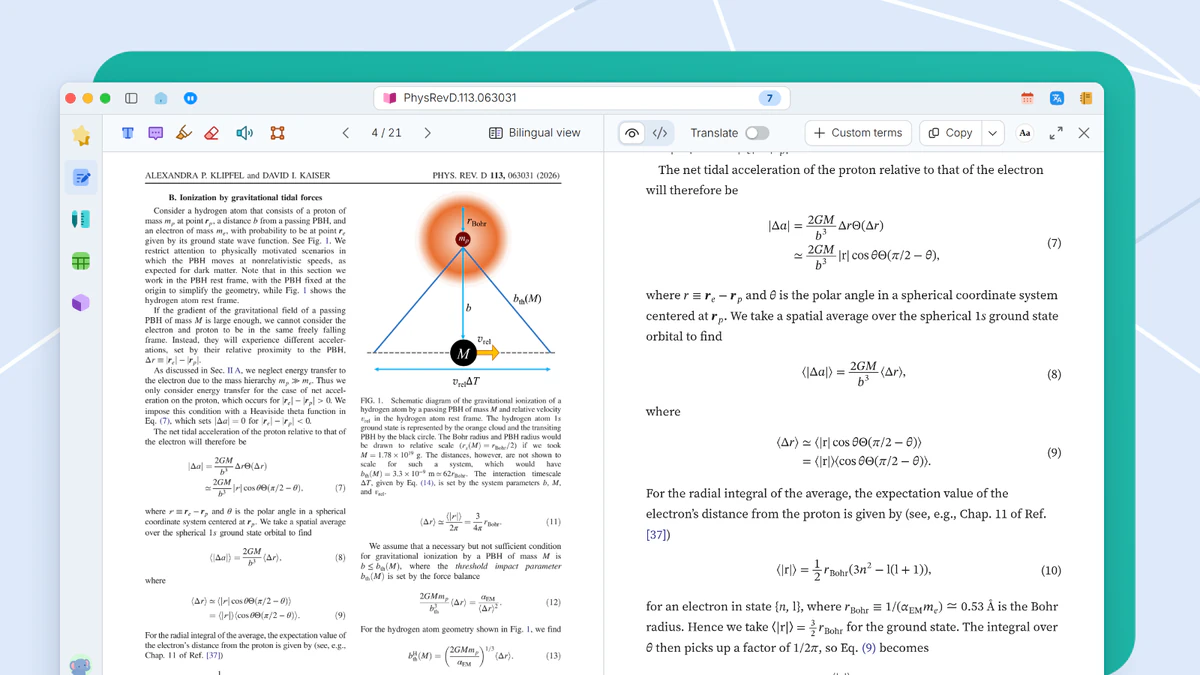
Equations in papers are often small and long. A click enlarges one for checking and turns it into a form you can use in your own writing.
When it helps
A derivation needs a long equation from someone else’s paper. In the PDF it is a drawing that cannot be selected or copied, so it gets retyped into LaTeX symbol by symbol and compiled to check for slips.
- Equations too small to check without enlarging
- An equation you need as LaTeX or as a Word equation
- A crisp equation image for a slide
Equation window and LaTeX forms
Click an equation in the reading view and the equation window shows it enlarged. Long equations appear in full, and symbols are re-set in standard glyphs so similar ones are easy to tell apart. The window lists five LaTeX forms, raw, inline, display, numbered and custom delimiters. Click a row to copy it.
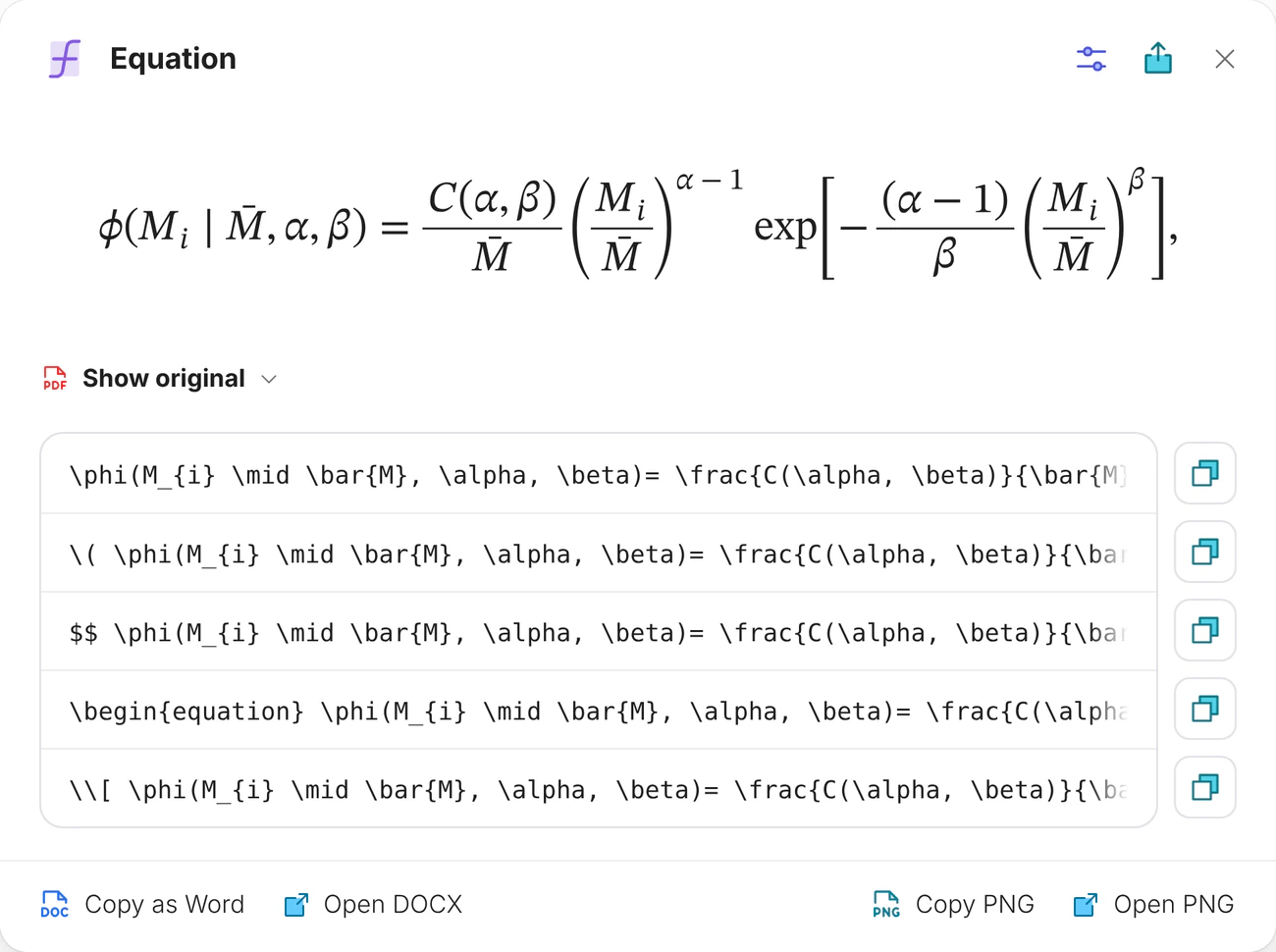
Word equations and images
Copy as Word and Copy PNG sit at the bottom. The export button saves SVG, PNG, JPG, Word, LaTeX or MathML, with bitmaps up to 1600 dpi.
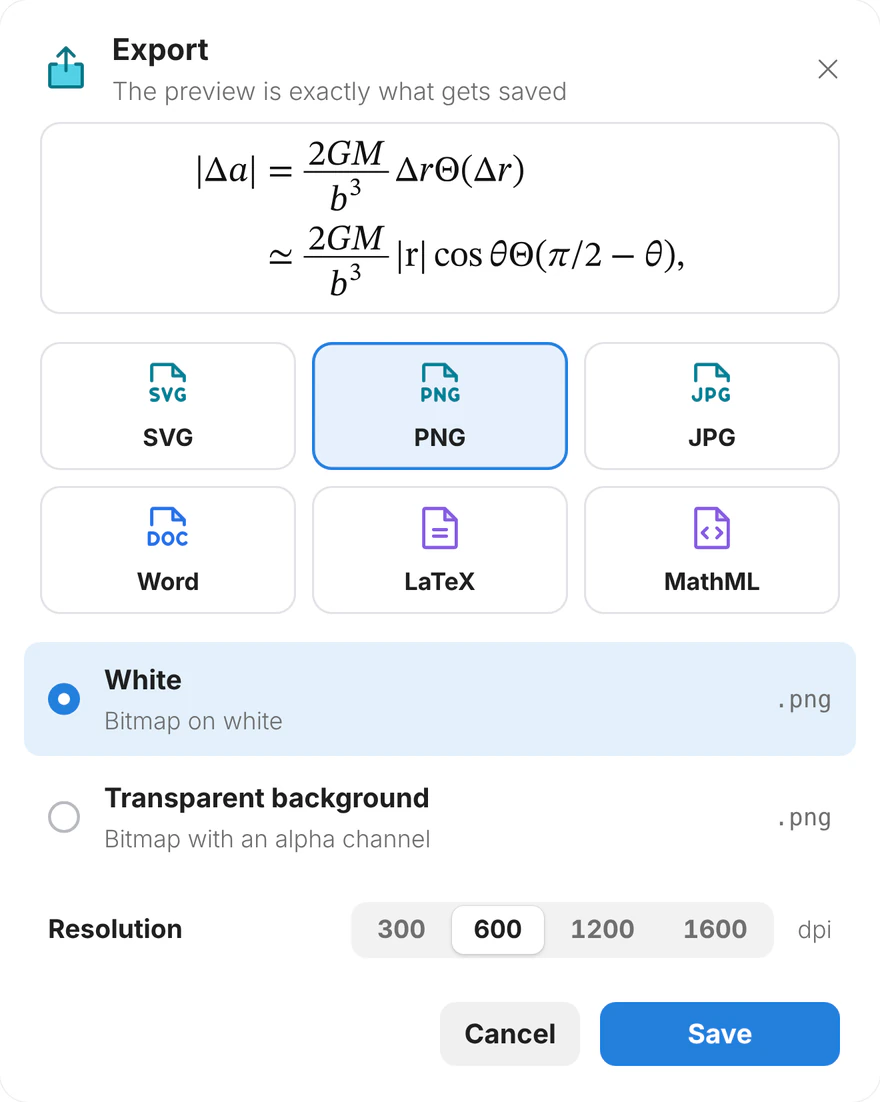
Equations in the source
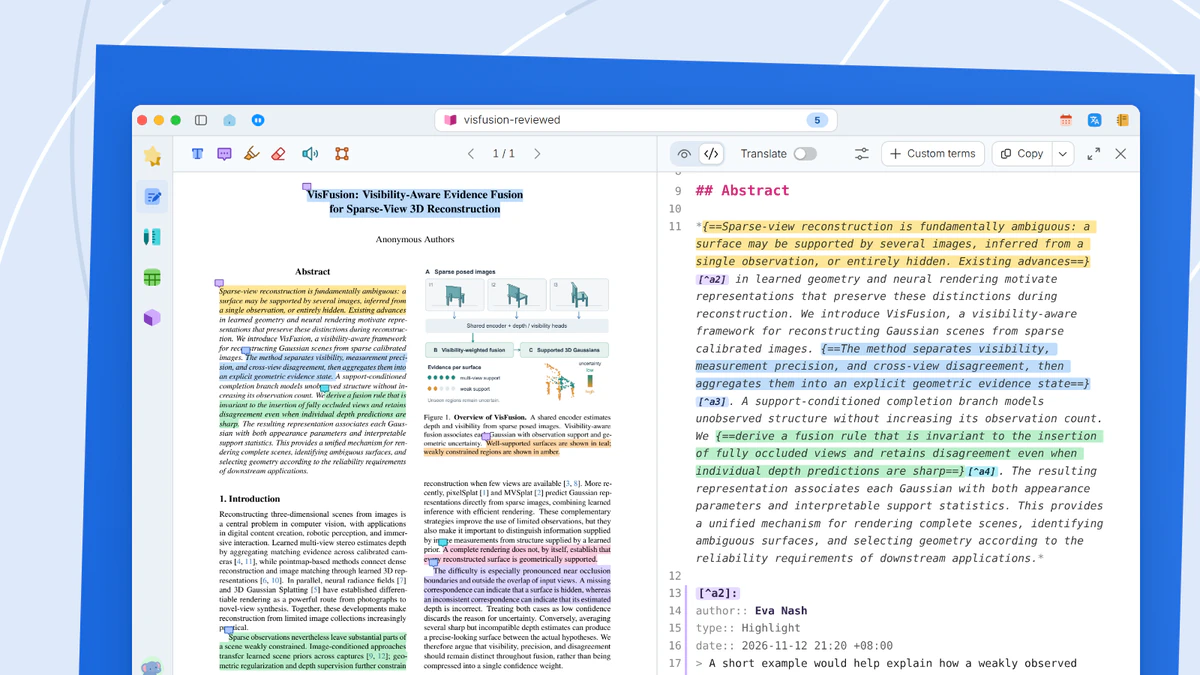
In the source view, equations are written as TeX, with delimiters for inline and display math, and can be copied together with the surrounding text. Source view is a Plus feature.
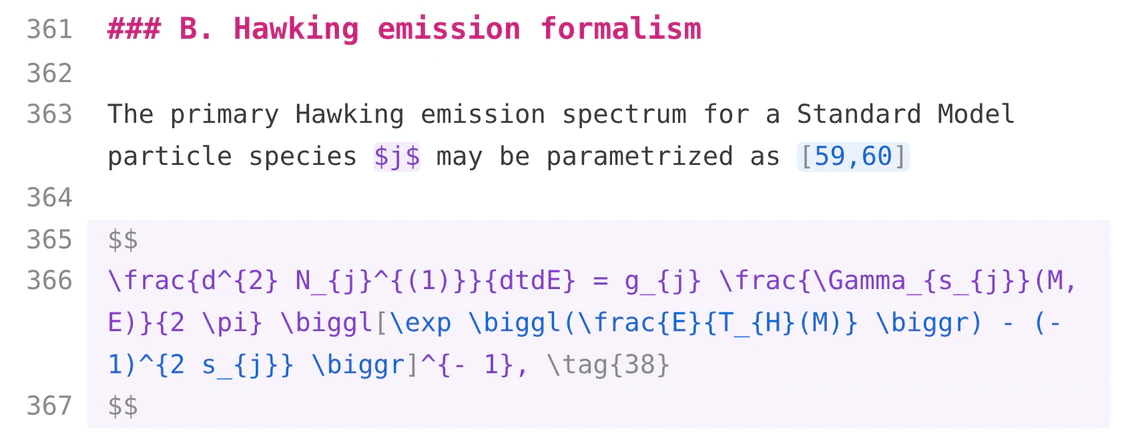
What you get
Equations in a paper can be enlarged for checking, and copied or exported in the form your writing needs.