scale(1.3637)'%3E%3Cg clip-path='url(%23cb)'%3E%3Crect x='0' y='0' width='1024' height='1024' fill='url(%23pg)'%3E%3C/rect%3E%3Cg clip-path='url(%23cf)'%3E%3Crect x='0' y='0' width='1024' height='1024' fill='url(%23fg)'%3E%3C/rect%3E%3C/g%3E%3C/g%3E%3C/g%3E%3C/svg%3E)
Multi-format export across workspacesMulti-format export
Documents, tables, figures and 3D models each have their own list of export formats.Export formats for every kind of content.
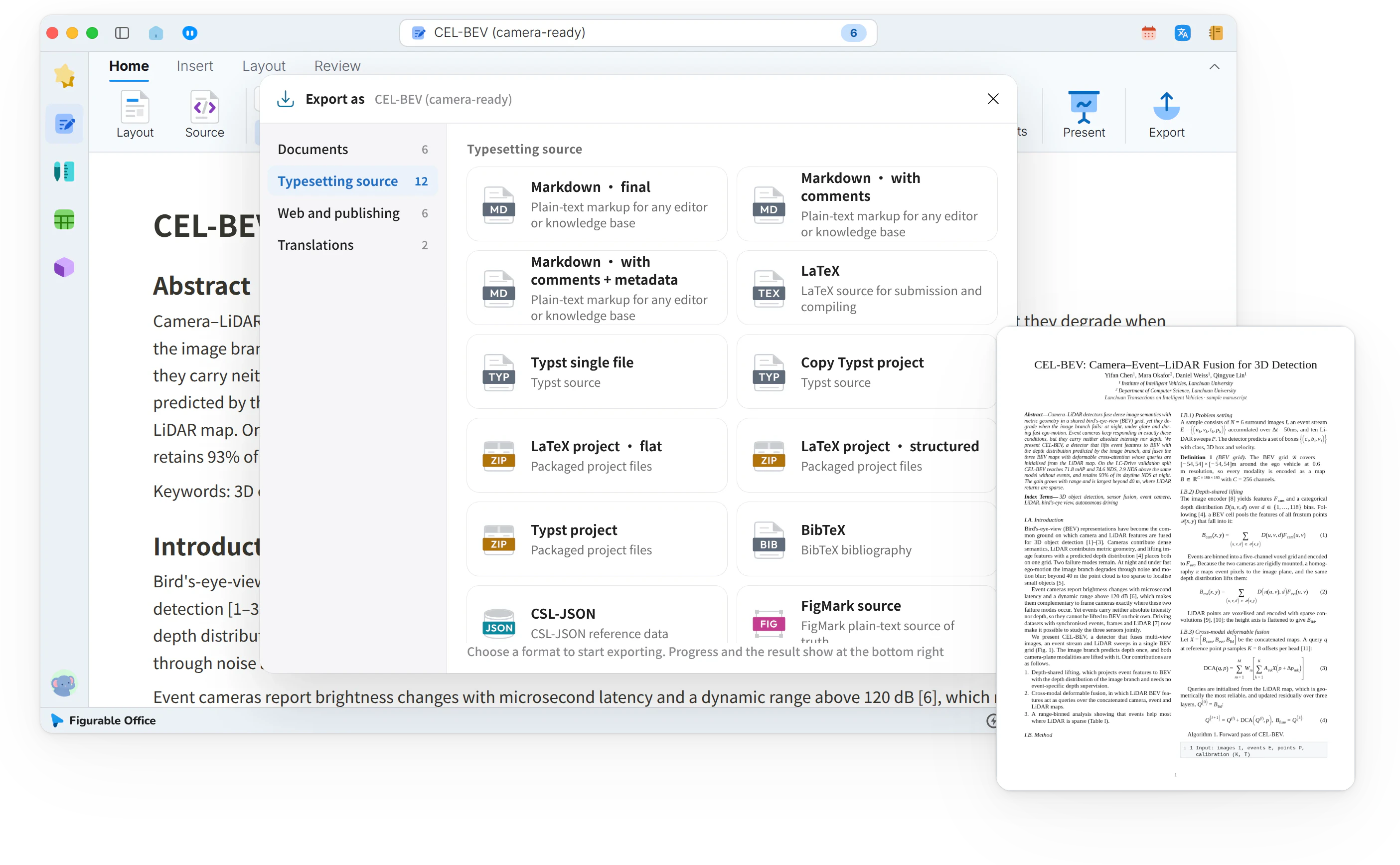
Documents, tables, figures and 3D models each export from their own workspace, with no separate converter to install.
When it helps
One draft, and the advisor wants Word, the journal wants LaTeX, and the web page needs HTML. The table data goes to a collaborator and the diagram into a slide deck. Each format means finding a converter and checking the result afterwards.
- One piece of work due in several formats
- Table data someone else will keep working on
- Figures and models headed for slides or a web page
In this guide
The Export as window
Every workspace has Export on its ribbon. It opens Export as, with categories on the left and format cells with file icons on the right.
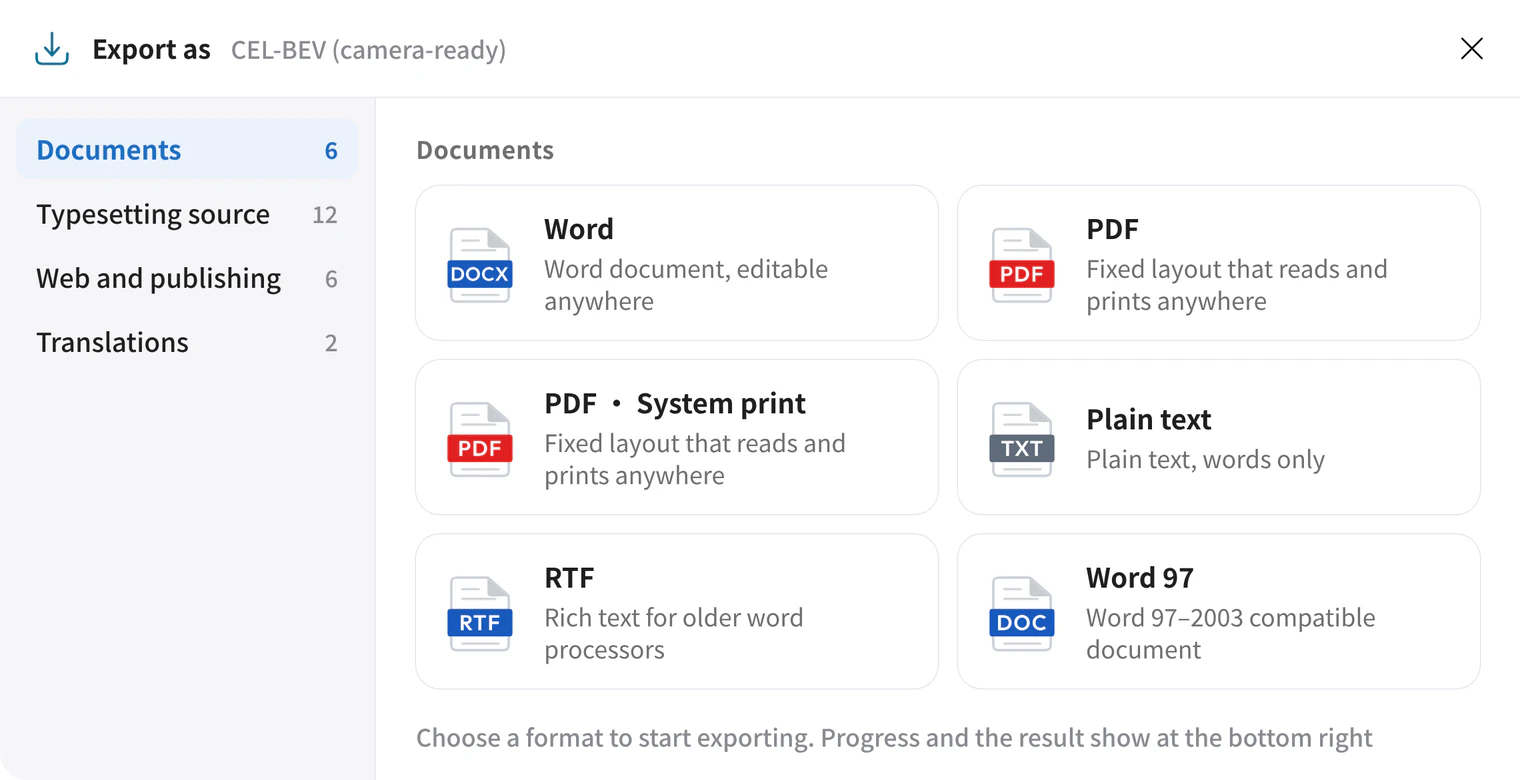
Document formats and export results
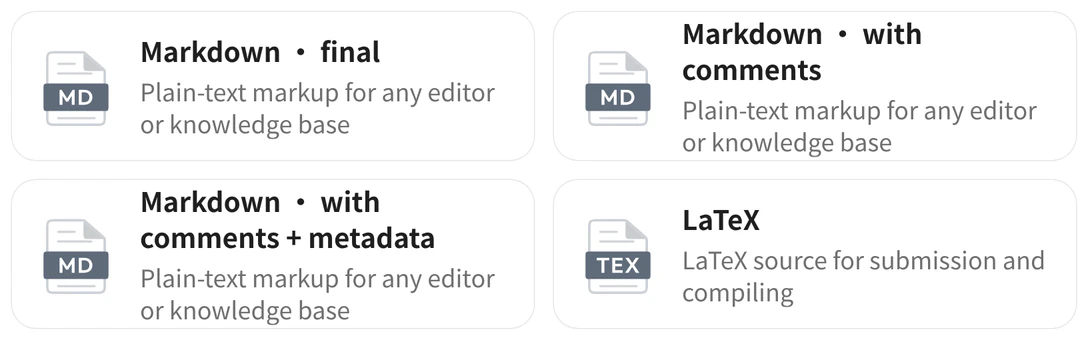
Documents holds Word, PDF, RTF and plain text. Typesetting source holds LaTeX, Typst and Markdown. Web and publishing holds HTML and EPUB. Translations holds Markdown with the translation only or with both languages. Click a cell to export. A receipt card then appears at the bottom right with the file name and location, plus Open file and Open folder.
Tables, design and 3D
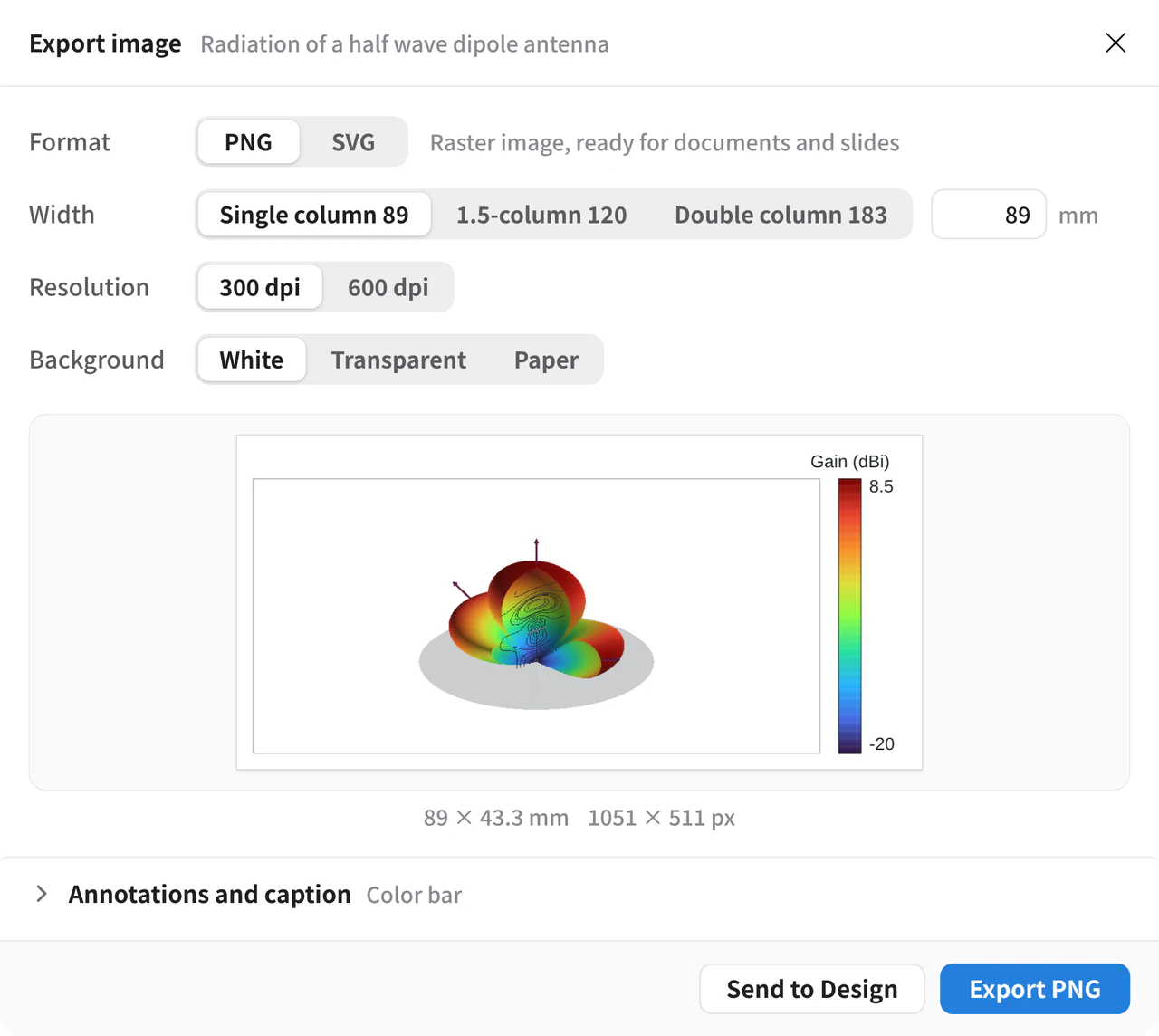
Tables have Table data, Documents and web, Typesetting source and images, and Copy. Copy table copies the table as rich text. Design exports PNG, SVG, PDF and PowerPoint. On the 3D Export tab, Export saves the model and Export Image renders at a width in millimeters and a DPI.
Original and translation from the reading view
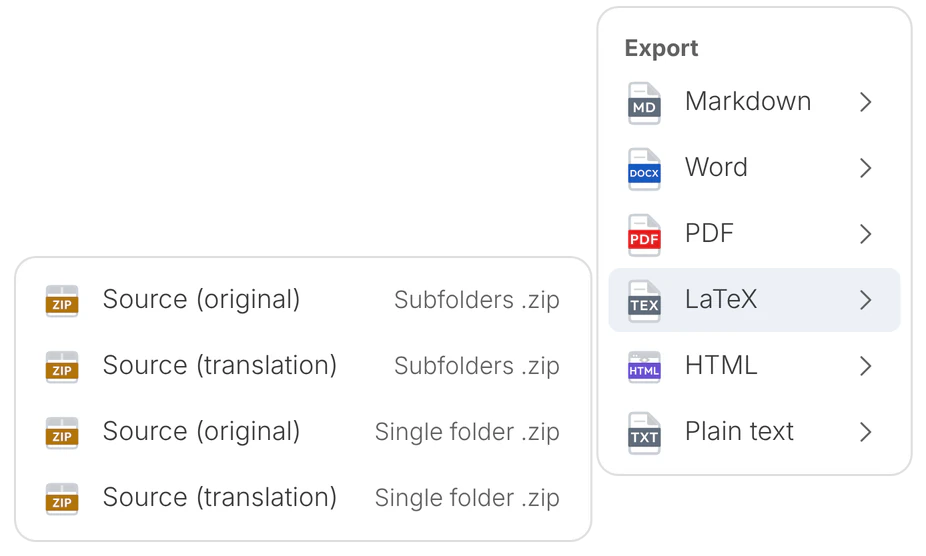
While reading a PDF, click the arrow next to Copy. Each format offers a version of the original and one of the translation.
What you get
Documents, tables, figures and models are exported from their own workspaces in the format you need.