scale(1.3637)'%3E%3Cg clip-path='url(%23cb)'%3E%3Crect x='0' y='0' width='1024' height='1024' fill='url(%23pg)'%3E%3C/rect%3E%3Cg clip-path='url(%23cf)'%3E%3Crect x='0' y='0' width='1024' height='1024' fill='url(%23fg)'%3E%3C/rect%3E%3C/g%3E%3C/g%3E%3C/g%3E%3C/svg%3E)
Paper colors and single-pane reading
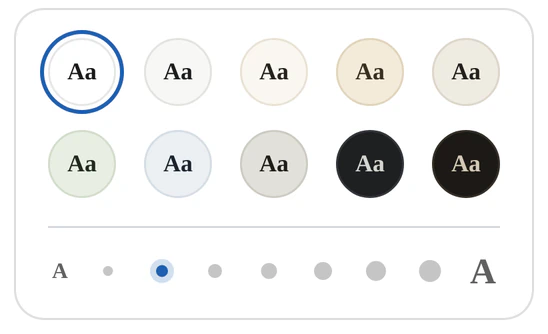
Ten paper colors and seven text sizes, a reading view that fills the window, and a color kept for each paper.Ten paper colors and single-pane reading.

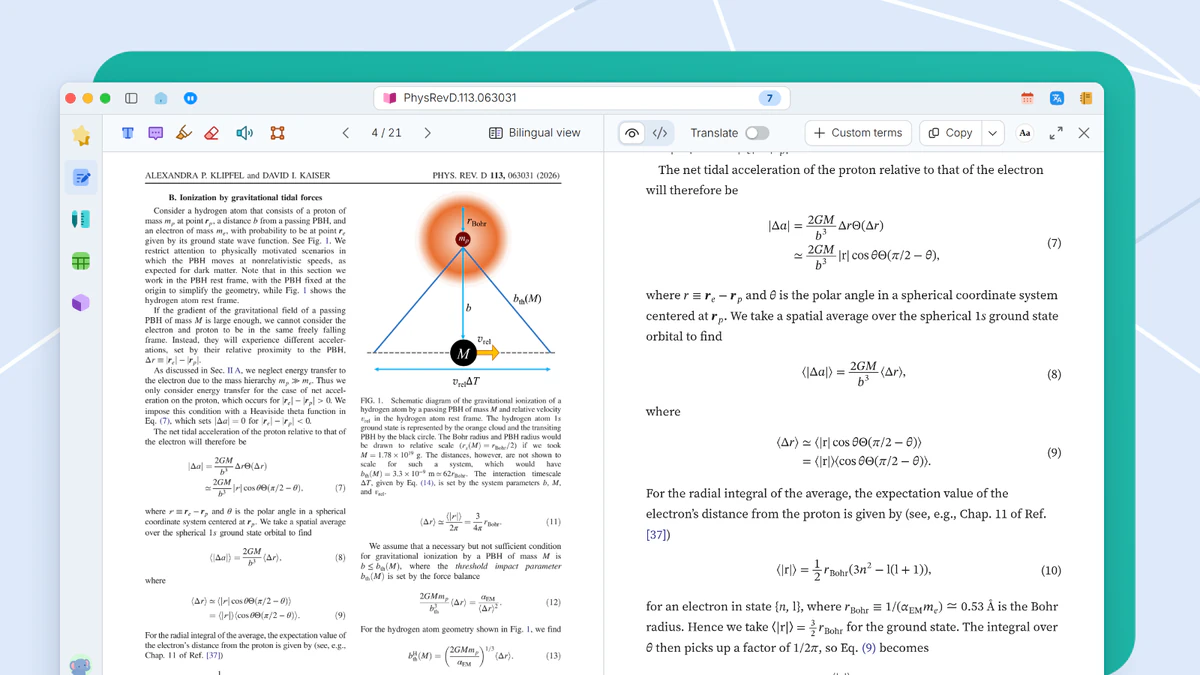
Black on white is not always the most comfortable way to read for hours. The reading view changes paper color and text size and can fill the window. The PDF itself is untouched.
When it helps
It is eleven at night and the reading is not done. The white page glares, and with the brightness turned down the text goes gray. Half an hour in, your eyes are tired.
- Long sessions on black text over white
- Body text that feels too small
- A paper you want filling the whole window
Paper color and text size
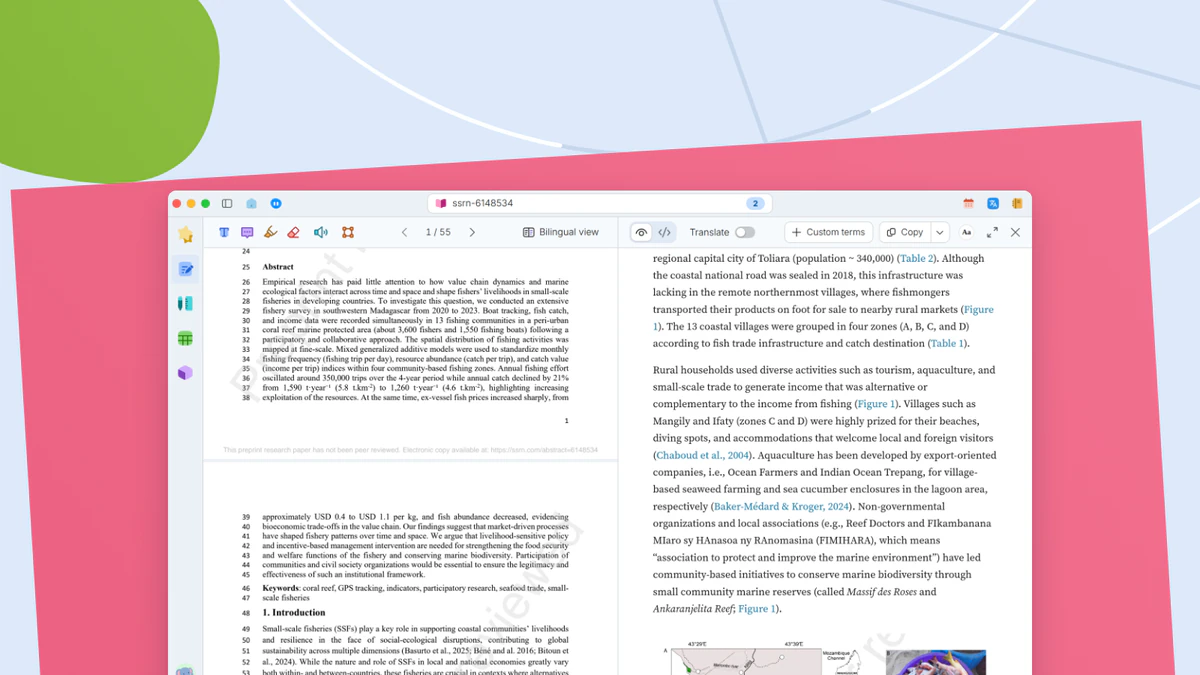
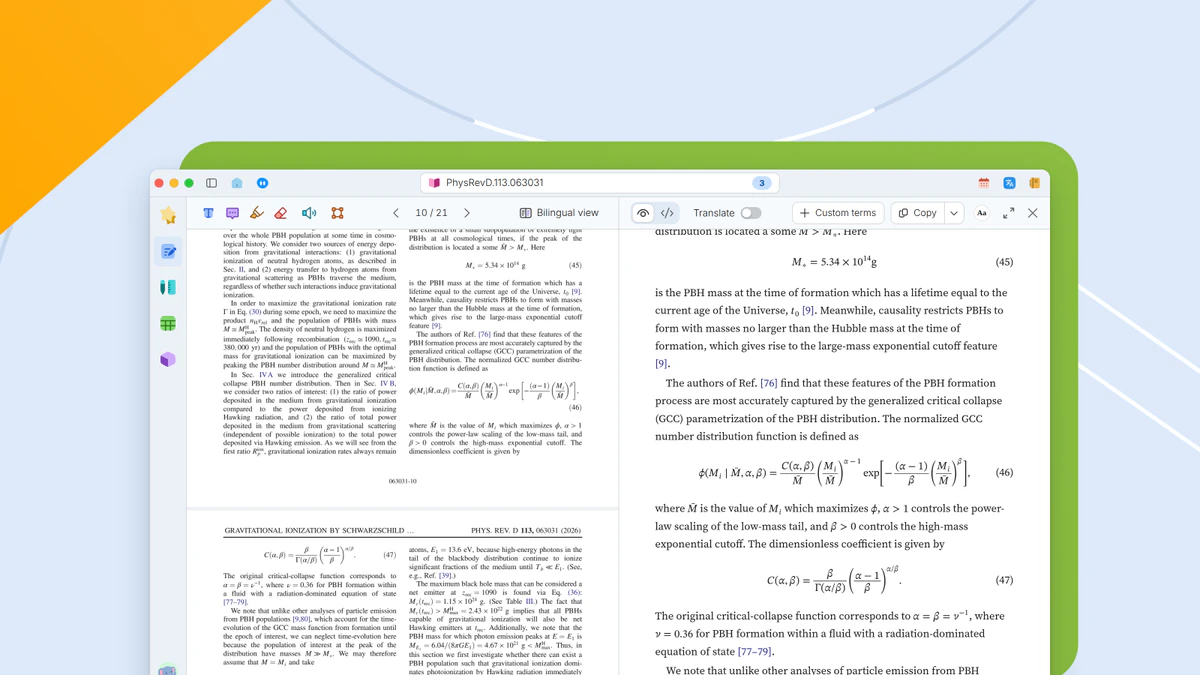
Click Eye comfort color on the reading bar. The popover has ten paper colors, from pure white and ivory to graphite and night, and a row of seven dots for the text size of both columns. The chosen color is kept per paper and comes back when the paper is reopened. The text size applies to every paper.
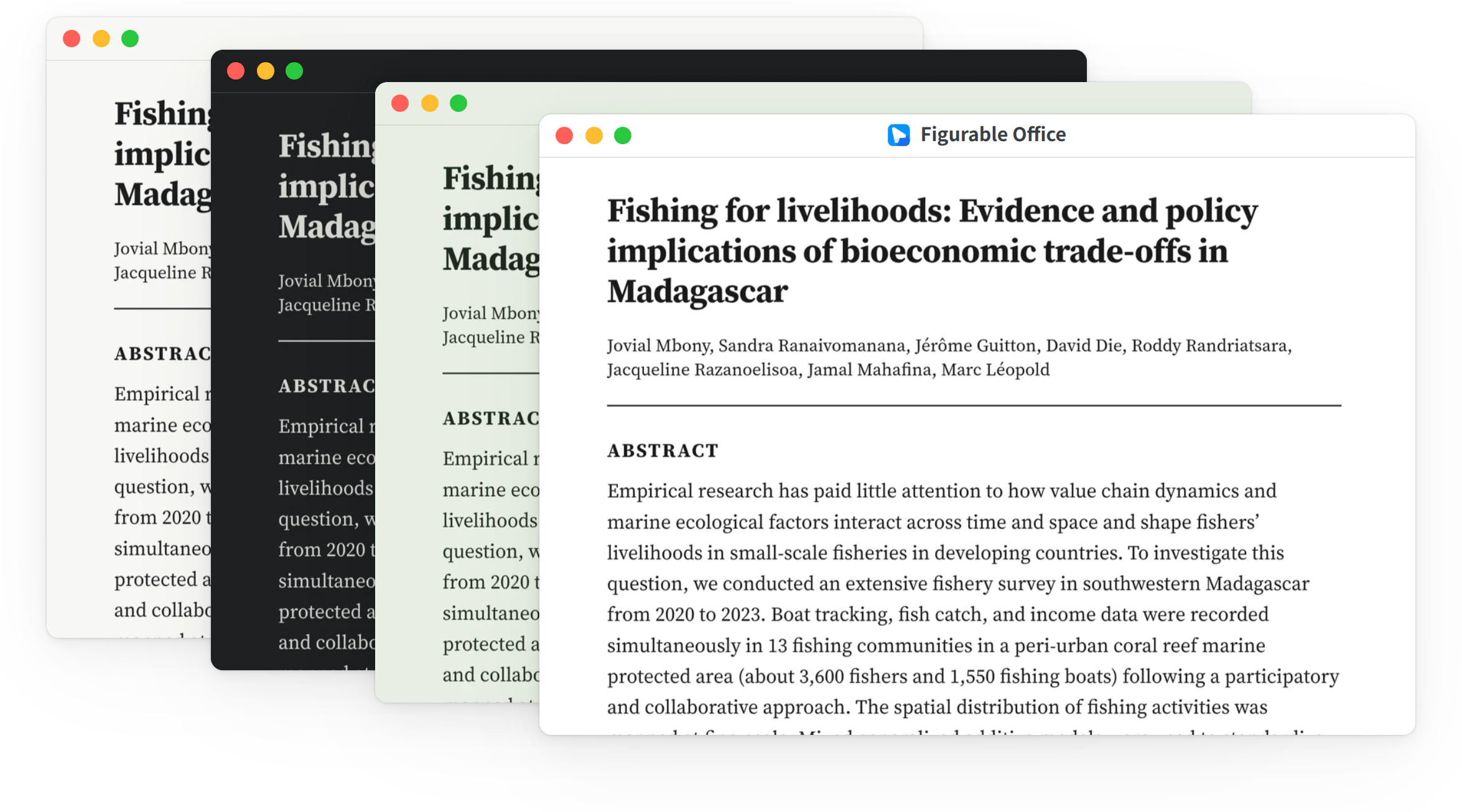
One paper in four colors
A different paper color leaves the layout of text, equations and figures as it is. Only the background and the text color change.
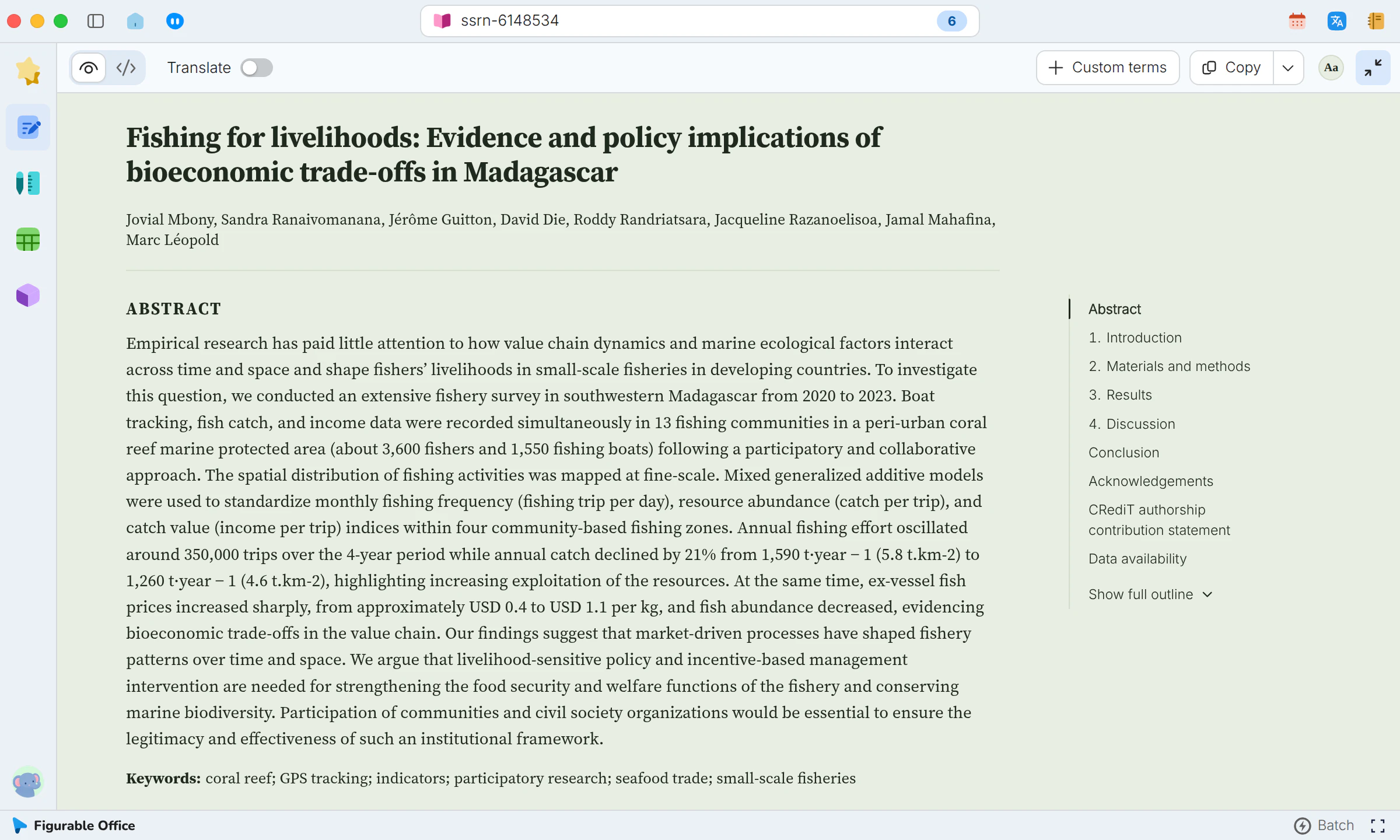
Single-pane reading with the outline
Click Show this pane only on the reading bar. The reading view fills the window, with the outline of the paper on the right.
What you get
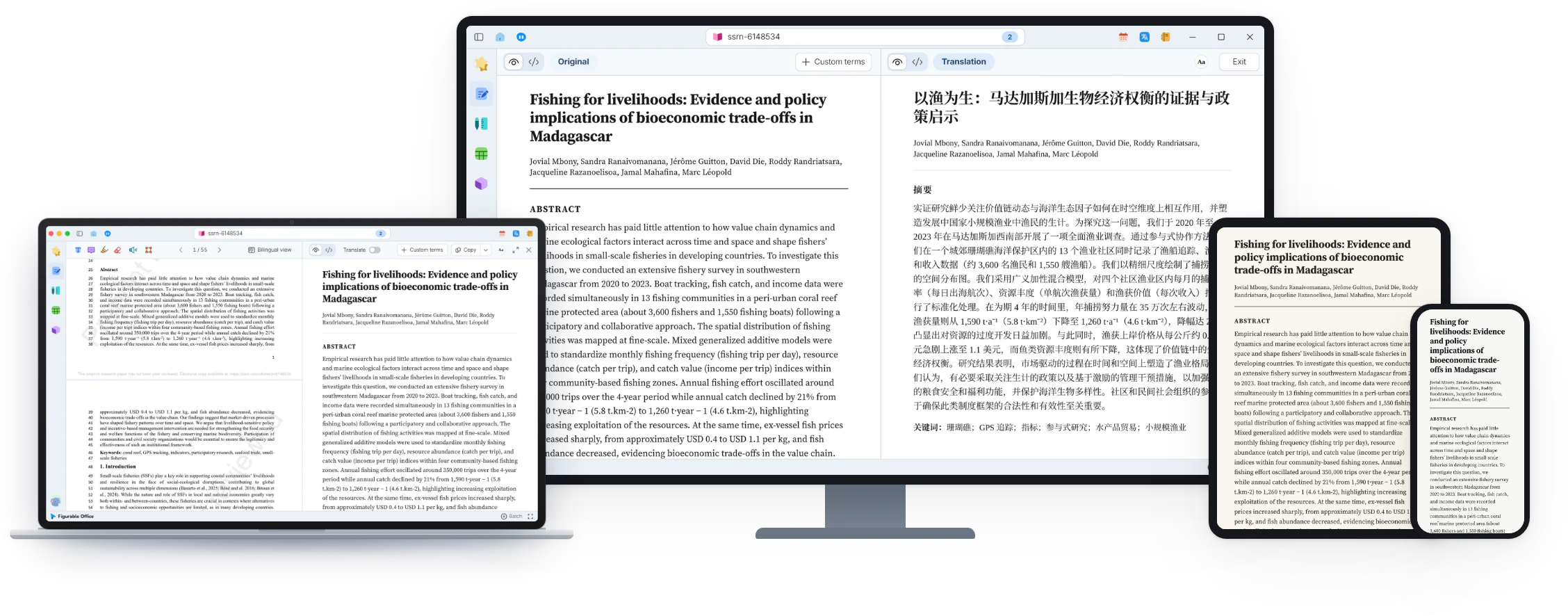
Paper color, text size and layout follow the way you read, and the original PDF is unaffected.